GIMP 3.1.4 released: A Major Milestone Towards GIMP 3.2
The GIMP team has announced the release of GIMP 3.1.4, a significant development milestone for the upcoming GIMP 3.2. This latest version includes initial implementations of two key features on the GIMP 3.2 roadmap: link layers and vector layers.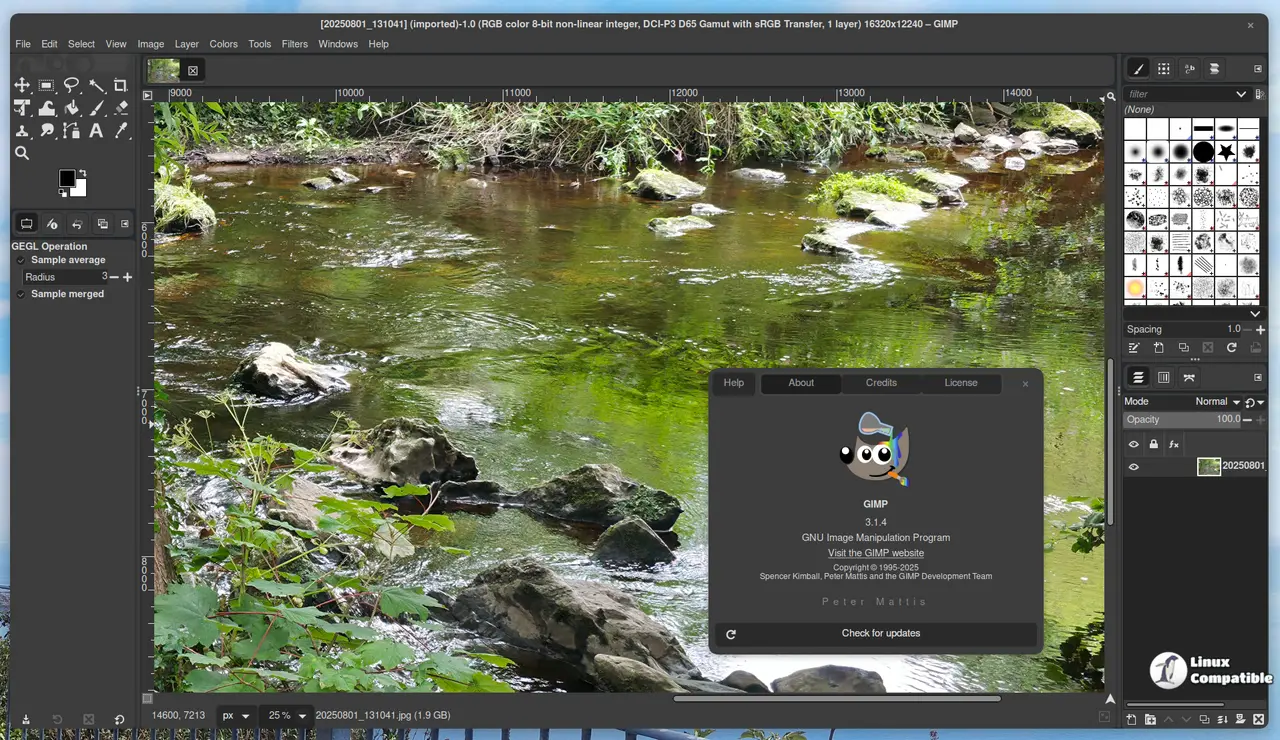
New Features
Non-Destructive Layers
GIMP 3.1.4 introduces non-destructive layers, which allow users to create and edit layers without modifying the original image. This feature is built upon two main components:
Link Layers
Link layers enable users to link external image files as a layer in their project. For example, adding an SVG image file as a link layer allows for instant updates when modified in Inkscape. Users can also non-destructively scale and rotate the linked layer without impacting the original image's quality.
To access this feature:
- Go to File > Open as Link Layer...
- Select an image to link from your file directory
- Apply transforms and non-destructive filters as needed
Vector Layers
Vector layers allow users to create shapes with fill and stroke properties, which can be edited without losing sharpness. This feature has a long history, dating back to the Google Summer of Code project in 2006.
To create a vector layer:
- Use the Path tool to draw a path
- Click Create vector layer to generate an associated vector layer
- Edit fill and stroke settings using the Path tool or by double-clicking the thumbnail
GEGL Filter Browser
The GEGL Filter Browser is a new tool developed by Ondřej Míchal as part of their summer project. This browser displays a list of all GEGL operations (filters) and related information, making it easier for plug-in developers to discover filters suitable for non-destructive editing.
Access the GEGL Filter Browser under Help > GEGL Filter Browser.
MyPaint Brushes 2
GIMP now supports MyPaint version 2 brushes, which better simulate real brush strokes by taking canvas zoom and rotation into account. Over 20 new brushes from the Dieterle set are bundled with this update.
Text Tool Updates
Gabriele Barbero has worked on various updates to the text tool. Notably:
- You can now use Ctrl + B to bold, Ctrl + I to italicize, and Ctrl + U to underline text.
- The outline color shows a live preview as you change it in the color selection dialogue.
Plug-in Updates
This release includes updated support for various formats and plugins:
- HRZ: Importing SSTV signals is now possible.
- JPEG 2000: Signed images can be imported.
- PAA Textures: Non-DXT textures can be imported.
- Seattle Filmworks: Support has been added for two versions of the SFW93A and SFW94A formats.
UX/UI Enhancements
Various user experience improvements have been implemented, including:
- The correct time format is displayed based on system settings.
- A new design for the Animation Playback plug-in.
- macOS System Colors theme support.
- The Welcome Dialog now features animated tab switching.
Additional Fixes and Changes
Several fixes have been made to address issues with:
- Importing user configurations from older versions of GIMP.
- Crosshair cursor placement on Windows with scaled displays.
- Image Settings tab visibility: when printing in sandboxed applications.
- Seamless Clone tool functionality after updating layer handling code.
Internal changes include reorganizing the layer search code, removing unnecessary test cases and warnings, and restructuring APIs to prepare for a future port to GTK4.
The development release can be downloaded from this page and is available both as a Flatpak and as an AppImage


