Gear Lever has released version 4.3.1 on Flathub and GitHub, fixing bugs that had frustrated Portuguese users by adding missing pt‑PT translations The update also adds a proper source repository link to the About page, satisfying Flathub’s open‑source compliance requirement and allowing anyone to inspect the code behind their AppImages. Additionally, Gear Lever now correctly handles pre‑release GitHub update URLs, pulling the latest “nightly” or “beta” builds without error.
Gear Lever 4.3.1 Adds New Features
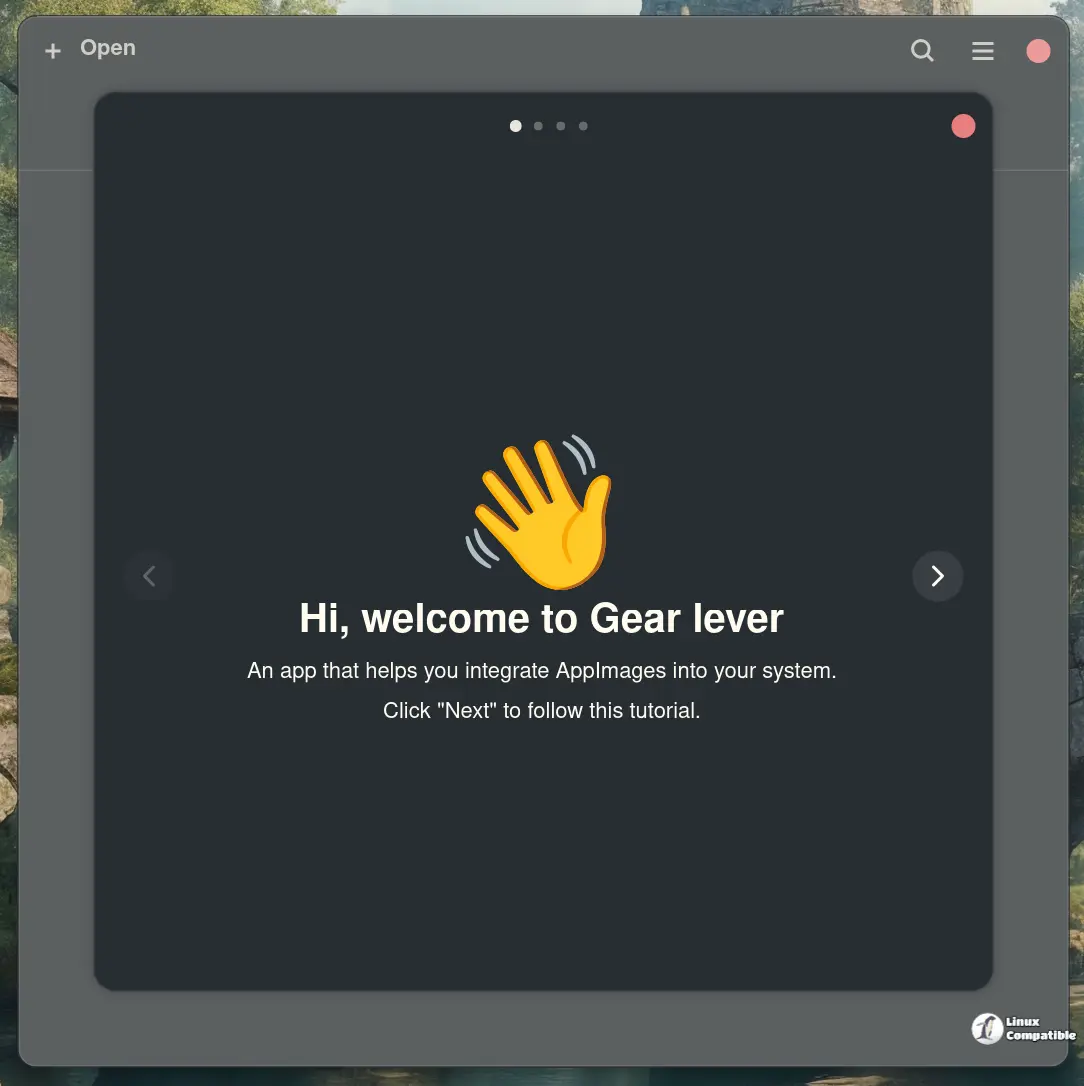
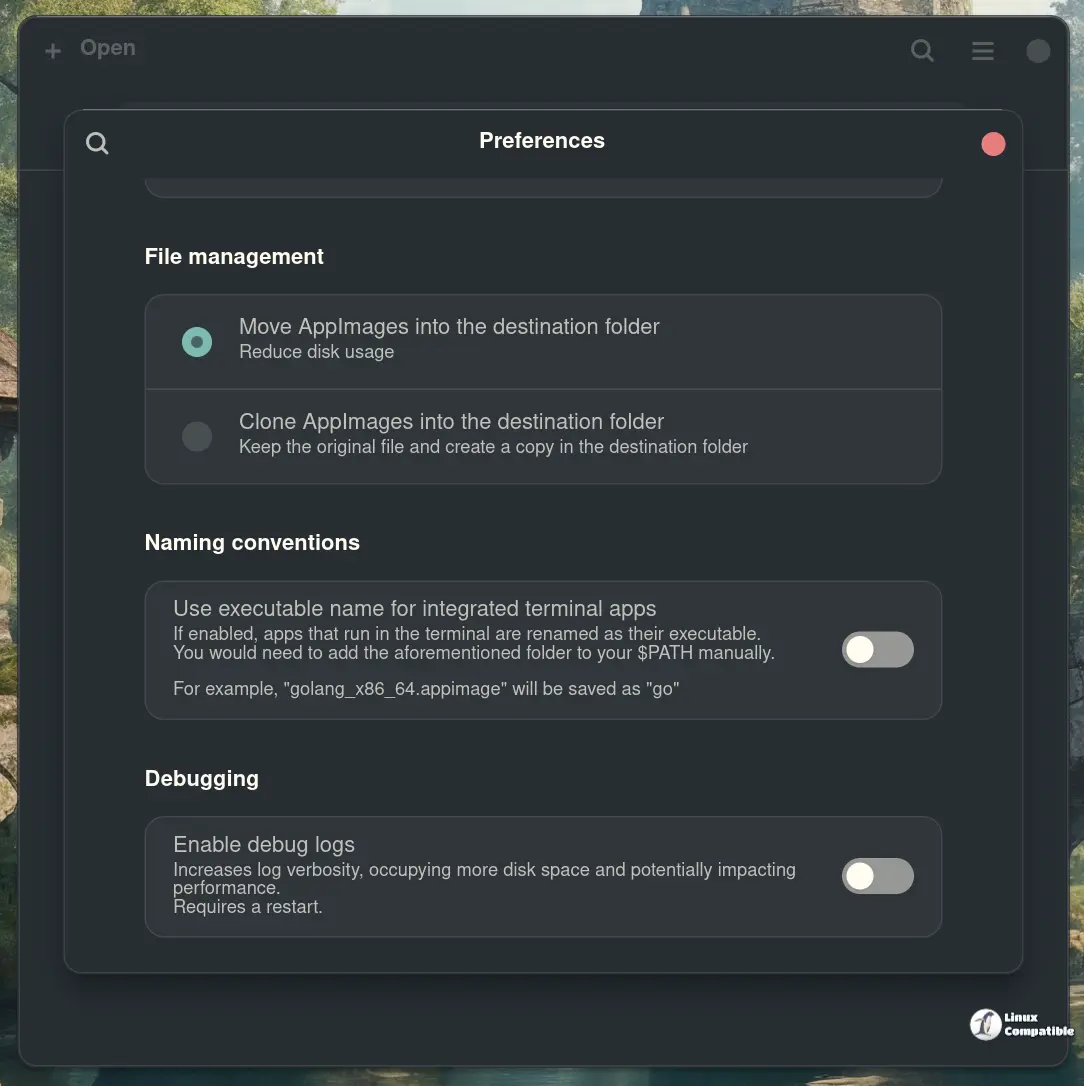
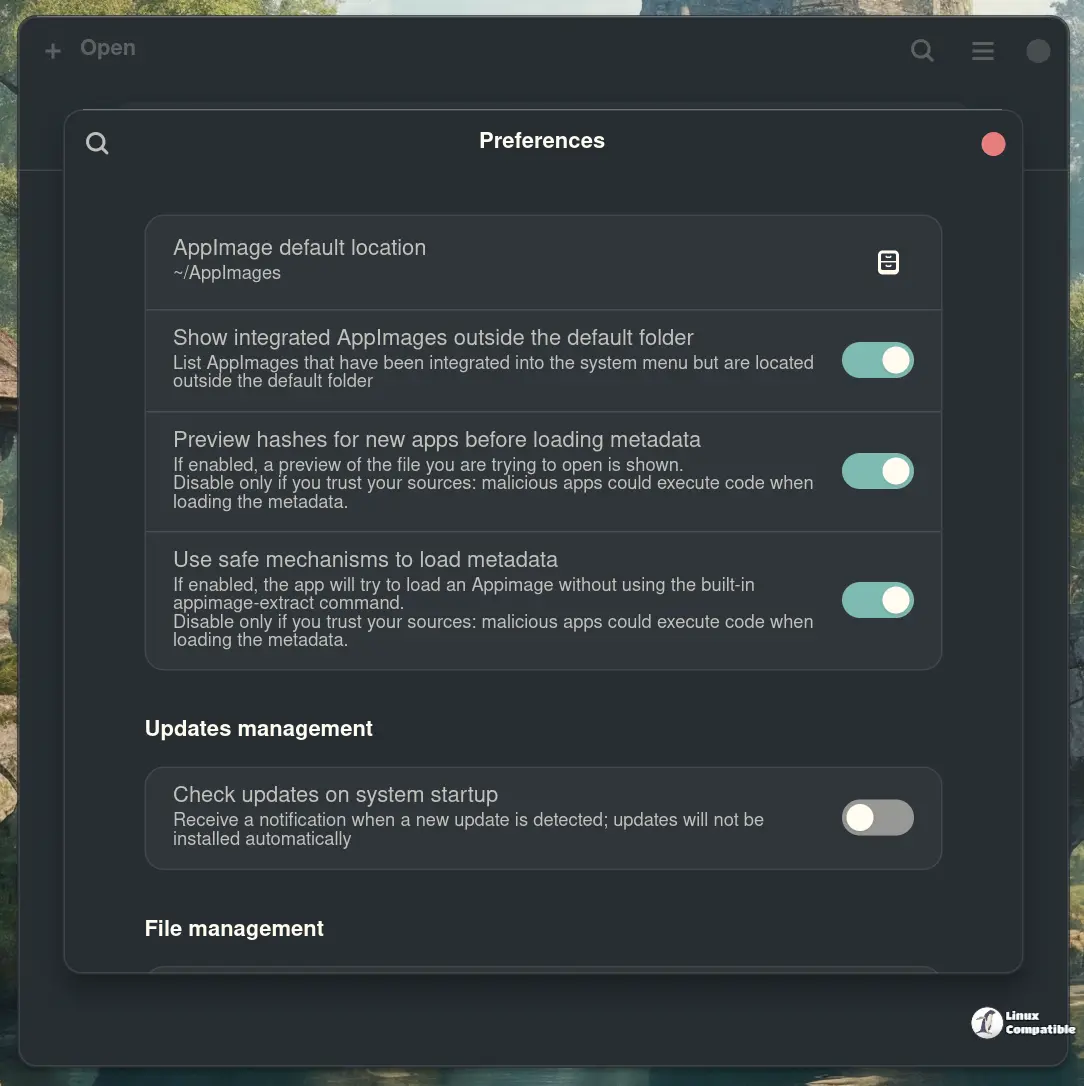
Gear Lever just dropped its latest minor release, 4.3.1, on Flathub and GitHub. The update cleans up a few bugs that kept Portuguese users frustrated, gives the project the compliance link it needs for Flathub, and lets you keep an eye on pre‑release versions of your favorite AppImages.
What’s New in 4.3.1
- Missing pt‑PT translations added – The interface now shows labels in Brazilian and European Portuguese.
- Source repo link added – A proper URL appears on the About page; this satisfies Flathub’s requirement for listed projects and lets anyone inspect the code that runs their AppImages.
- Pre‑release support in GitHub update URLs – If you’re feeding Gear Lever a “nightly” or “beta” link, it now correctly pulls the newest build without throwing an error.
How to Install or Upgrade
If you already have Gear Lever:
flatpak update it.mijorus.gearlever
If you’re installing fresh, grab it from Flathub:
- Open your terminal.
- Run flatpak install flathub it.mijorus.gearlever
- Launch it from your application menu.
Happy AppImage‑ing!
Give Gear Lever a spin—especially if you’re juggling more than a handful of portable apps. It’s still free, open source, and now a little smoother under the hood.


