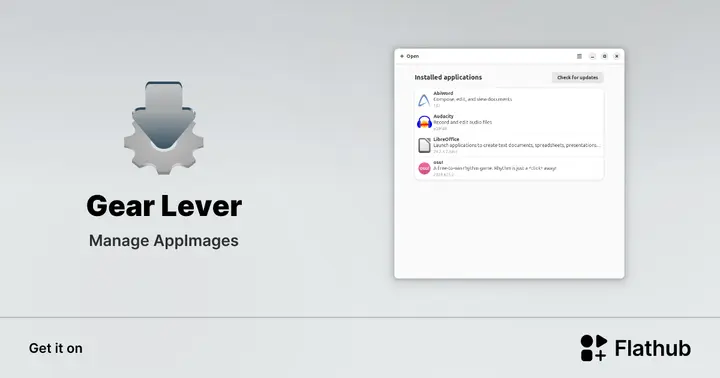
Gear Lever 4.4.7 Removes the zSync Dependency and Fixes Absent‑URL Updates
The update explains how Gear Lever can finally handle AppImage updates that lack a proper zSync link, what changes were made, and how users can get the new version without hassle.
In this brief walkthrough readers learn why the latest release stops crashes caused by missing URLs in zSync files and how to install the fix with minimal clicks. It also explains which logs to check so an update that still fails does not leave a broken image behind.
Why the zSync Problem Happened
Gear Lever originally wrapped the zSync command inside a shell script that expected a full download every time. When an AppImage's .zsync file pointed to a location that didn’t exist, the wrapper would silently overwrite the old file with an incomplete one. The result was a corrupt AppImage that never appeared in the app menu and caused launch failures.
The new version strips out the faulty zSync call and substitutes a direct download when the URL is missing, guaranteeing a complete file before swap. It also validates the checksum post‑download; if it doesn’t match, Gear Lever keeps the previous AppImage instead of deleting it. The UI still shows progress bars, but now those bars represent real data, not a half‑finished placeholder.
Upgrading Your Instance
To upgrade, open the Gear Lever application, click the gear icon in the upper right, then select “Check for updates.” The installer will download 4.4.7 and prompt for confirmation; accept it to replace the current binary. No manual file replacement is required because the new executable includes a self‑update routine that copies itself into the existing installation folder and restarts automatically.
Install Gear Lever on Linux | Flathub
Manage AppImages