Flowblade 2.24.1 Update Fixes Mouse Scroll Regression And Display Scaling Glitches
The latest update for the open source editor is here to stop your mouse from spinning backward during edits. Flowblade 2.24.1 addresses specific regressions that have been annoying users on scaled displays. This release brings stability back to the timeline scrubbing experience without adding bloat.
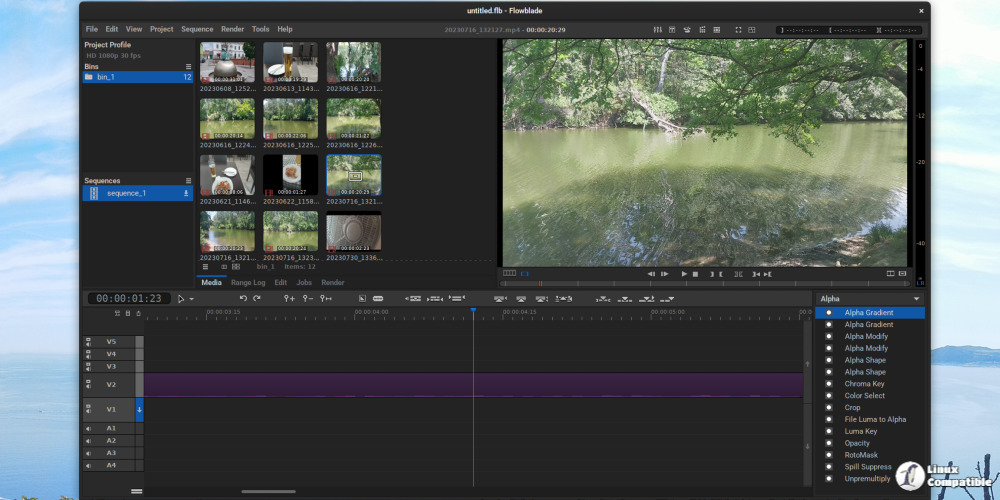
Flowblade 2.24.1 fixes mouse scroll regression issues
There is nothing more frustrating than trying to scrub through a clip and having the direction flip unexpectedly. This often happens after system updates or driver changes that reset input handling behaviors. The development team identified where the logic failed and corrected the movement calculations so playback moves with the wheel in the expected direction again. It is one of those small regressions that ruins an editing session, so fixing this restores a basic level of trust in the software.
Display scaling problems get resolved in Flowblade 2.24.1
High resolution screens often confuse video editors regarding how much space to allocate for the preview window. Users running Linux systems with scaled output frequently reported that the monitor displayed image size was incorrect or cut off. This update adjusts the rendering logic so the interface elements remain usable regardless of whether you are on a laptop or an external 4K display. Scaled displays are becoming standard, and editors should not have to fight their window manager just to see what they are cutting.
Minor tweaks and menu cleanup for Flowblade users
The developers also took time to fix a typo that appeared in the application menu. While small, these errors create a perception of carelessness even if they do not break functionality. It shows that the maintainers are paying attention to detail rather than just pushing features blindly. Sometimes the best news is simply that things work like people expect them to without explanation or documentation required.
The source code of the new version can be downloaded from GitHub. For detailed installation instructions, visit this page. Hopefully this gets your timeline working smoothly again so you can get back to cutting footage without fighting the interface.


