Fedora 44 Beta Candidate 1.1 Drops GNOME 50 and Kernel 6.19.2 – What Testers Should Focus On
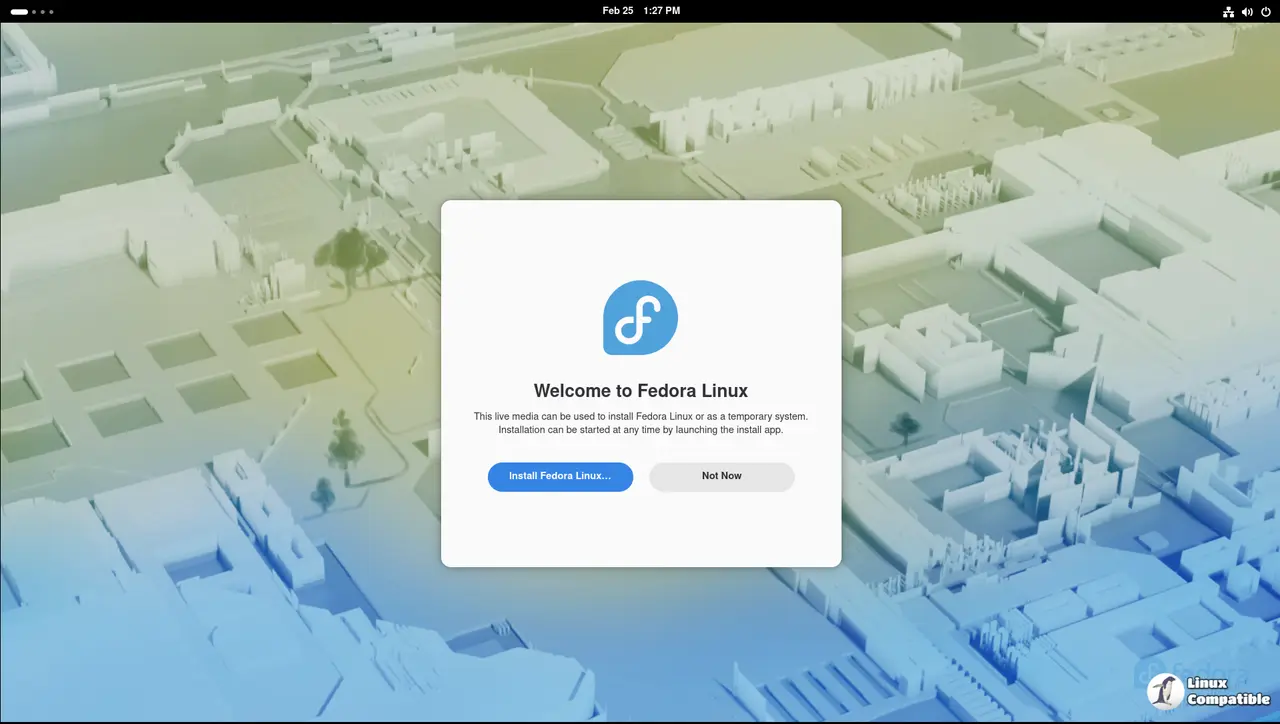
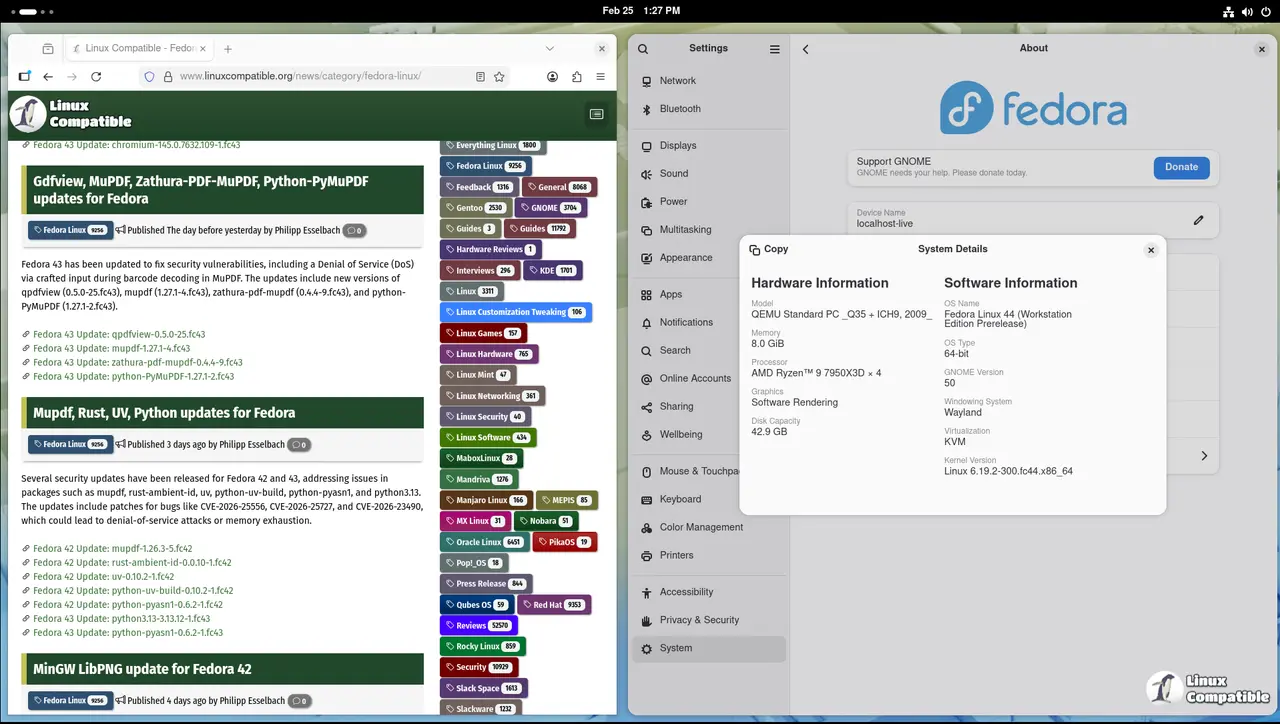
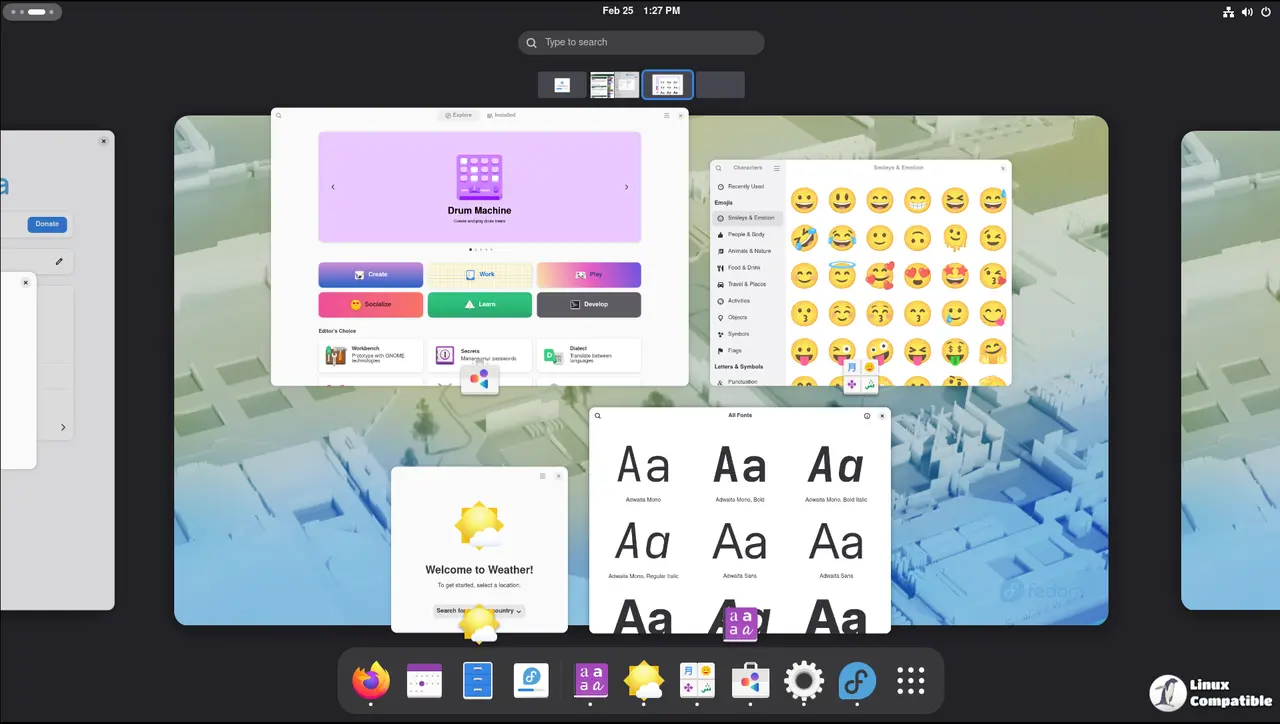
The first candidate for Fedora Linux 44 Beta is live, and it brings a fresh GNOME 50 stack alongside the new Linux 6.19.2 kernel. The community is asked to dive into the full test plan, submit results, and flag any blockers before the final freeze.
Why This Beta Candidate Matters
Fedora’s beta cycle is all about ironing out surprises that surface when a brand‑new desktop environment and kernel converge. A recent patch for GNOME 50 introduced a subtle change to the Wayland compositing path; on older GPUs the compositor can stall if the driver doesn’t support the new acceleration flags. If you’ve ever had a black screen after a quick power cycle, that’s exactly the sort of glitch the team is hunting for now.
Where to Find Test Artifacts
The official Fedora QA page lists every test case and its status:
You can pull a pre‑built ISO via kojipkgs.fedoraproject.org; just make sure to verify the checksum before flashing.
How to Submit Your Findings
After running a test case, paste your result into the corresponding Summary page: https://fedoraproject.org/wiki/Test_Results:Fedora_44_Beta_1.1_Summary. The form will prompt for pass/fail status and an optional comment field—use it to note any odd behavior you observed, like a sudden kernel panic on certain SATA controllers.
When something fails, check the current blocker list. If the issue is already marked as a blocker or freeze exception, just annotate your report with “Already tracked” and skip further duplication.
Getting Help Without Overloading the Channels
If you hit a wall, there are several support avenues:
- The Fedora Quality chat channel (Matrix)
- The quality tag on Discourse for longer‑form discussions
- The test mailing list archive where seasoned testers often drop quick pointers
Just remember: a clear, reproducible description beats a vague “it broke” message every time.
What the Team Needs From You
All beta‑priority test cases must pass before the final release can be declared stable. That means you need to run through each of the six major test pages listed in the announcement and submit results for any test that triggers a failure or warning. Even seemingly minor regressions—like a missing splash screen on boot—can cascade into larger issues once users install Fedora on laptops with hybrid graphics.
Keep an Eye on the Freeze Calendar
The official schedule shows that the final freeze is two weeks away. Anything not fixed by then will be locked into a patch or, if critical, may delay the release date. So if you spot a kernel bug that affects multiple test cases, flag it immediately so developers can prioritize a fix.
Bottom Line
Fedora 44 Beta Candidate 1.1 is ready for hands‑on scrutiny. Grab the ISO, run the tests outlined in the plan, and feed back any hiccups into the Summary page. The community’s rapid feedback loop will make or break this release’s quality.


