Users looking to test new software can try the Debian GNU/Linux 13.4 Trixie Live Images without risking their main drive during the process. This release integrates fresh tools across several desktop environments like GNOME, KDE Plasma, and Xfce that promise improved performance for daily tasks. You must configure persistent storage explicitly because files disappear once you shut down the session otherwise. Whether you prefer a lightweight setup with LXDE or a feature-rich interface like Cinnamon, these live images provide a versatile foundation for exploring the latest Linux features safely.
Debian GNU/Linux 13.4 Trixie Live Images for Safe Testing
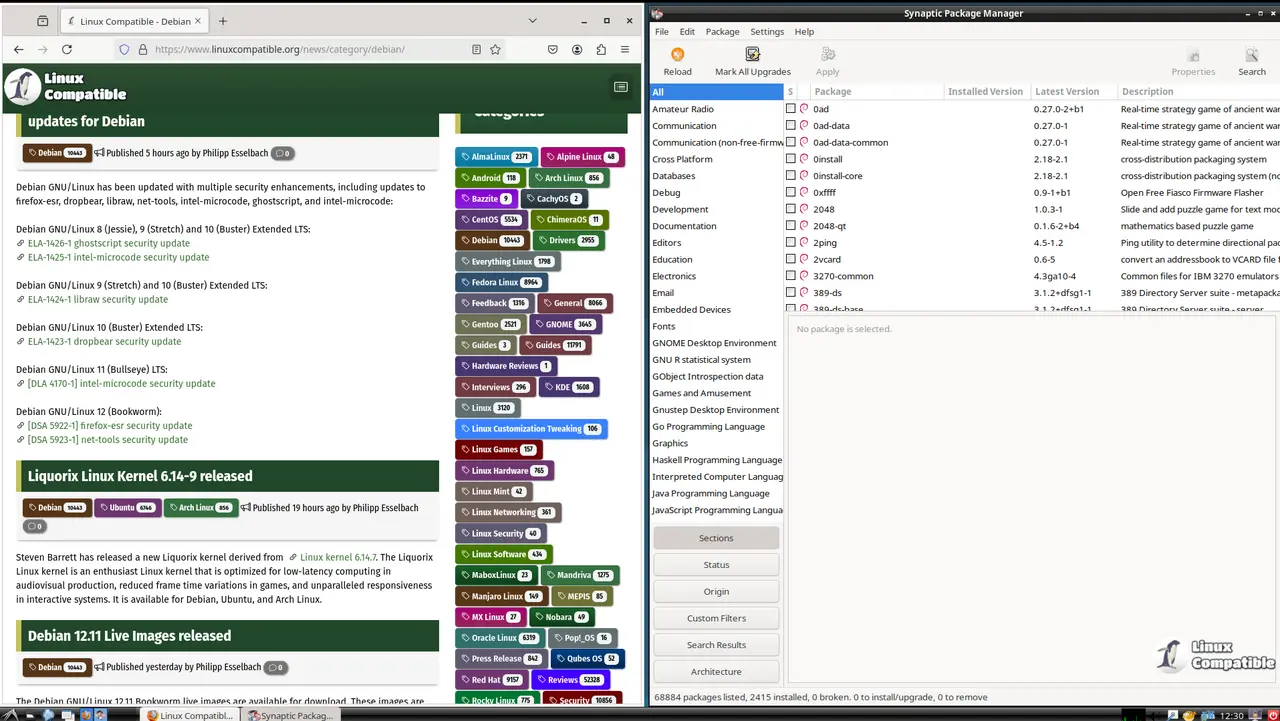
Users looking to test new software without risking their main drive can try the Debian GNU/Linux 13.4 Trixie Live Images. Once the system starts running from memory everything changes compared to a full installation. Any files saved during the session disappear once one shuts down unless persistent storage is set up explicitly. This behavior protects the main operating system but can also frustrate those who expect settings to save automatically. It is best to treat this environment as read-only for security and simplicity unless there is a specific reason otherwise.

Debian 13.4 Trixie GNOME
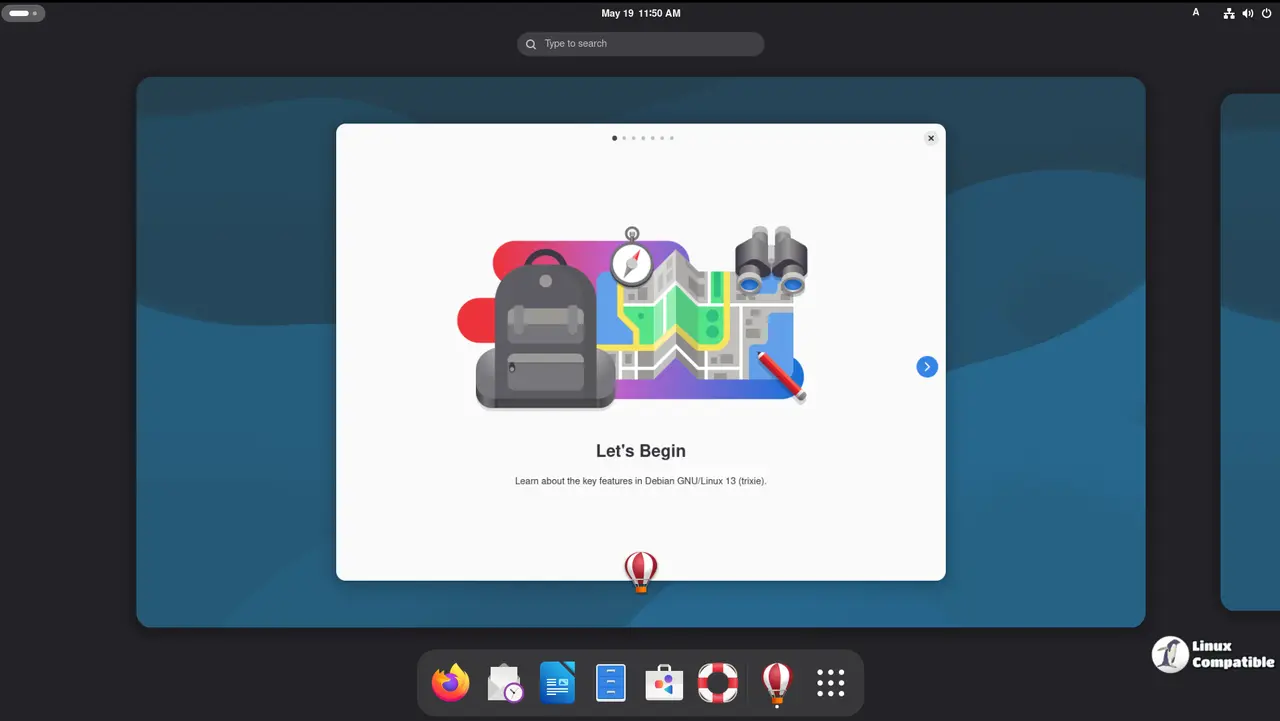
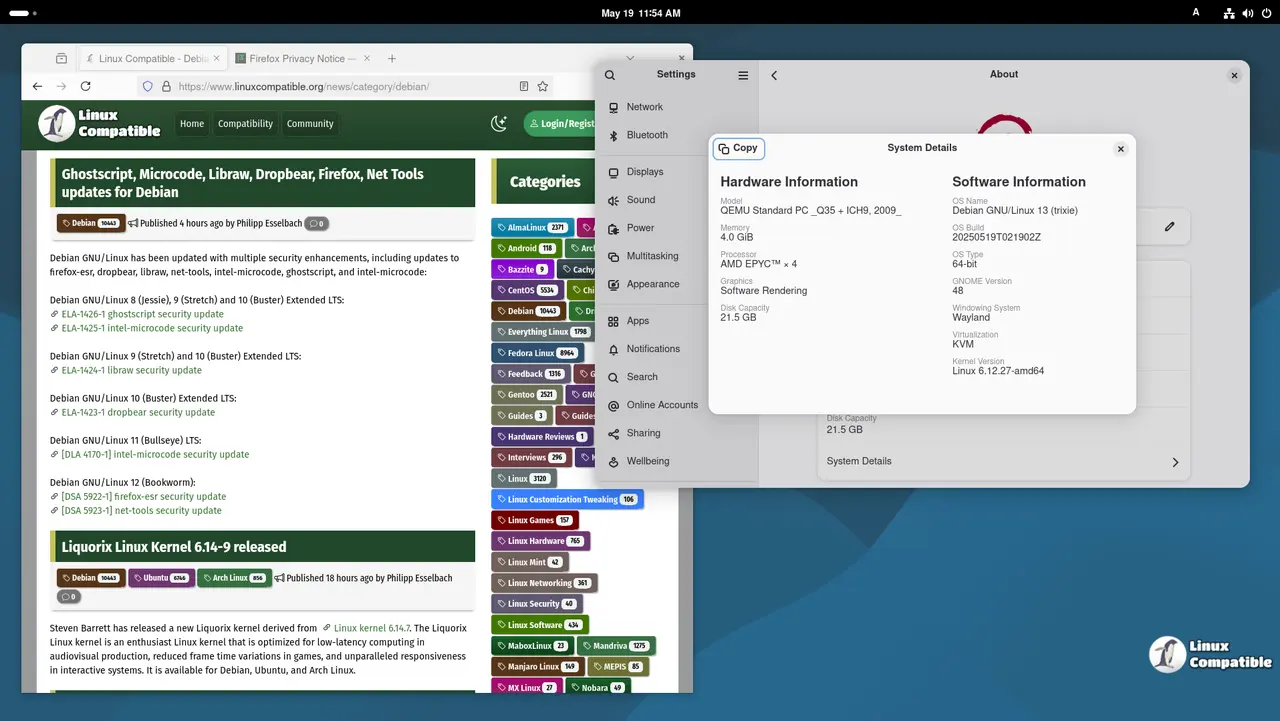
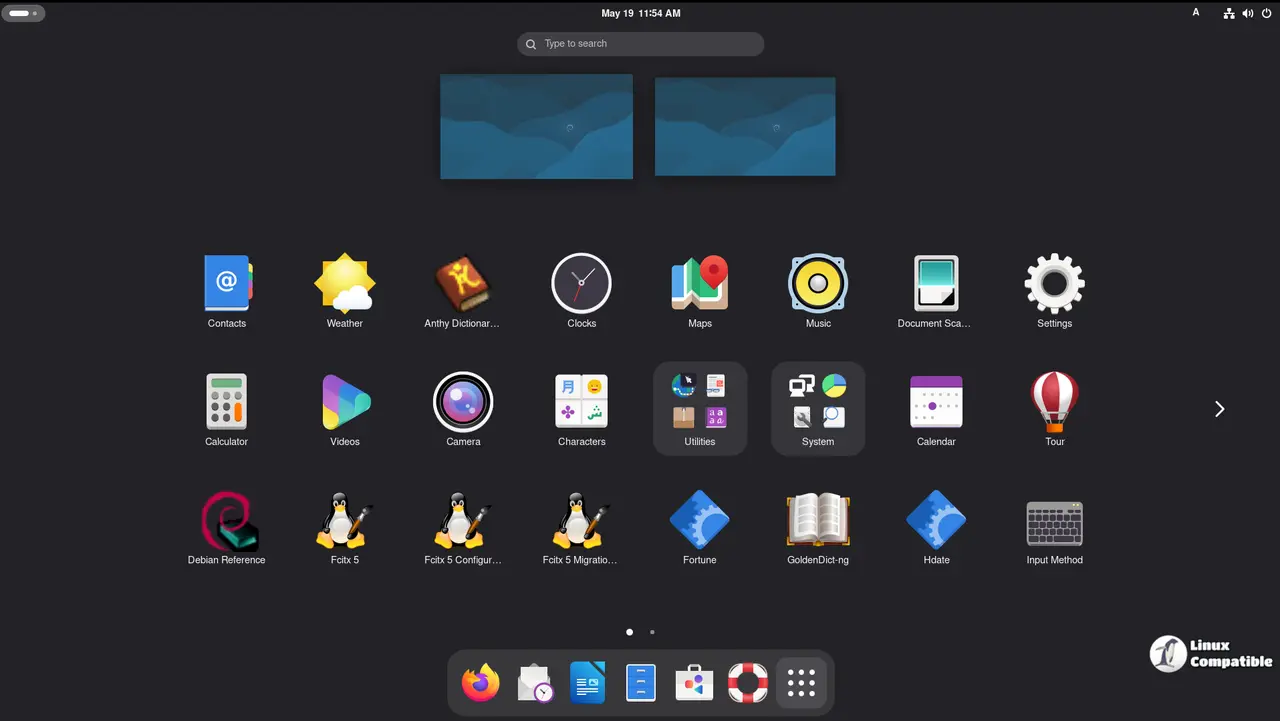
The latest Debian 13.4 Trixie GNOME live image promises fresh tools for Linux users looking to test new software without installing it fully. This version integrates GNOME 48 with improved system management apps and better Wayland support. Readers will find out if these updates actually help workflow or just add complexity to an already bleeding-edge system.
The Nautilus file manager gets a visual overhaul that makes sorting files feel less like a chore compared to older releases. Keyboard shortcuts in the settings menu are reorganized so users can jump between applications faster without hunting through menus. These changes aim to reduce friction during daily tasks but might confuse people used to previous layouts where options were buried deeper in submenus. The Calendar app now offers better organization which helps keep track of events without needing third party extensions that often break after system updates.
Download Debian 13.4 Trixie GNOME
Debian 13.4 Trixie KDE
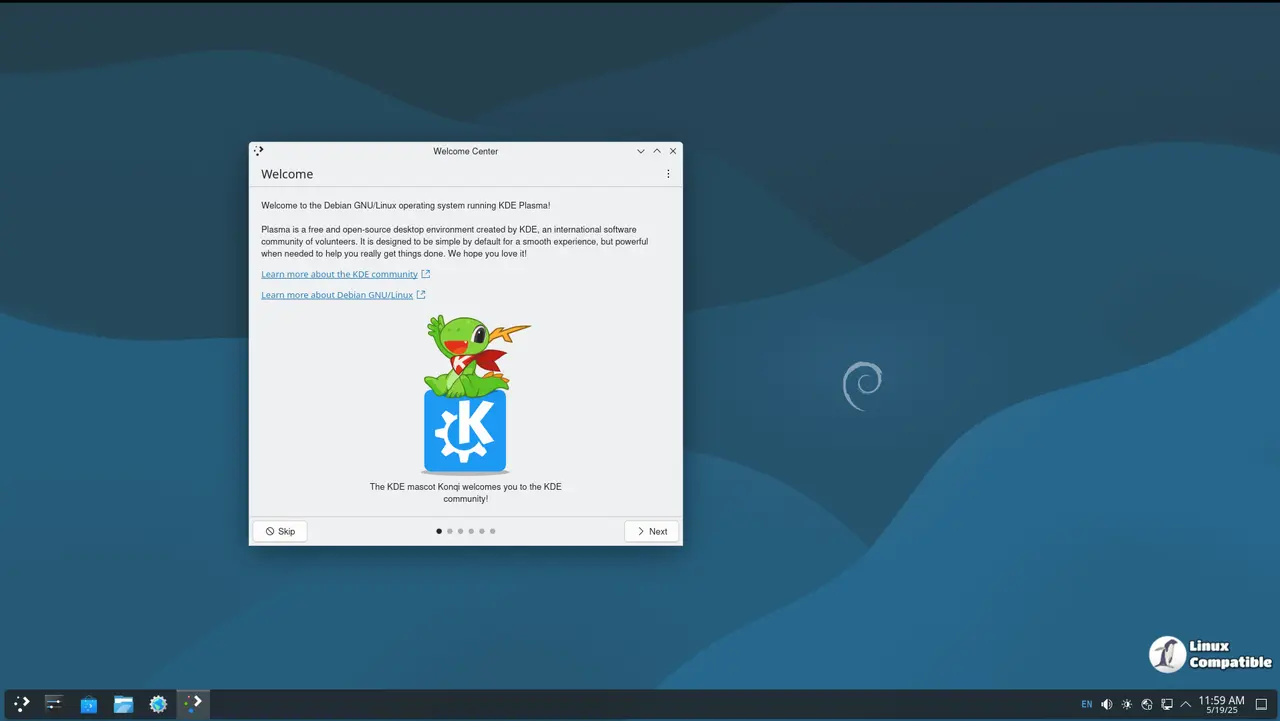
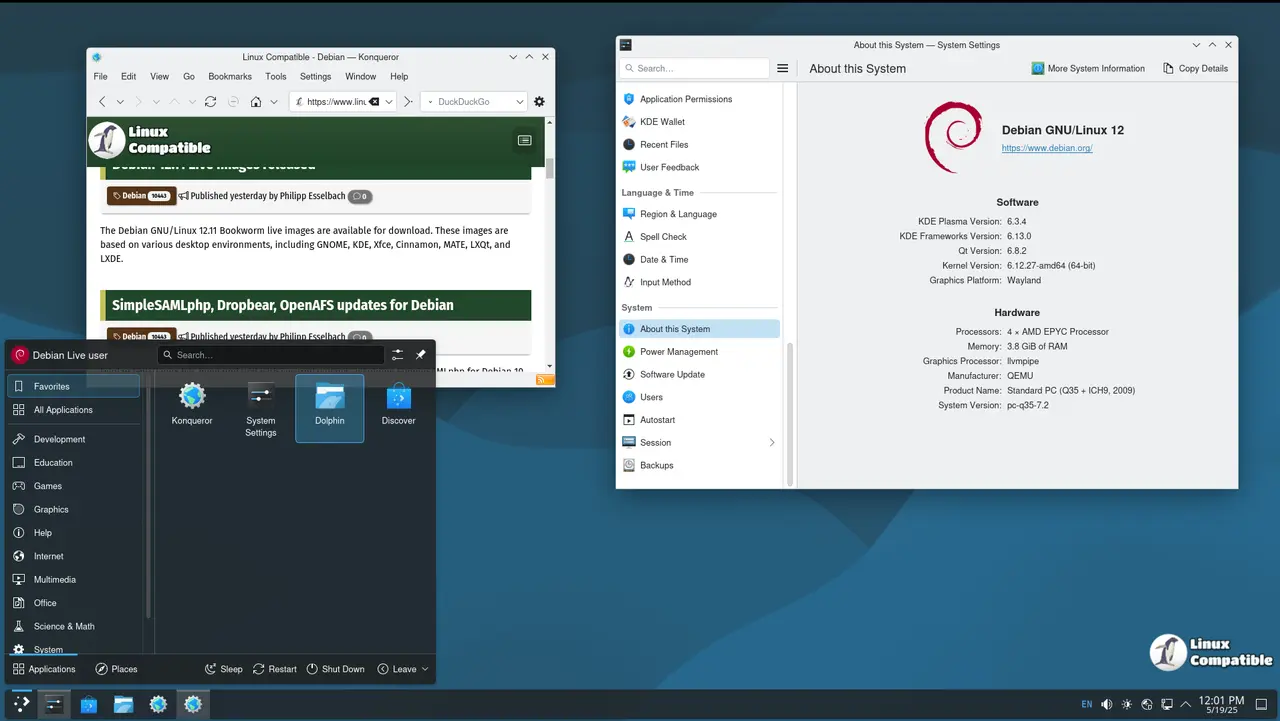
Looking for a way to set up a desktop environment that's both customizable and feature-rich? Debian 13.4 Trixie KDE might just be what you're looking for. This Live Image is built on top of KDE Plasma 6.3, which offers a desktop setup that's perfect for users who want flexibility and efficiency.
One of the standout features of this release is its improved performance. Say goodbye to lagging applications and hello to a smooth operation overall. Plus, the Task Manager has been updated to make organization easier than ever with better filtering and search capabilities, so you can keep track of everything more quickly.
If you're into managing files or exploring other KDE applications, the integration with tools like Dolphin is seamless, making it simpler to access all your productivity needs. And if design matters to you, expect some modern updates too, including a fresh logout screen that's both clean and intuitive.
For those who enjoy having control over their desktop environment, this Live Image includes a range of powerful applications:
- Dolphin: A top-notch file manager that's customizable and packed with features.
- KRunner: A handy command runner for quick access to system settings and more.
- Spectacle: An advanced screenshot tool designed for both capturing and editing.
With all these tools at your fingertips, Debian 13.4 Trixie KDE is a great choice if you're into exploring the capabilities of KDE or need an optimized desktop setup tailored to your needs. Whether you're a power user looking to tweak things or a casual user who just wants a reliable environment, this release has something to offer everyone in the community.
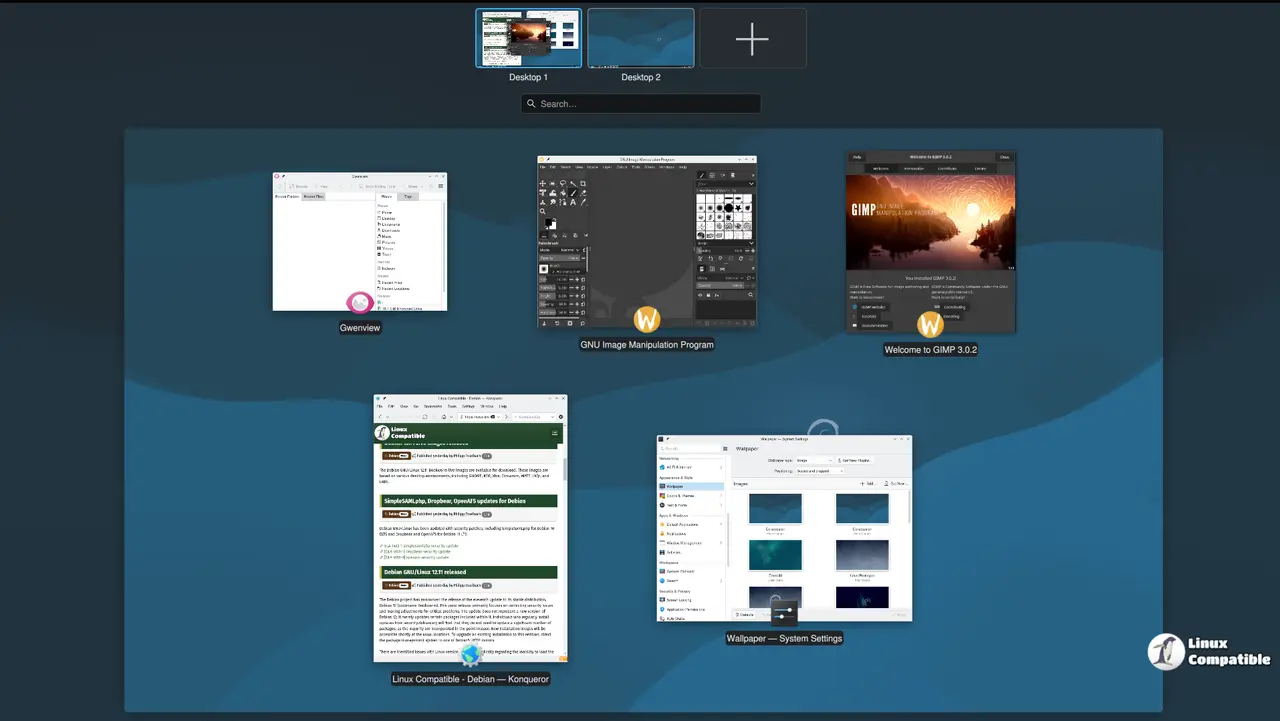
Download Debian 13.4 Trixie KDE
Debian 13.4 Trixie Xfce
Whether you're a power user or a casual PC enthusiast looking to tweak your setup for better performance, Debian 13.4 Trixie Xfce offers a sleek, efficient desktop experience powered by the latest version of Xfce 4.20. This update brings a wealth of improvements and new features designed to enhance both everyday use and niche geek projects.
For the average user, Xfce 4.20 has been refined for lightweight performance without sacrificing customization. Imagine a desktop that’s fast enough for your daily tasks but also flexible enough to suit your unique needs, whether you’re organizing files with Thunar or drafting notes with Leafpad. Power users will appreciate the enhanced panel tools, which now include a more intuitive settings dialog and improved support for custom layouts.
What sets Xfce apart is its ability to adapt to different environments while maintaining simplicity. Whether you're managing files with Thunar, editing with Leafpad, or just browsing the web, Xfce provides a clean, efficient interface that feels like part of your machine’s DNA.
Try Debian 13.4 Trixie Xfce and see how it can elevate your computing experience! Share your thoughts in the comments below—maybe someone else is waiting to try this fantastic setup too.
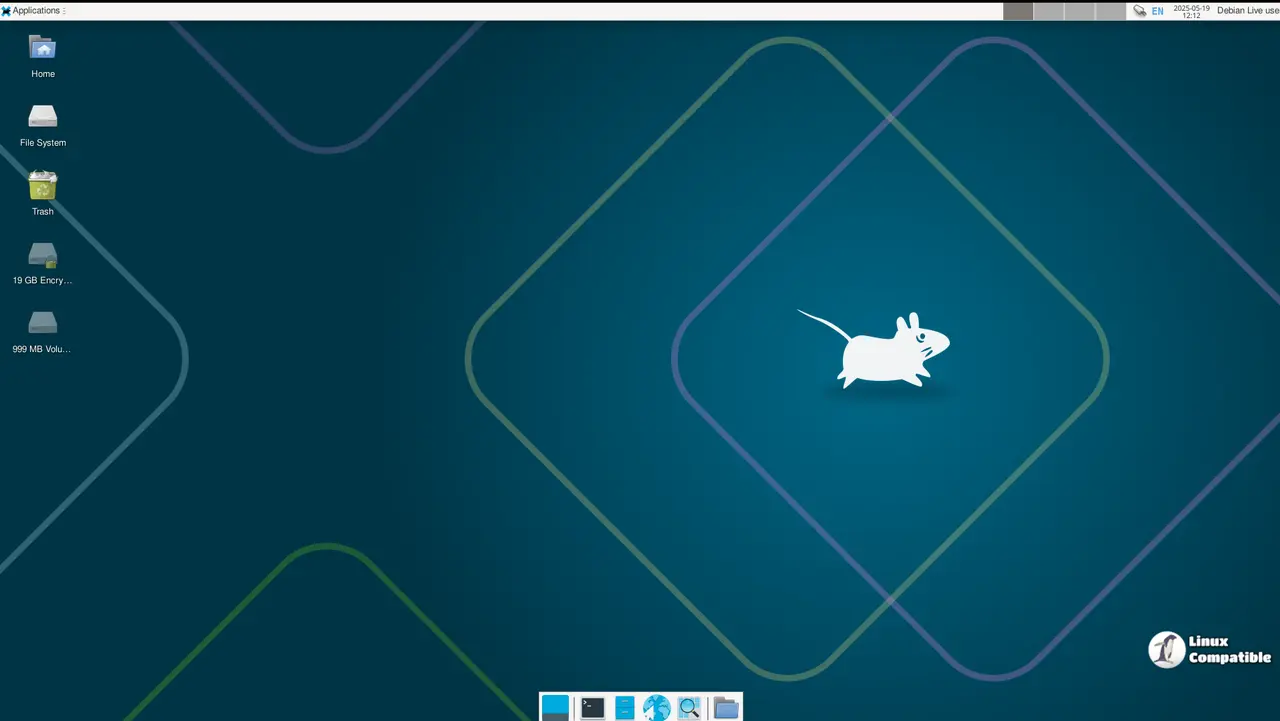
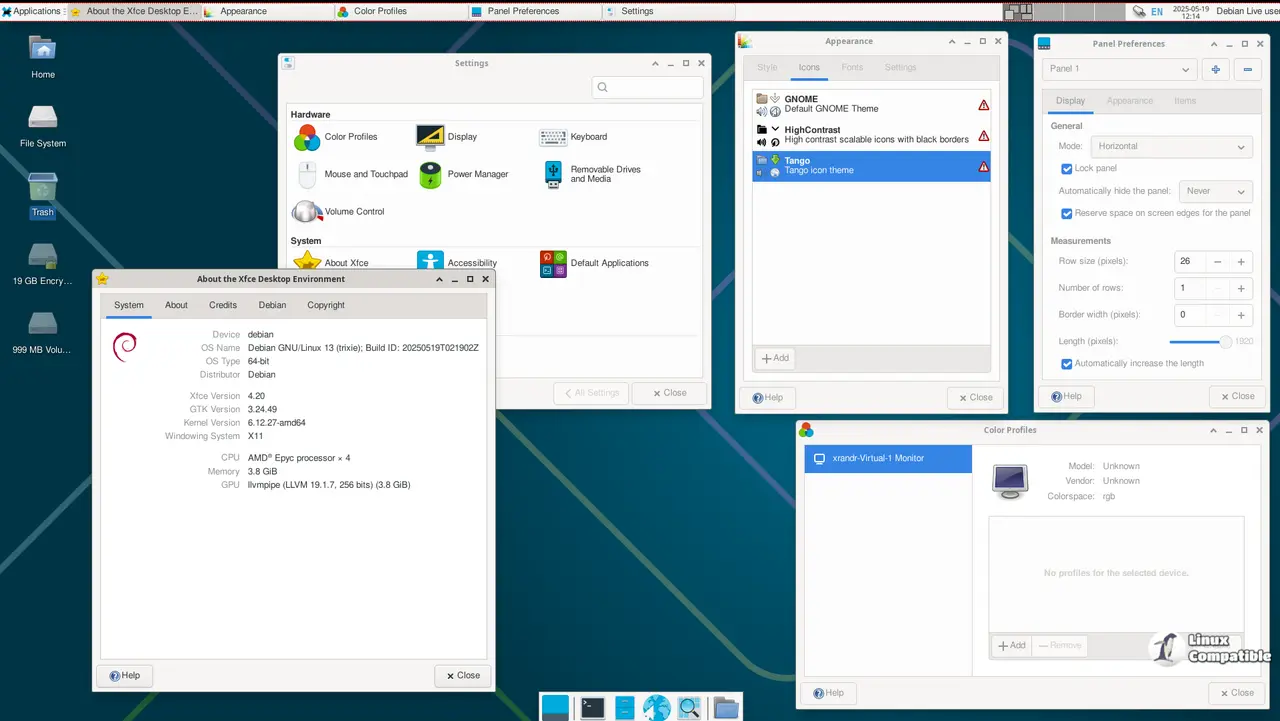
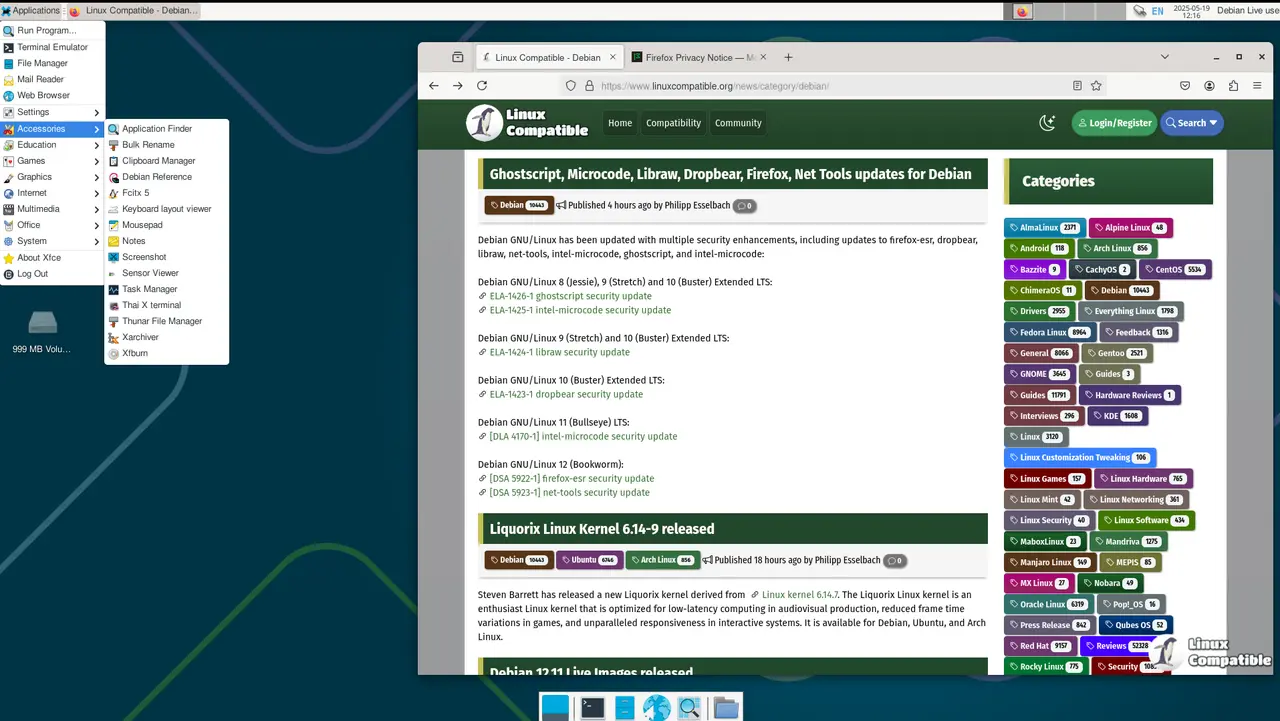
Download Debian 13.4 Trixie Xfce
Debian 13.4 Trixie Cinnamon
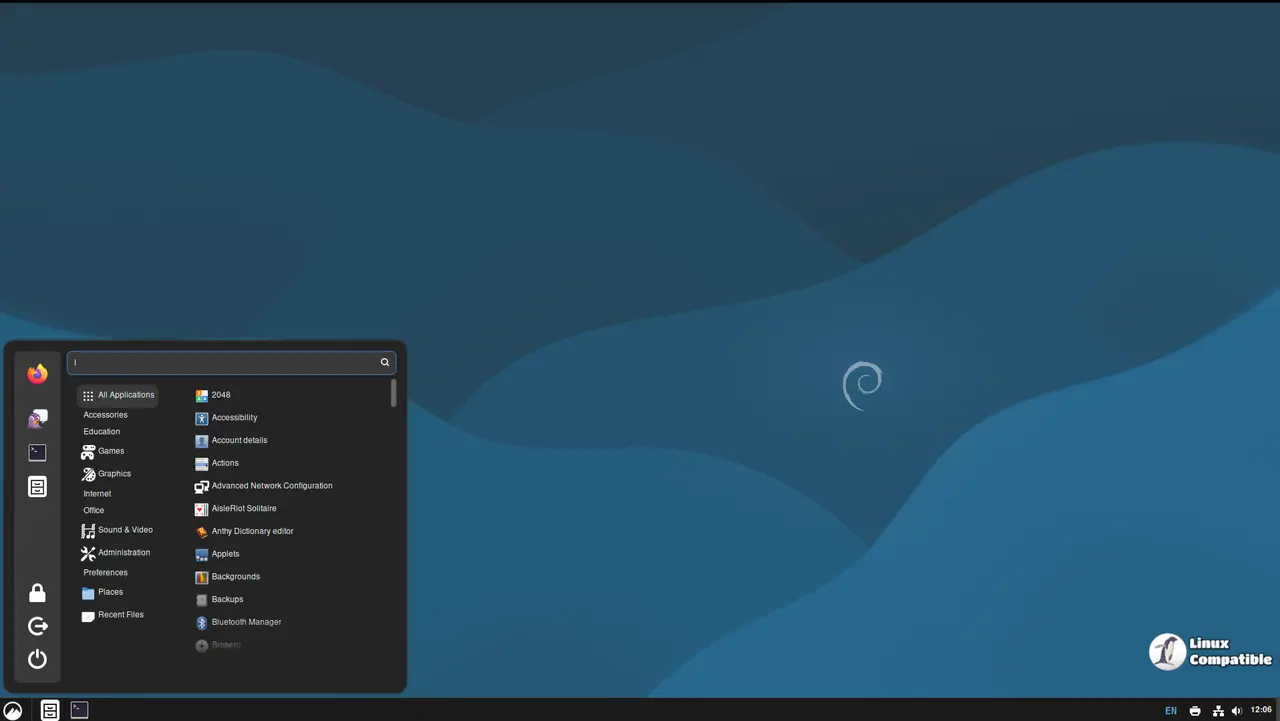
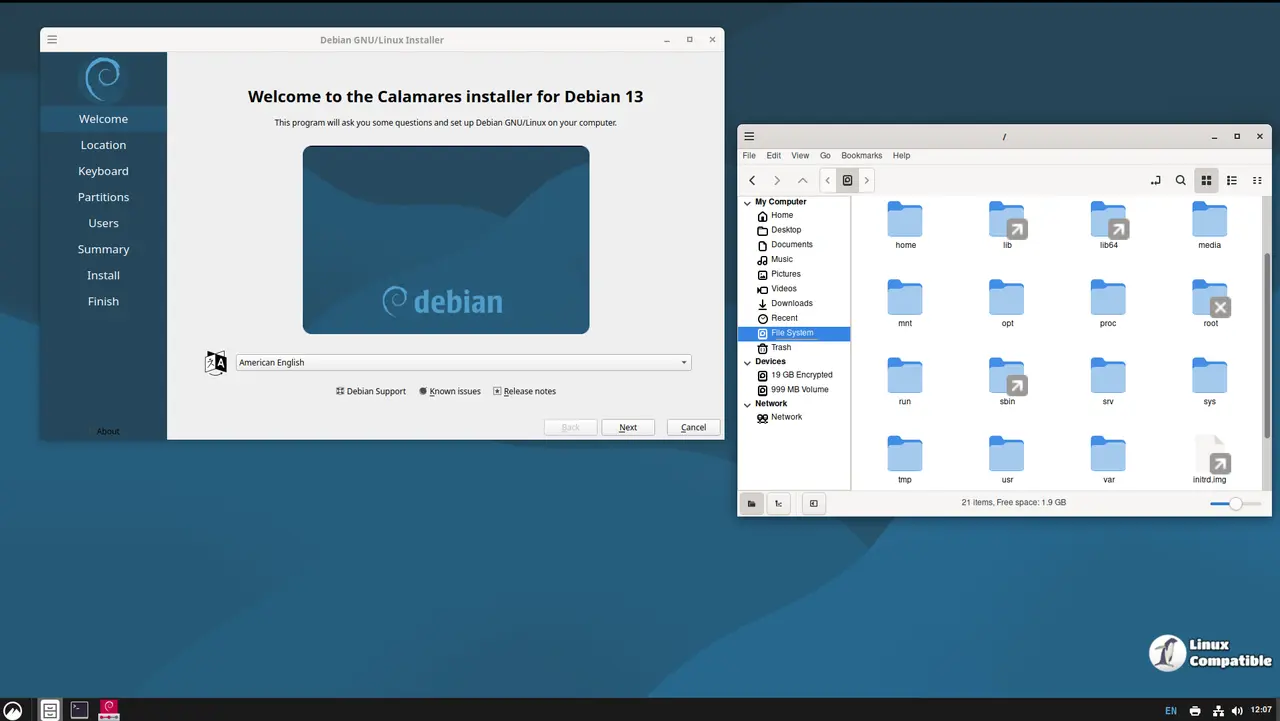
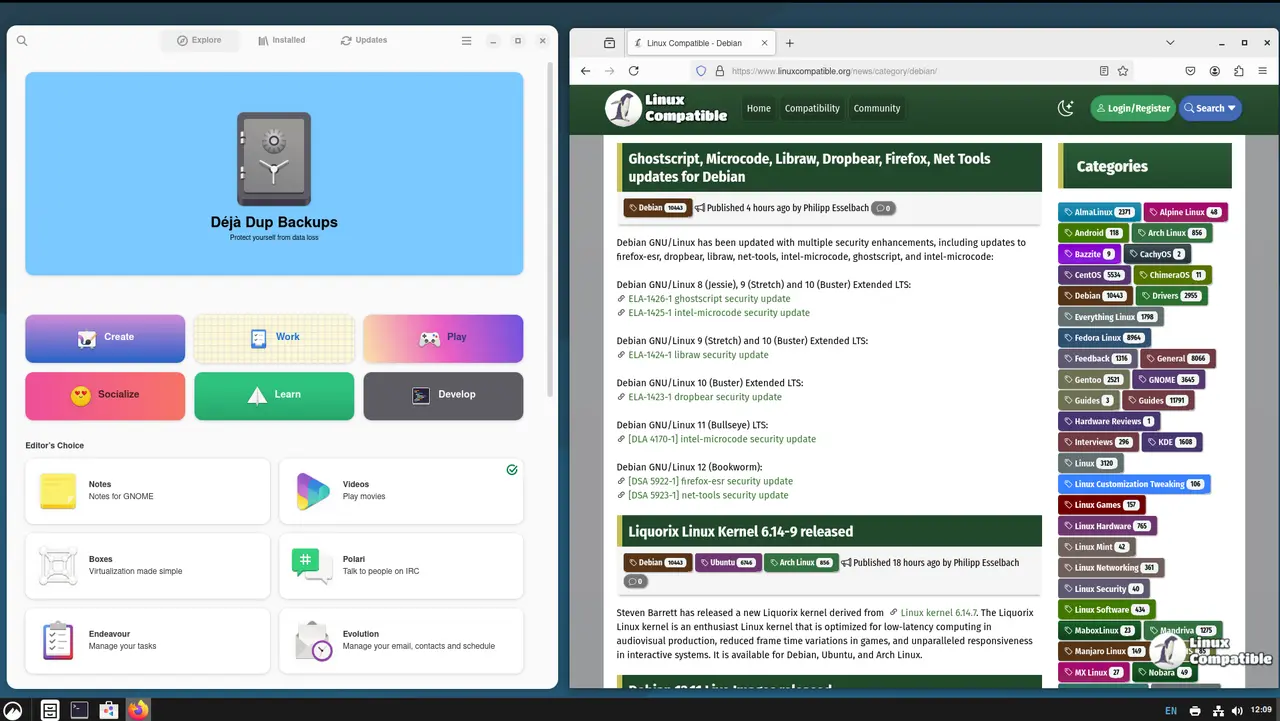
For those who love Linux but want a smooth, customizable experience on their everyday or even geeky PC setups, Debian 13.4 Trixie Cinnamon is here to delight you with its refined and versatile desktop environment based on the latest Cinnamon 6.4.10 release.
Cinnamon 6.4.10 has been meticulously optimized for a seamless user experience. Whether you're typing away in your favorite editor or browsing through your files, performance is at peak efficiency thanks to this update. Imagine launching an app and having everything load faster than lightning—this is your reality with improved performance.
Customizing your desktop feels intuitive now! The Cinnamon Panel has been enhanced with a more user-friendly interface. You can now easily rearrange layouts or tweak settings without any hassle, ensuring every workspace reflects your personal style. And let's not forget the expanded panel item options; no matter how many you have, they'll all look neat and orderly thanks to these updates.
Integration is key for today's users who often juggle multiple applications and tools. With enhanced support for Nemo and Caja file managers, switching between them feels like a breeze. Plus, other apps benefit from this update too, making your workflow more efficient than ever before.
If you're ready to explore the latest in Linux with all the modernity and flexibility you need, give Debian 13.4 Trixie Cinnamon a try. With everything optimized for usability and performance, this system is packed with features designed to make everyday tasks easier and your PC feel more powerful than ever.
Download Debian 13.4 Trixie Cinnamon
Debian 13.4 Trixie MATE
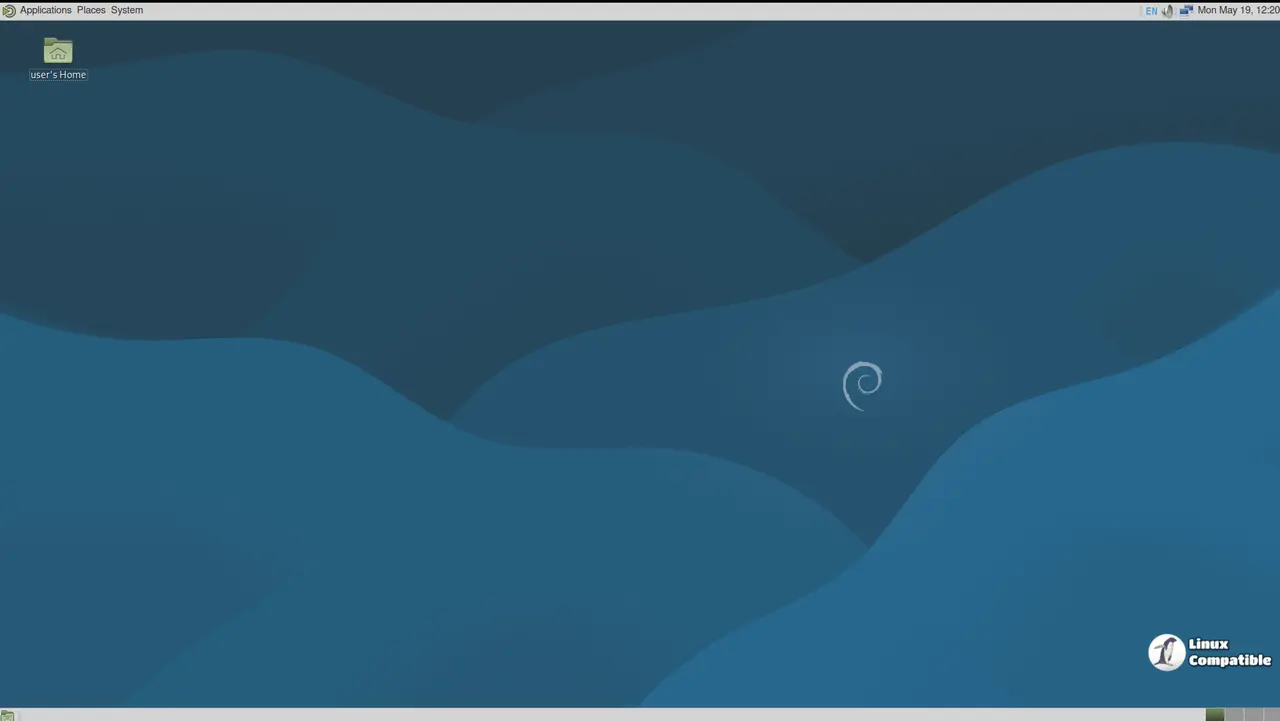
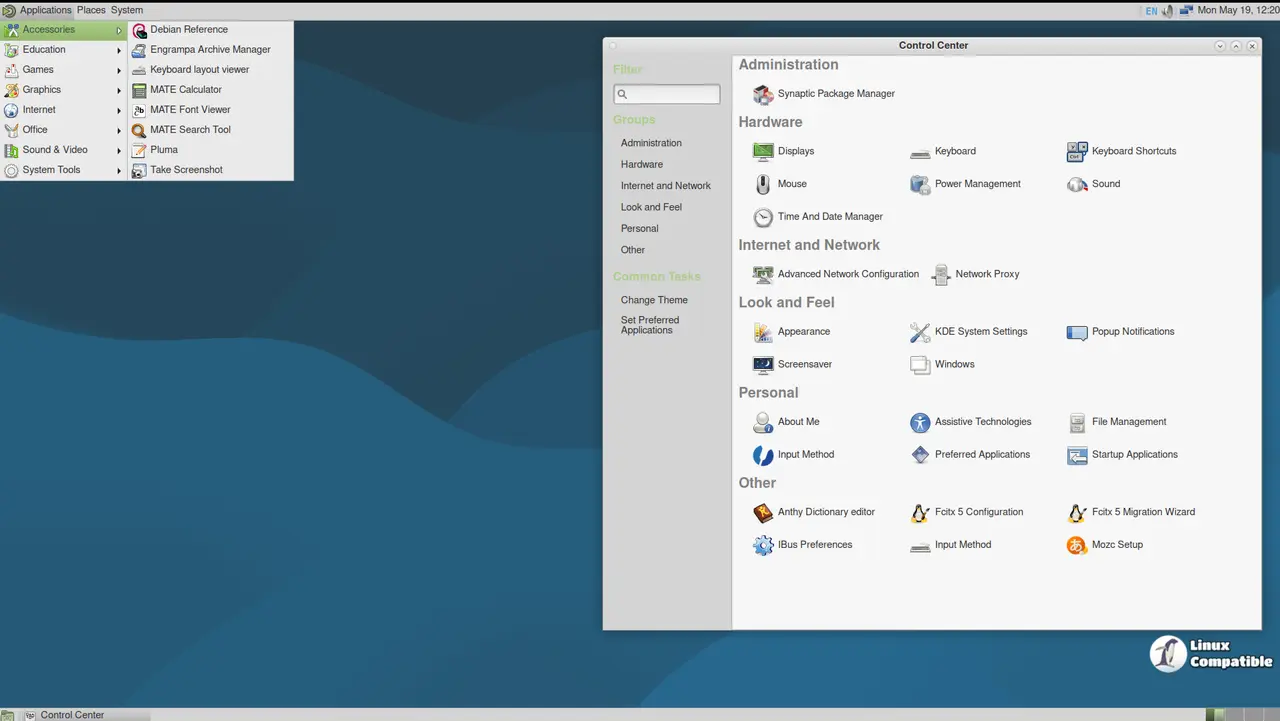
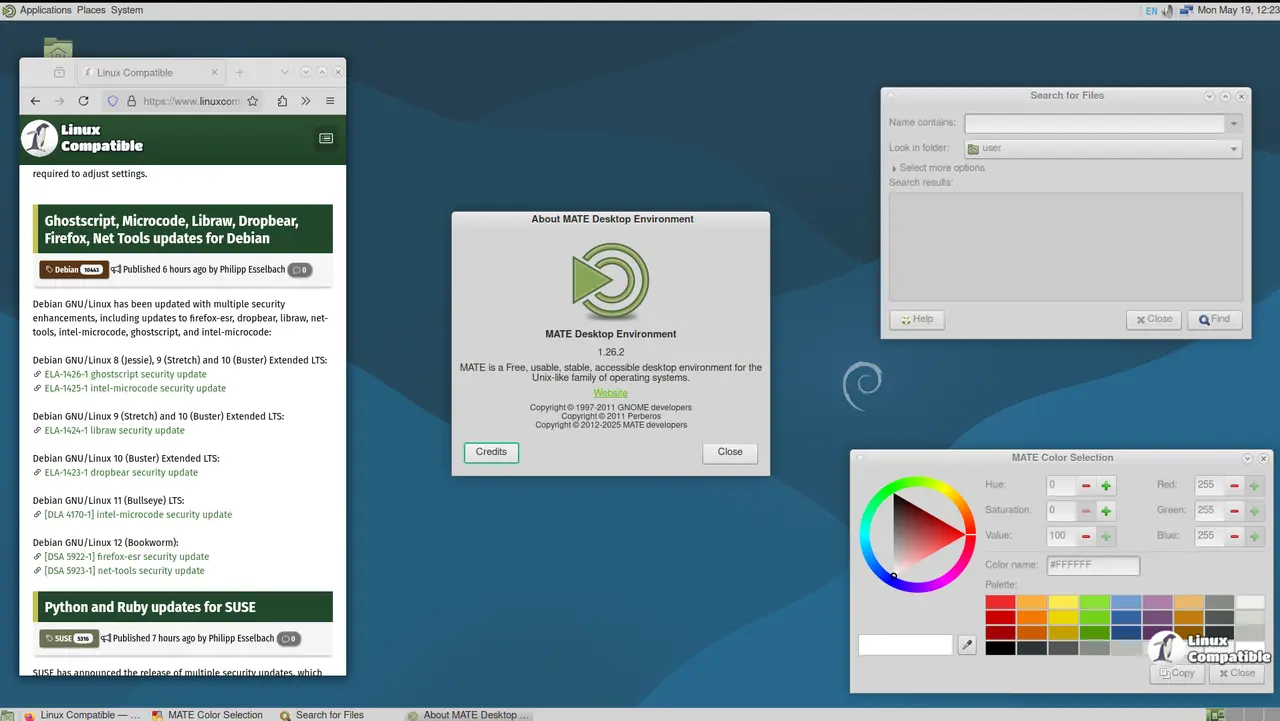
Looking to customize your PC setup? Debian 13.1.0 paired with MATE offers a powerful duo that's perfect for both everyday users and tech-savvy enthusiasts.
Why Choose This Combination?- Customization Galore: Say goodbye to stock interfaces! With Debian 13.4, you get a solid foundation to tailor your desktop. Pair it with MATE 1.26 for an even more adaptable experience.
- Security & Stability: On top of flexibility, this setup ensures your PC runs smoothly and safely.
- Caja File Manager: Organize files effortlessly with tags and bookmarks. Need to manage large archives? Caja makes it easy.
- Pluma Text Editor: Lightweight yet powerful, Pluma is perfect for quick notes or tasks without the clutter.
- Maratis Web Browser: Speed up web browsing while keeping everything secure.
- Gedit Text Editor: Versatile with plugins and syntax highlighting, Gedit suits those who need more from their editors.
- MATE Tweak Tool: Fine-tune your setup without hassle.
- MATE Panel Editor: Customize your status bar to match your aesthetic preferences.
This pairing isn't just about features—it's about enabling you to create a desktop environment that works perfectly for you. Whether it's handling complex tasks or personal projects, Debian 13.4 with MATE is there to support your needs, keeping your PC running smoothly and efficiently.
Download Debian 13.4 Trixie MATE
Debian 13.4 Trixie LXQt
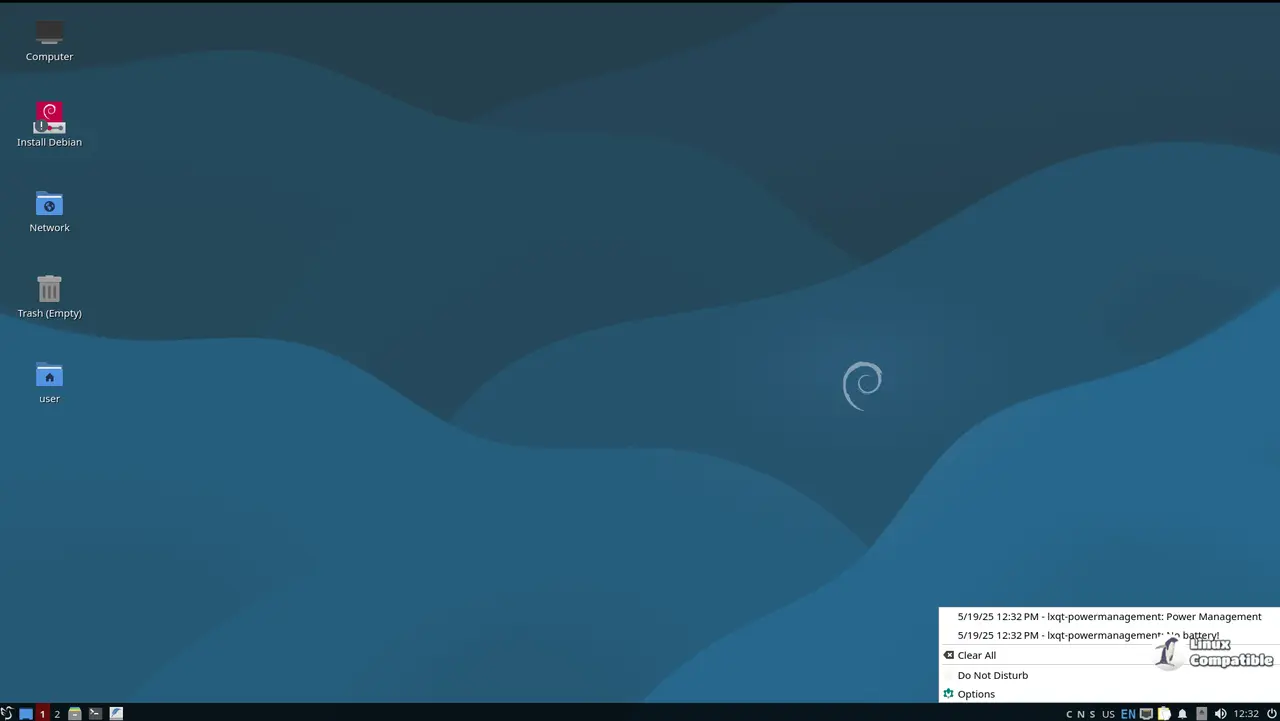
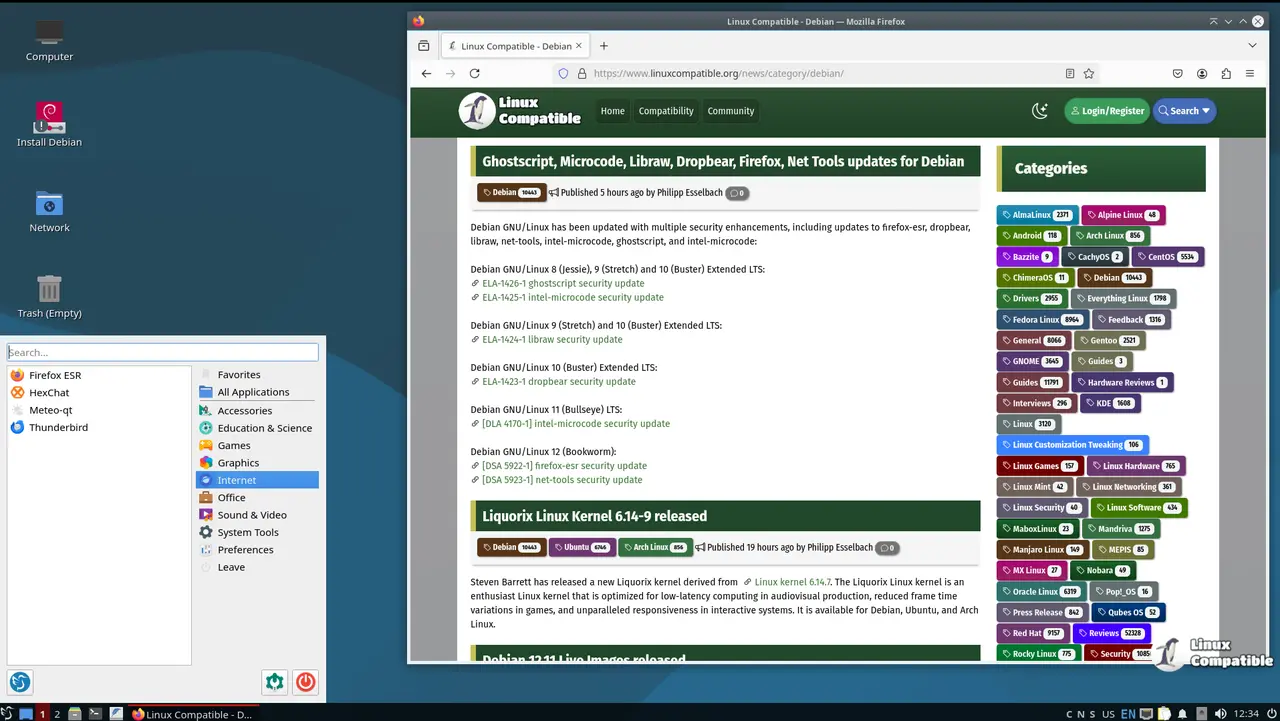
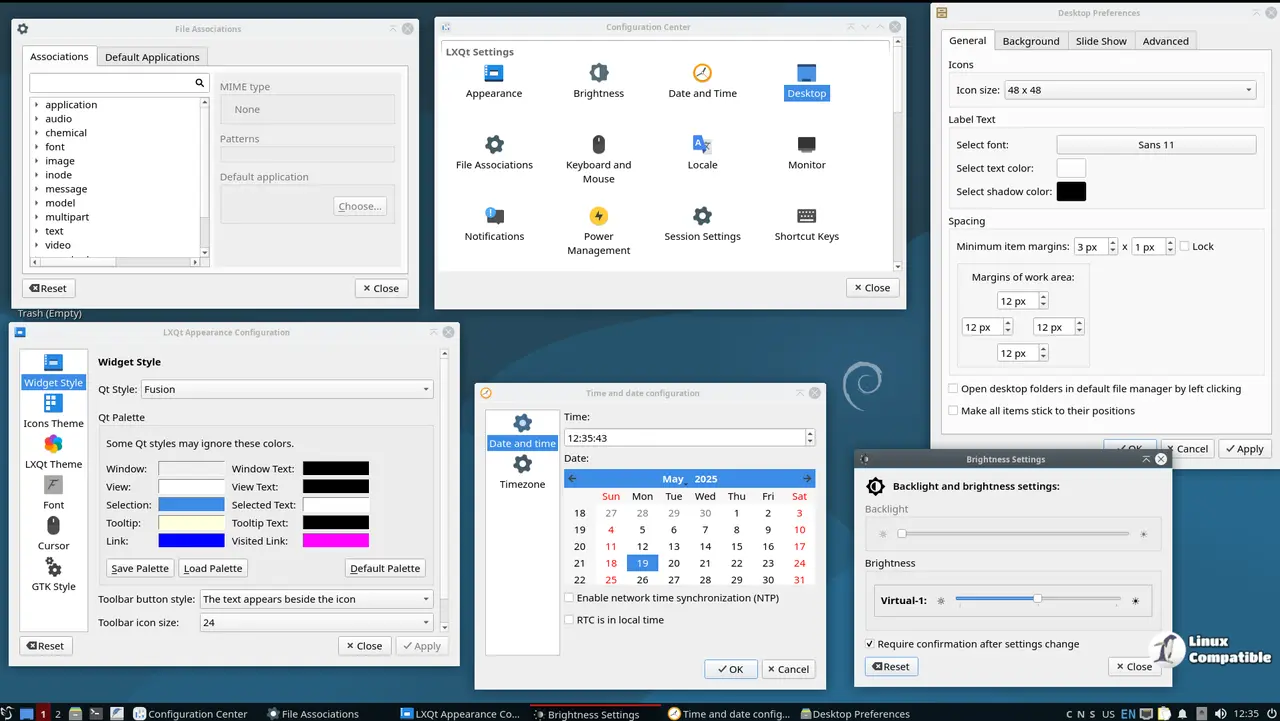
Looking for a desktop environment that offers both customization and stability? Debian 13.4 Trixie LXQt is just what you need! This version of the Debian 13.4 "Trixie" operating system combines the lightweight and feature-rich LXQt desktop with Debian's renowned stability, making it ideal for users who want a reliable yet flexible setup.
Within LXQt, you'll find several powerful tools at your fingertips:
- LXQt Panel: This versatile tool lets you customize your desktop environment in countless ways. Think widgets, applets, or any other feature you can imagine—this panel is where they all come together.
- LXAppearance: Tired of the default look? LXAppearance offers a sleek way to tweak your desktop's appearance with themes and icons that suit your style.
- QTerminal: Need quick access to command-line tools? This lightweight terminal emulator ensures fast and secure command execution, perfect for developers or power users alike.
- LXSession: Manage user sessions with ease, creating different profiles when needed.
- LXQt Settings: Dive deeper into LXQt's settings to customize your desktop environment further.
- Debian Package Manager: Easily install and update packages to keep everything running smoothly.
With this blend of stability, speed, and flexibility, Debian 13.4 Trixie LXQt is perfect for anyone looking to explore or test new environments while maintaining a smooth and secure experience.
Download Debian 13.4 Trixie LXQt
Debian 13.4 Trixie LXDE
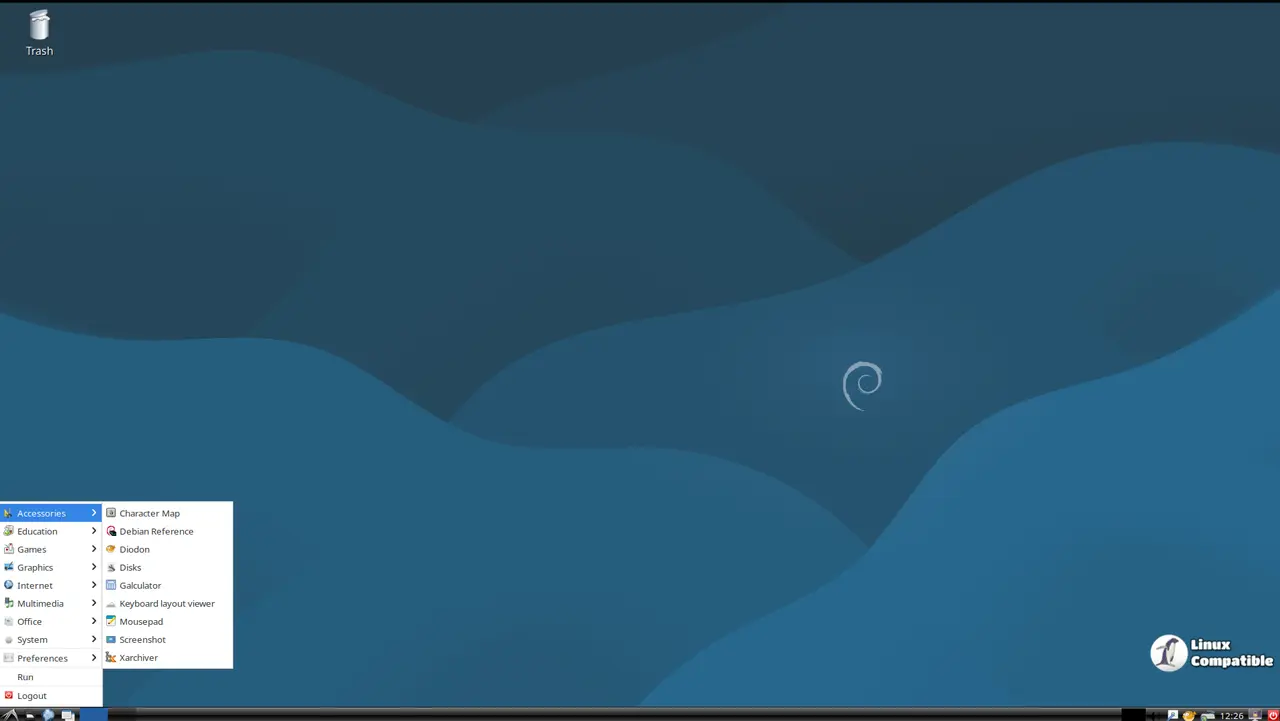
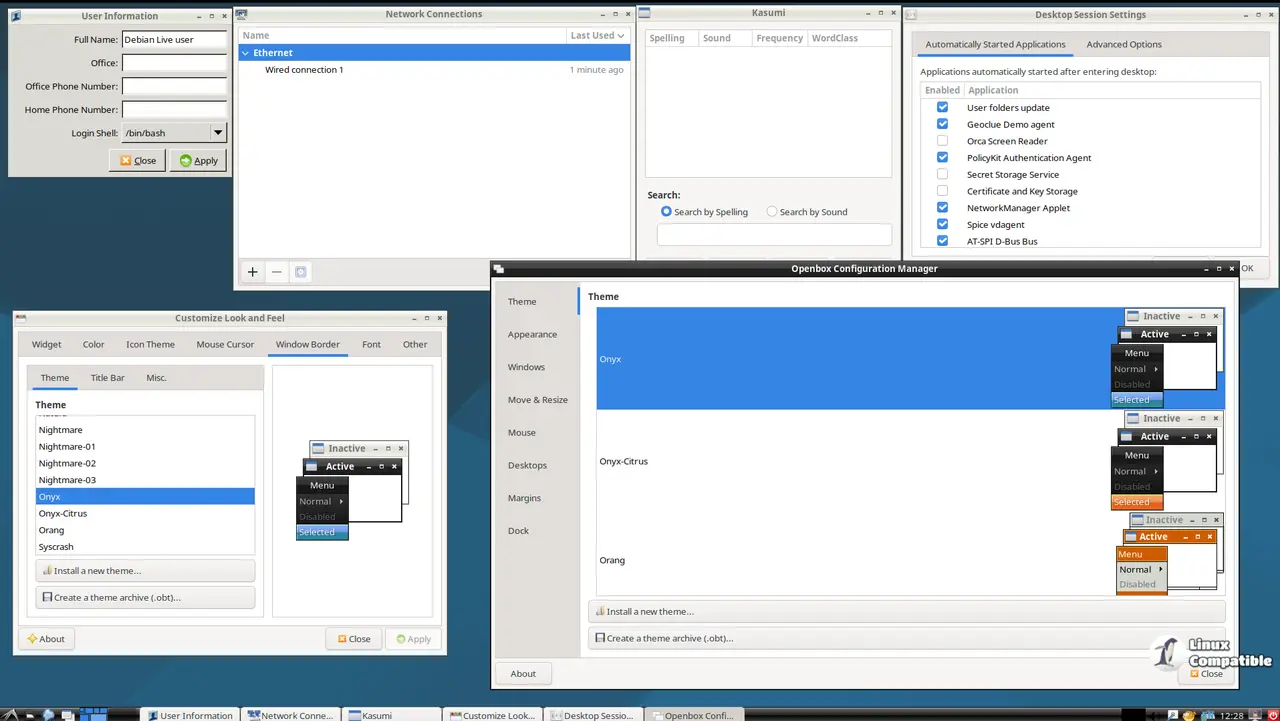
The Debian 13.4 'Trixie' LXDE variant represents a carefully crafted blend of stability and flexibility, designed to cater to users seeking a customizable yet lightweight desktop experience. This distribution harnesses the proven power of the LXDE desktop environment, offering a robust foundation built on top of LXDE 0.99.3.
For everyday PC users, this setup provides a stable base with essential tools and features that enhance usability. Power users and Linux enthusiasts can tweak settings to achieve just the right balance between performance and personalization, whether it's enhancing productivity or diving deep into system configurations.
Key components of LXDE's desktop environment include:
- Openbox Window Manager: A versatile tool offering extensive customization options, including themes, plugins, and more.
- LXAppearance: A utility for fine-tuning the desktop's visual appearance, allowing users to explore themes, icons, and beyond.
- PCManFM File Manager: A lightweight yet powerful option for managing files and directories with speed and security.
Together, these tools empower users to build a desktop environment that perfectly suits their unique needs—whether it's balancing productivity with aesthetics or optimizing performance for specific tasks.