The Debian GNU/Linux 13.1 "Trixie" Live Images have been released, featuring various desktop environments. The images are available for download and include options for GNOME (48.3), KDE Plasma (6.3.5), Xfce (4.20), Cinnamon (6.4.10), MATE (1.26), LXQt (2.1.0), and LXDE (0.99.3). Each image is designed to provide a live version of the Debian operating system, allowing users to test and explore different desktop environments before installation.
Debian GNU/Linux 13.1 Trixie Live Images
The release of Debian GNU/Linux 13.1 "Trixie" celebrates an important turning point in the ongoing development of this popular Linux distribution. As one of the most stable operating systems available, Debian continues to be a favorite among developers, power users, and system administrators alike.
With the latest update, users can now experience the benefits of Debian 13.1 "Trixie" in live form, thanks to the availability of Live Images for various desktop environments. These images provide an interactive way to test and explore different desktop options before deciding on the perfect fit for their needs.

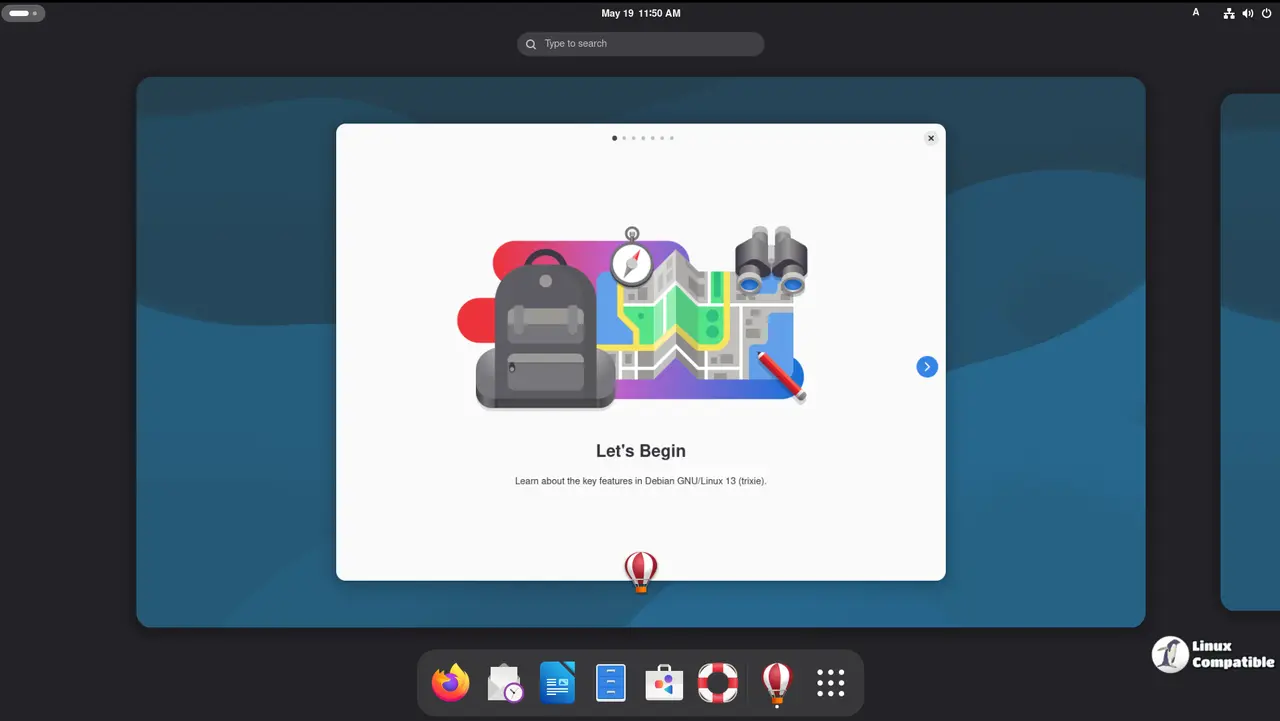
Debian 13.1.0 Trixie GNOME
The Debian 13.1.0 Trixie GNOME image is based on the GNOME desktop environment version 48.3, which brings a wealth of features and improvements to the table. This version of GNOME includes several new and updated applications, such as:
- A revamped Nautilus file manager with improved performance and features
- An enhanced Settings app for easier system configuration
- Updates to the Calendar app for better calendar management
- New keyboard shortcuts and layout options in the Keyboard settings
Additionally, GNOME 48.3 includes several under-the-hood improvements that enhance stability, security, and overall user experience. Some of these include:
- Improved support for Wayland, a display server protocol designed to provide better performance and security
- Enhanced integration with systemd, Debian's system manager, for better system control and monitoring
- Improved handling of accessibility features, such as screen readers and keyboard-only navigation
By combining the latest GNOME desktop environment with the stability and security of Debian 13.1.0 "Trixie", this live image provides an ideal platform for exploring and testing the capabilities of this powerful Linux distribution.
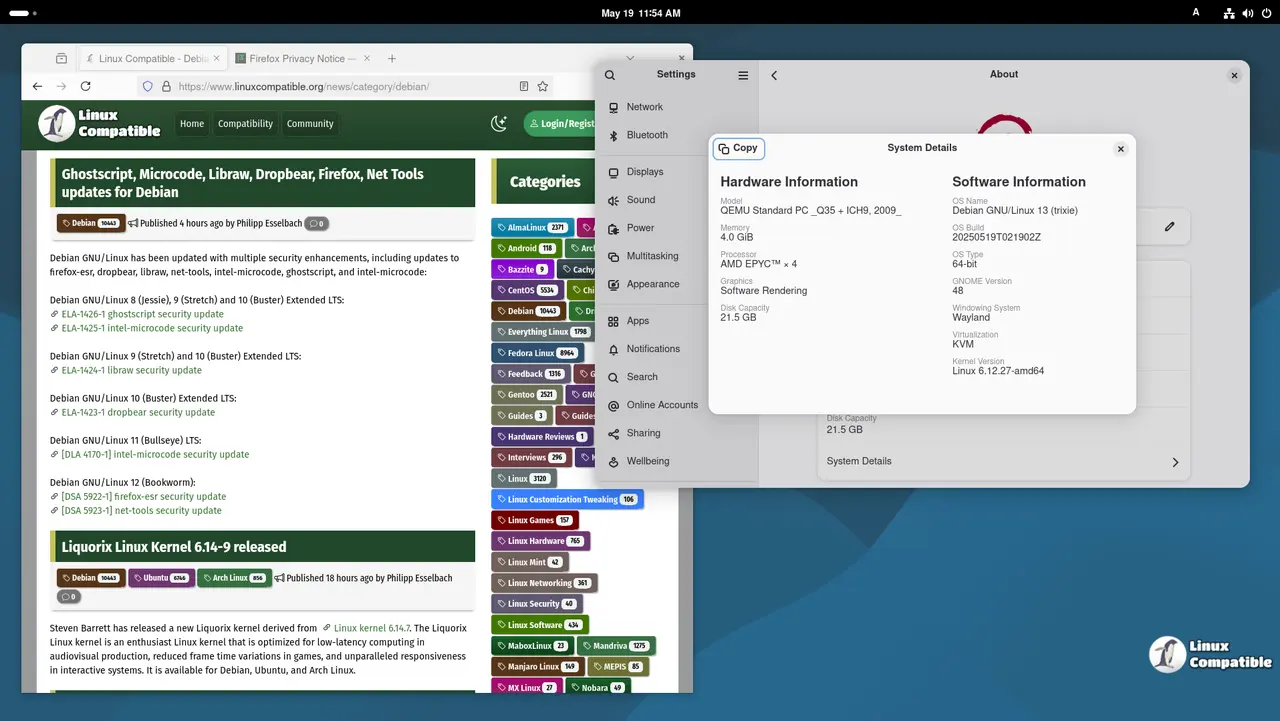
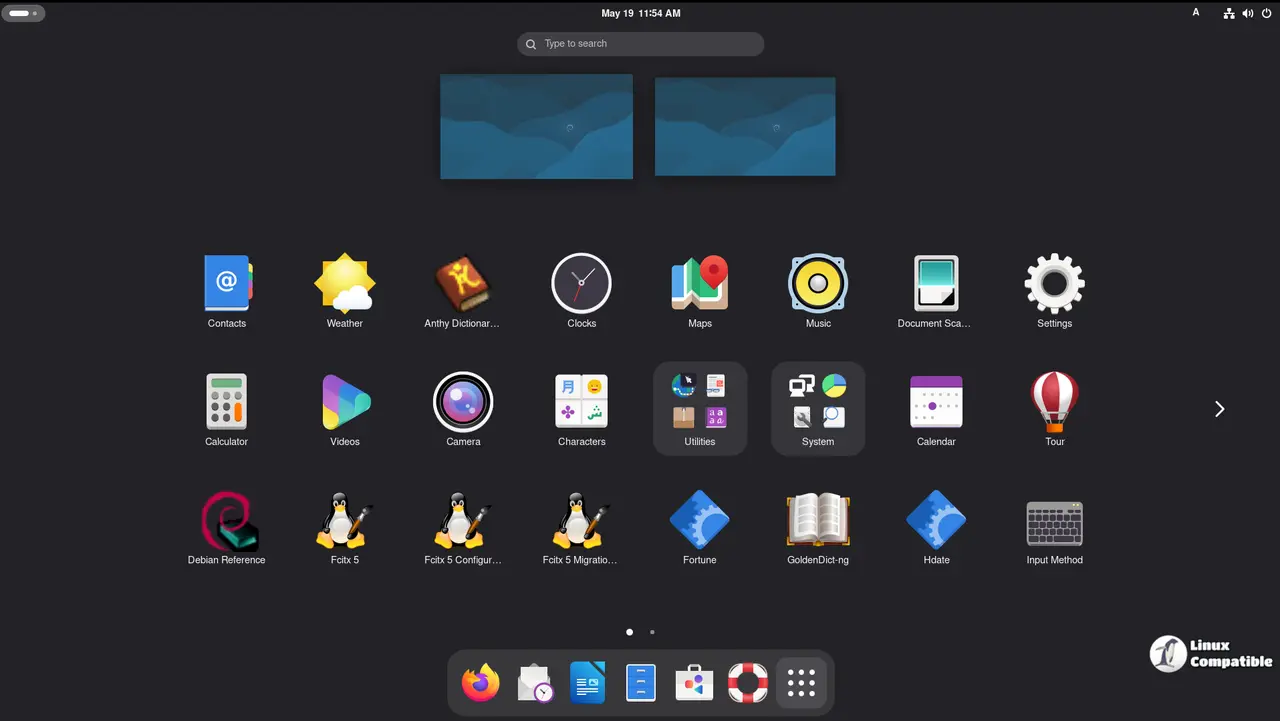
Download Debian 13.1.0 Trixie GNOME
Debian 13.1.0 Trixie KDE
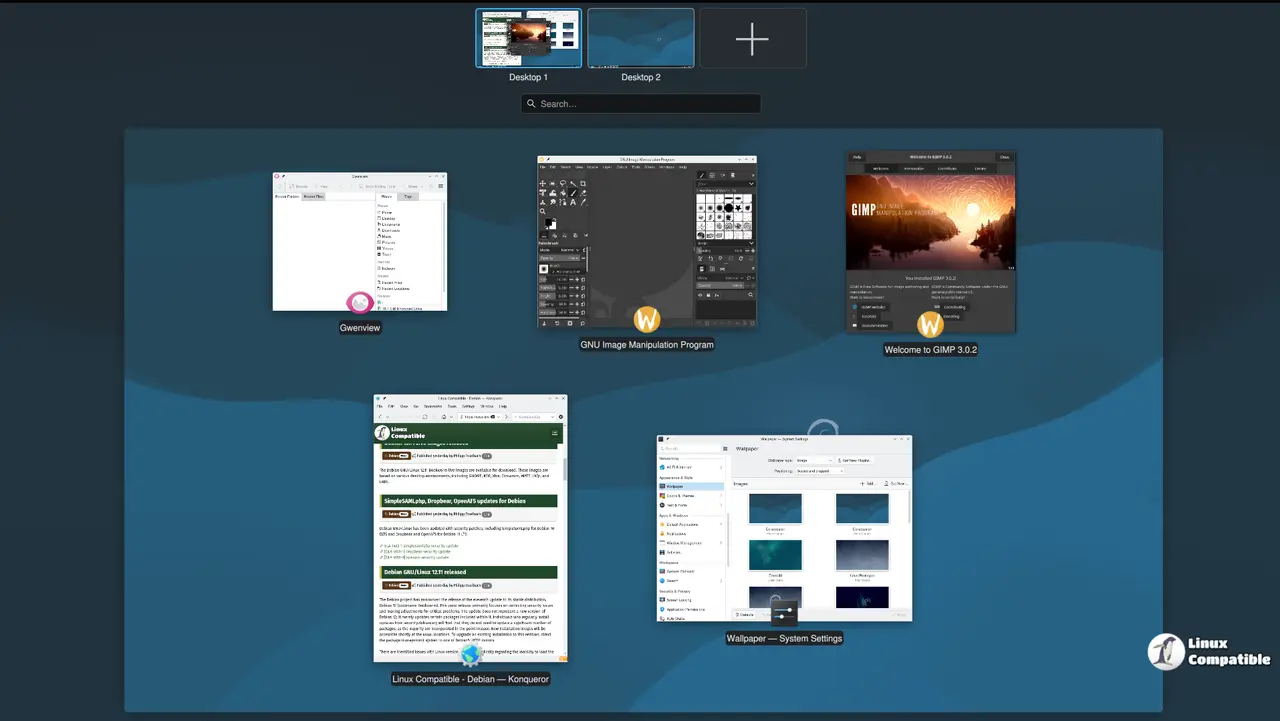
The Debian 13.1.0 Trixie KDE image is based on KDE Plasma 6.3.5, a highly customizable and feature-rich desktop environment. This version of KDE Plasma includes numerous enhancements and new features that further improve the user experience.
Some of the key highlights of KDE Plasma 6.3.5 include:
- Improved performance and responsiveness: With several under-the-hood improvements, KDE Plasma 6.3.5 provides a more seamless and efficient desktop experience.
- Enhanced task management: The Task Manager has been updated to provide better organization, filtering, and search capabilities.
- Better integration with other KDE applications: KDE Plasma 6.3.5 includes improved support for other KDE applications, such as Dolphin file manager and KRunner, making it easier to access and use these tools.
- New design elements: The Plasma desktop has been updated with new design elements, including a revised logout screen and improved desktop decorations.
KDE also includes a wide range of applications that are part of the Plasma Desktop, including:
- Dolphin file manager: A highly customizable and feature-rich file manager.
- KRunner: A powerful command runner that allows users to quickly access system settings, files, and more.
- Spectacle: A screenshot tool that provides advanced features for capturing and editing screenshots.
These applications, combined with the latest KDE Plasma desktop environment, make this Live Image an excellent choice for those looking to explore the capabilities of KDE on Debian.
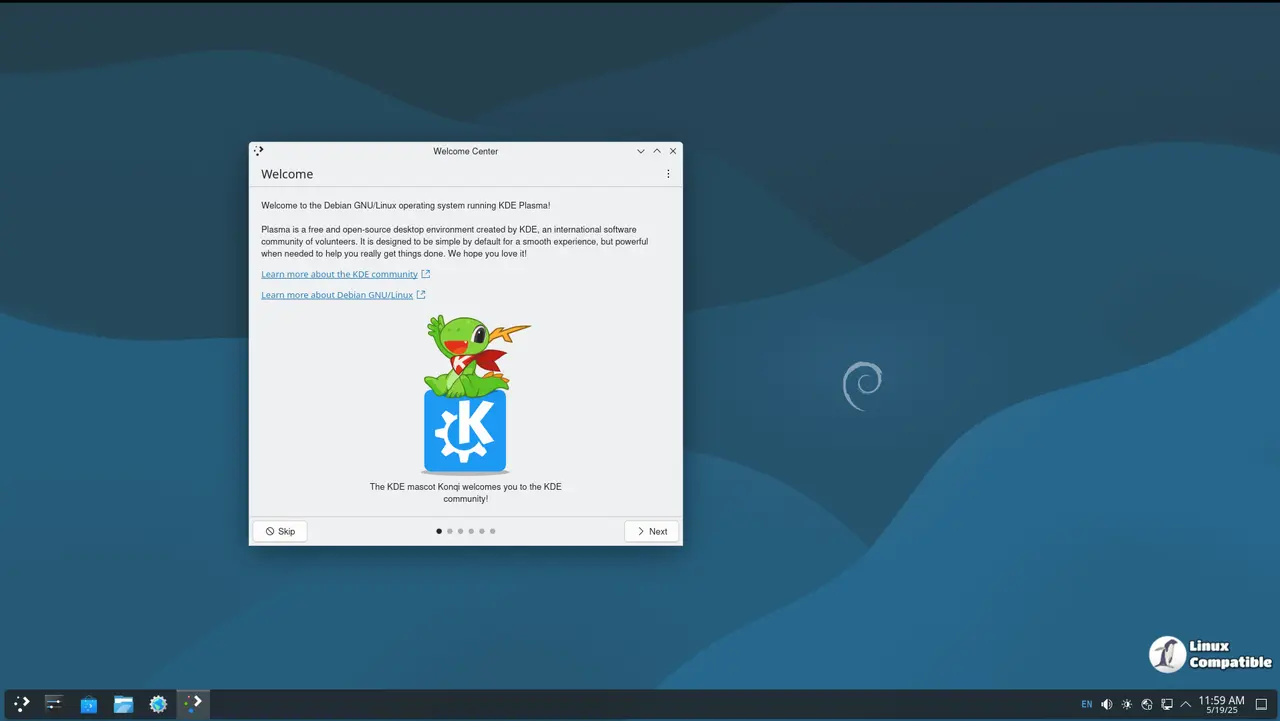
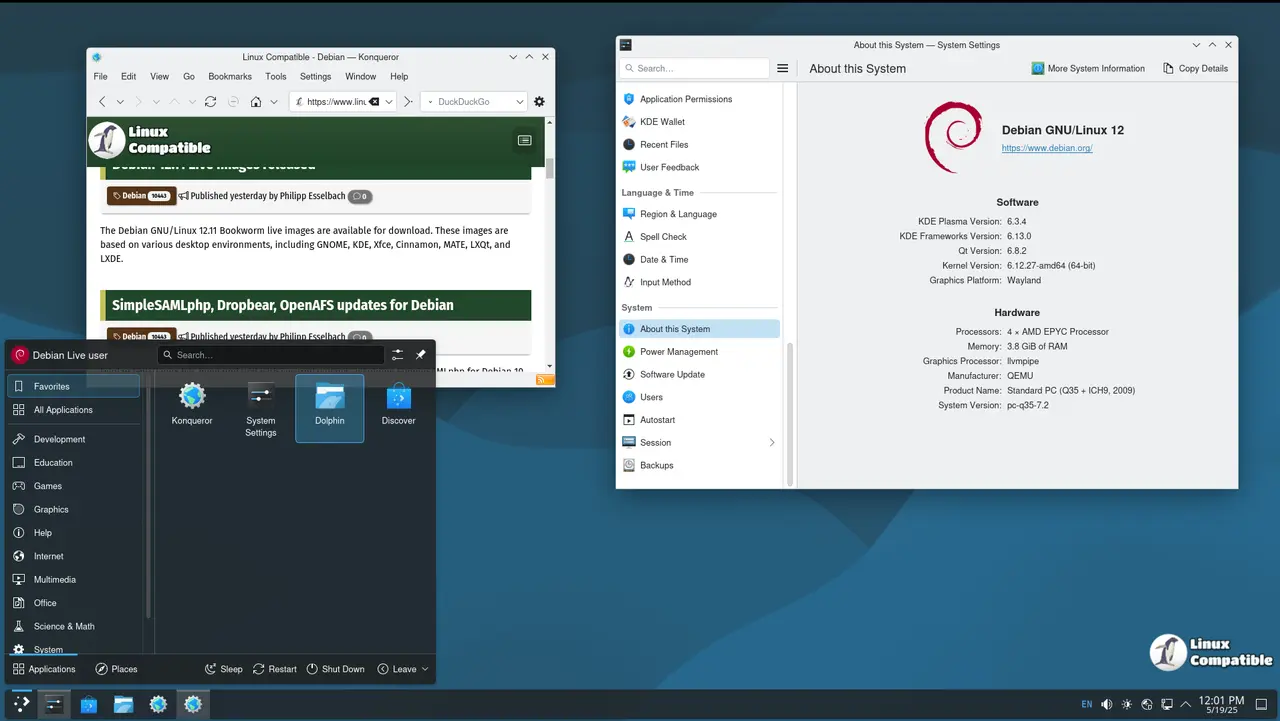
Download Debian 13.1.0 Trixie KDE
Debian 13.1.0 Trixie Xfce
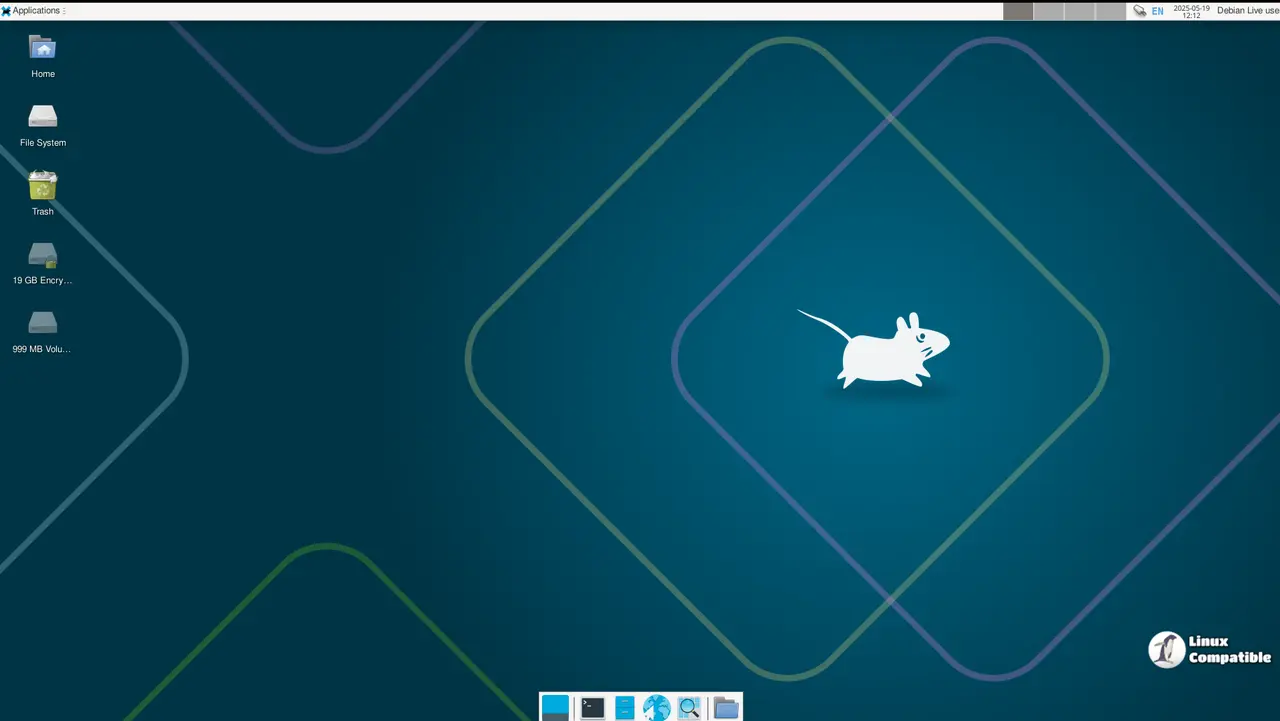
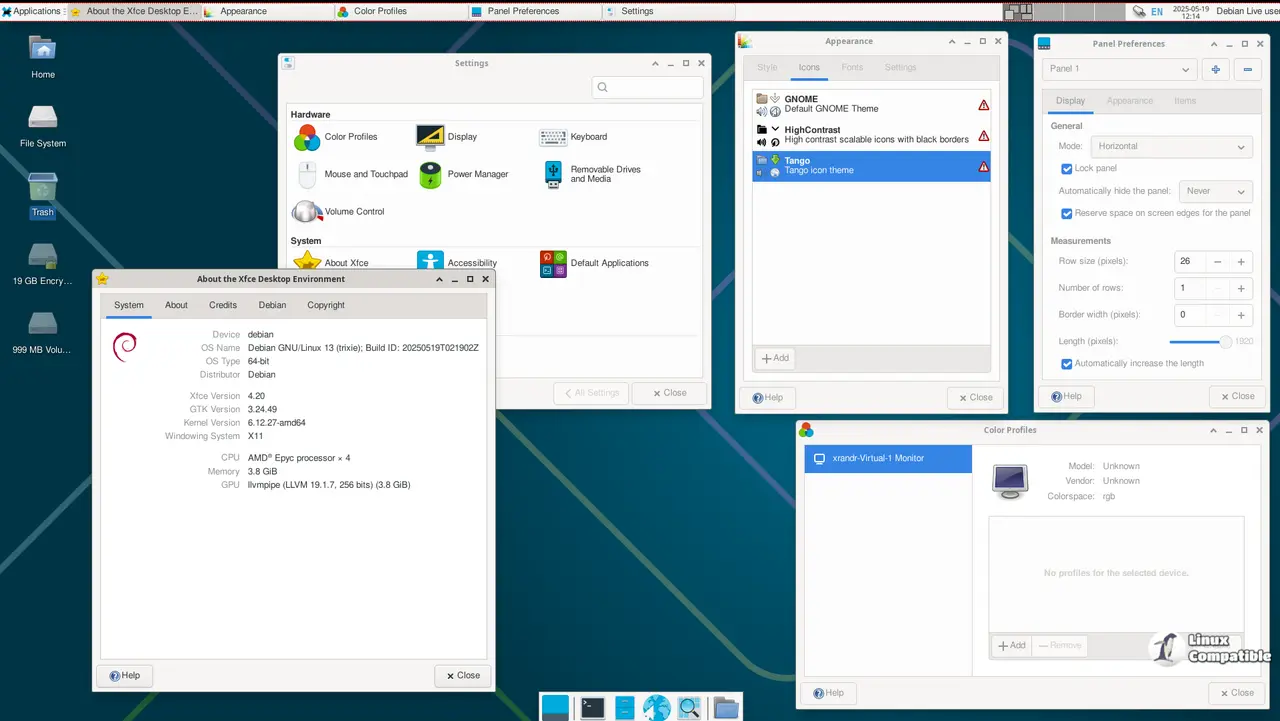
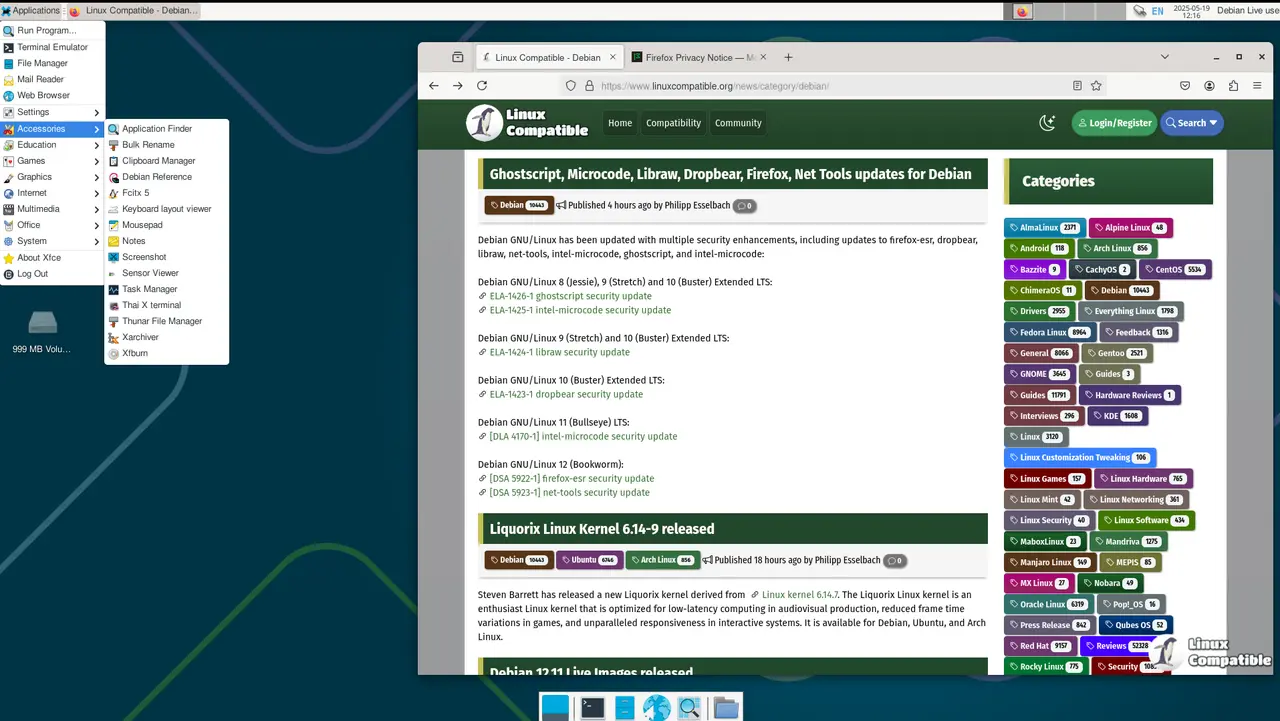
The Debian 13.1.0 Trixie Xfce image is based on the latest Xfce 4.20 release, a lightweight and highly customizable desktop environment designed for efficient use of system resources. This version of Xfce includes numerous enhancements and new features that further improve its capabilities.
Some of the key highlights of Xfce 4.20 include:
- Improved performance: Xfce 4.20 has been optimized to provide better performance and responsiveness, making it an ideal choice for older systems or those with limited resources.
- Enhanced panel customization: The Xfce Panel has been updated with new features, including improved support for panel layouts, a revised panel settings dialog, and enhanced handling of panel items.
- Better integration with other applications: Xfce 4.20 includes improved support for other applications, such as the Thunar file manager and the Leafpad text editor.
Xfce is designed to be highly customizable, allowing users to tailor their desktop environment to suit their specific needs. With the latest Xfce 4.20 release, this Live Image provides an ideal platform for exploring and testing the capabilities of this powerful Linux distribution.
Download Debian 13.1.0 Trixie Xfce
Debian 13.1.0 Trixie Cinnamon
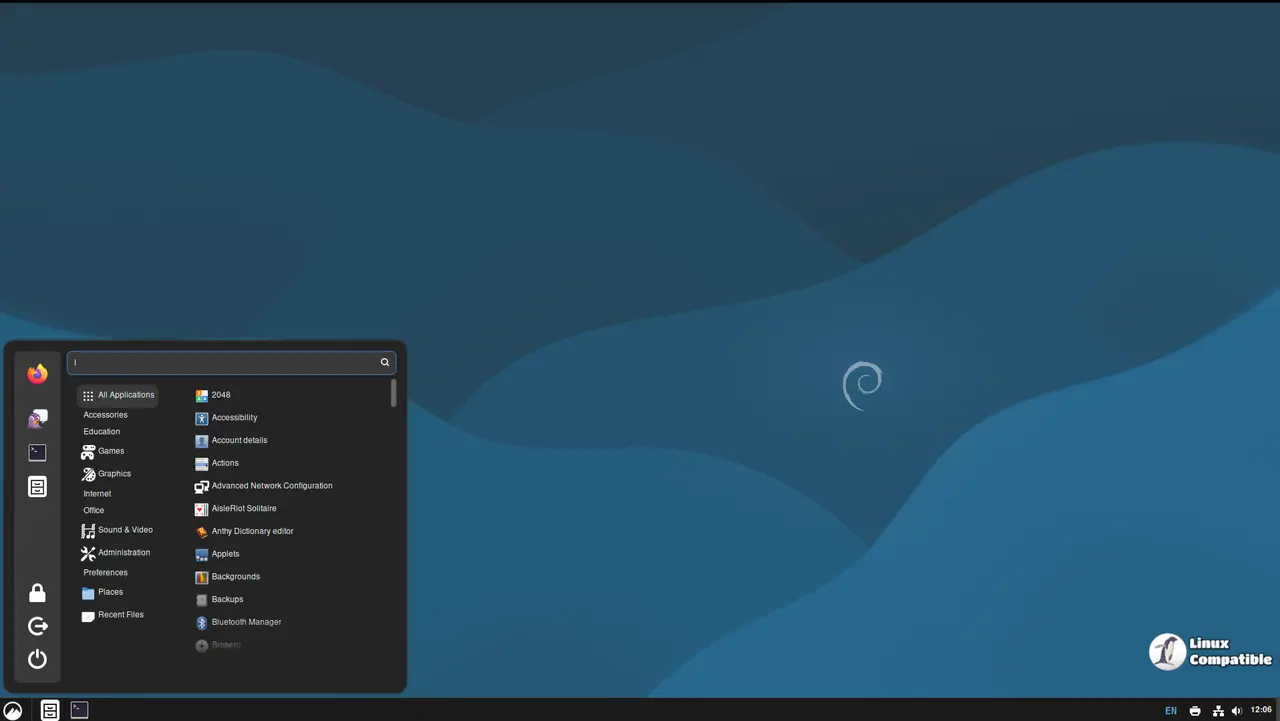
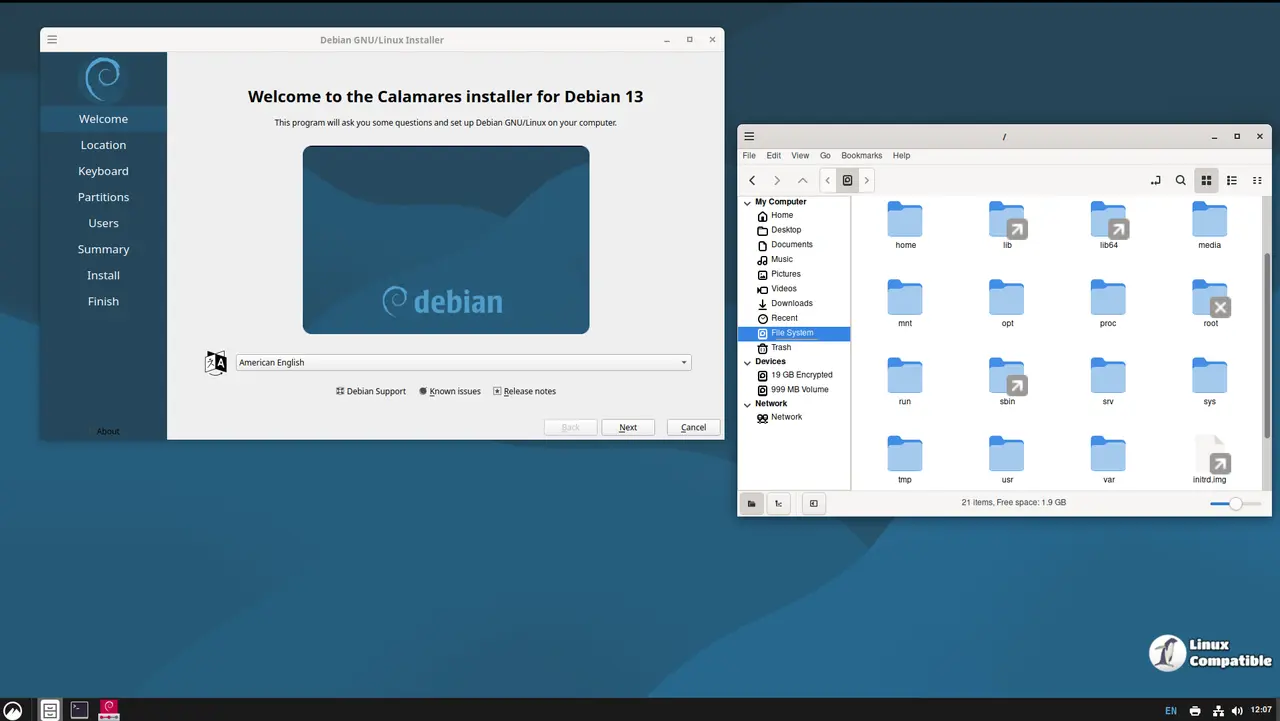
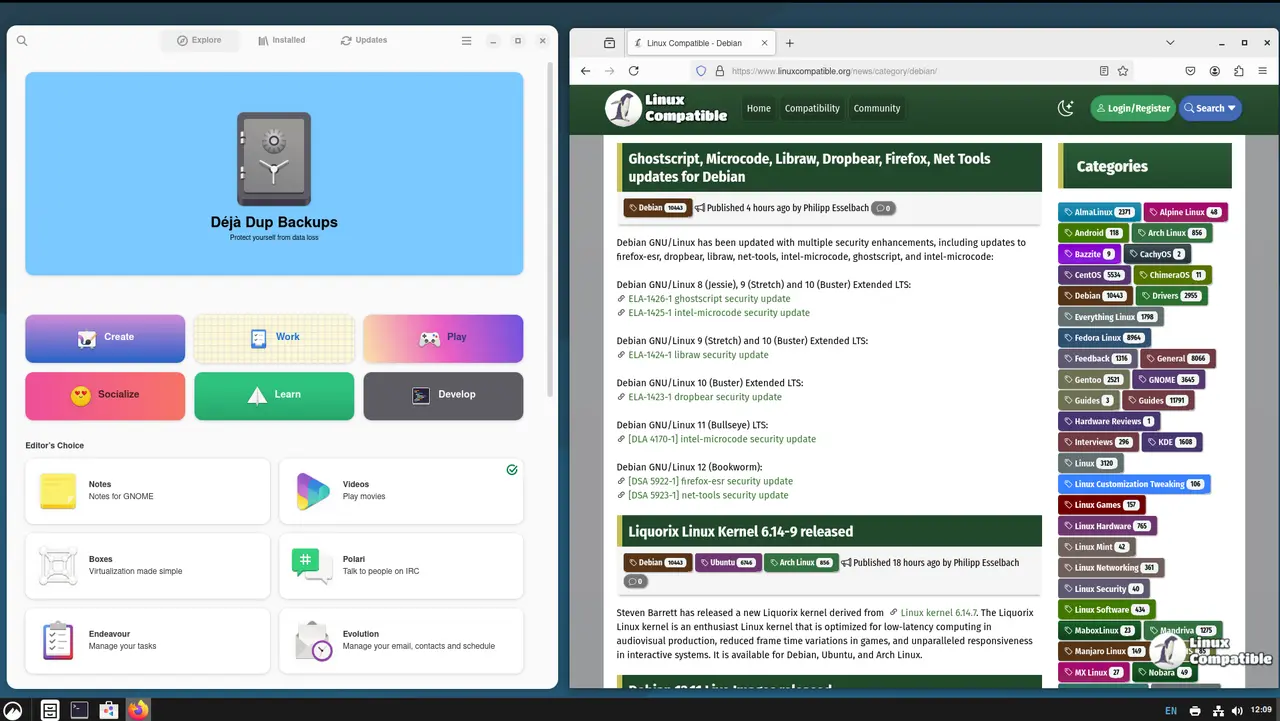
The Debian 13.1.0 Trixie Cinnamon image is based on Cinnamon 6.4.10, a highly customizable and feature-rich desktop environment designed for those who want a modern and user-friendly interface without sacrificing the power of Linux.
Cinnamon 6.4.10 includes numerous enhancements and new features that further improve its capabilities. Some of the key highlights include:
- Improved performance: Cinnamon 6.4.10 has been optimized to provide better performance and responsiveness, making it an ideal choice for systems with limited resources.
- Enhanced panel customization: The Cinnamon Panel has been updated with new features, including improved support for panel layouts, a revised panel settings dialog, and enhanced handling of panel items.
- Better integration with other applications: Cinnamon 6.4.10 includes improved support for other applications, such as the Nemo file manager and the Caja file manager.
Cinnamon is designed to provide a modern and user-friendly interface while still allowing users to customize their desktop environment to suit their specific needs. With the latest Cinnamon 6.4.10 release, this Live Image provides an ideal platform for exploring and testing the capabilities of this powerful Linux distribution.
Download Debian 13.1.0 Trixie Cinnamon
Debian 13.1.0 Trixie MATE
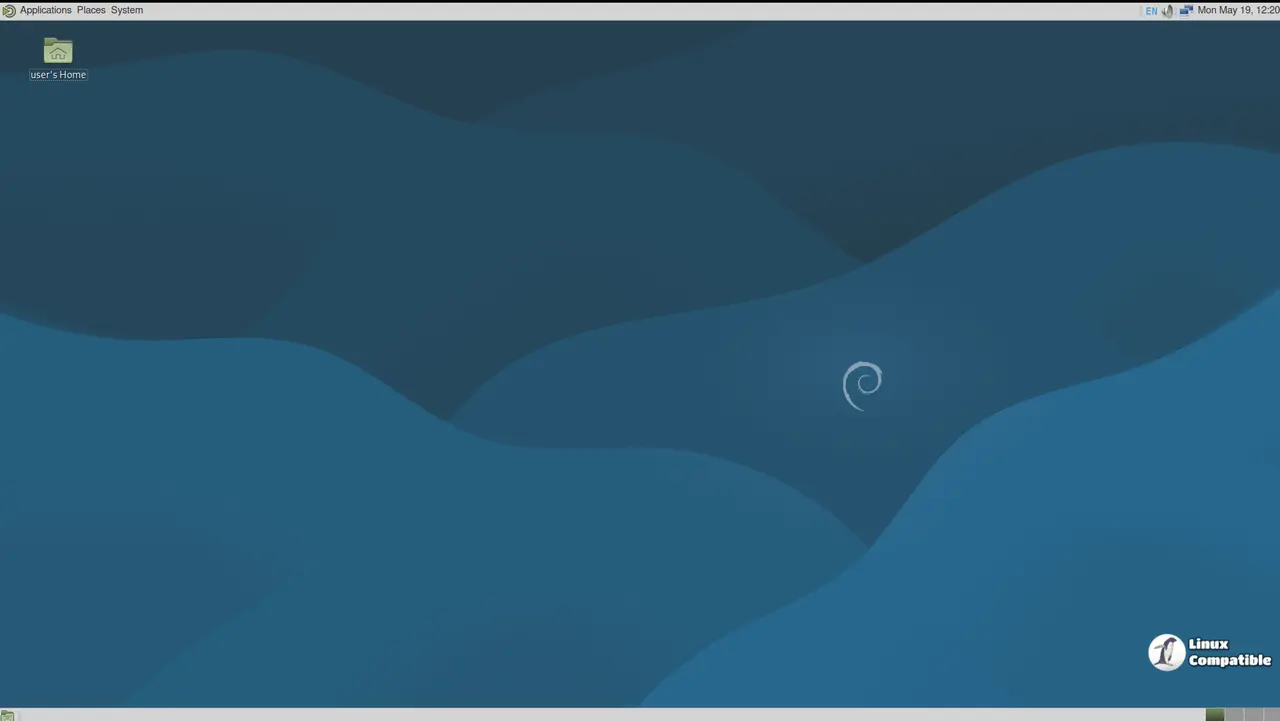
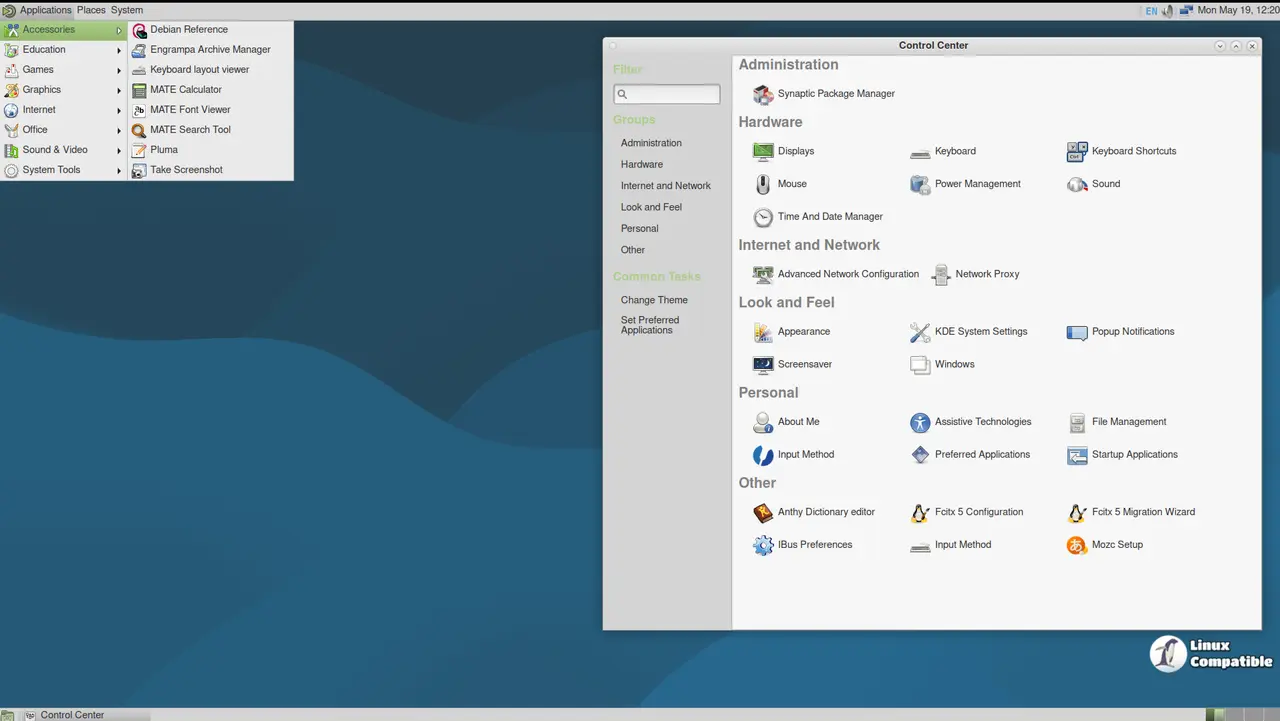
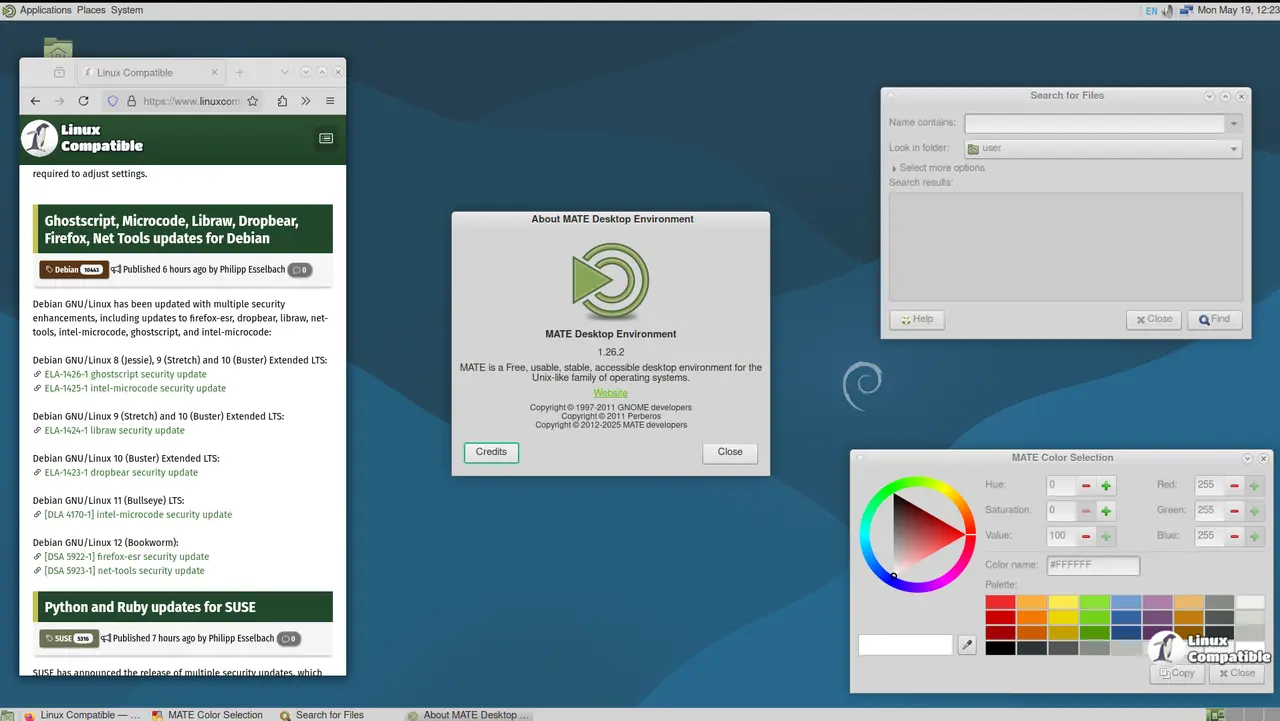
The Debian 13.1.0 Trixie MATE image is based on MATE 1.26, providing a highly customizable and feature-rich desktop experience. This image combines the stability and security of Debian 13.1.0 "Trixie" with the features of MATE, making it an ideal platform for exploring and testing the capabilities of this powerful Linux distribution.
Some of the key features of the MATE desktop environment include:
- Caja File Manager: A highly customizable file manager that provides a range of features, including support for bookmarks, tags, and metadata.
- Pluma Text Editor: A lightweight and feature-rich text editor with support for syntax highlighting, plugins, and more.
- Maratis Web Browser: A lightweight web browser that provides fast and secure browsing capabilities.
- Gedit Text Editor: A versatile text editor with support for syntax highlighting, plugins, and more.
These desktop applications are designed to provide a highly customizable and feature-rich experience, allowing users to tailor their desktop environment to suit their specific needs and preferences. The Debian 13.1.0 Trixie MATE image also includes a range of additional tools and features, such as:
- MATE Tweak Tool: A utility that provides advanced customization options for the MATE desktop environment.
- MATE Panel Editor: A tool that allows users to customize the appearance and behavior of the MATE panel.
Download Debian 13.1.0 Trixie MATE
Debian 13.1.0 Trixie LXQt
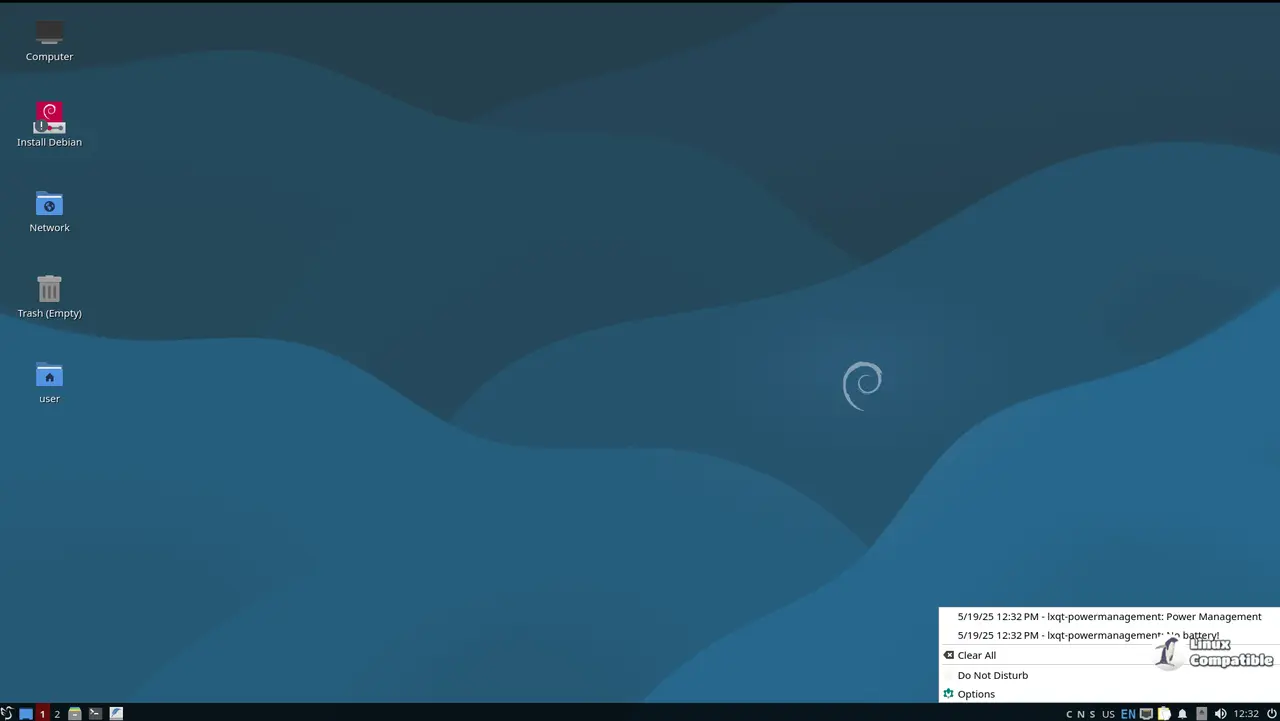
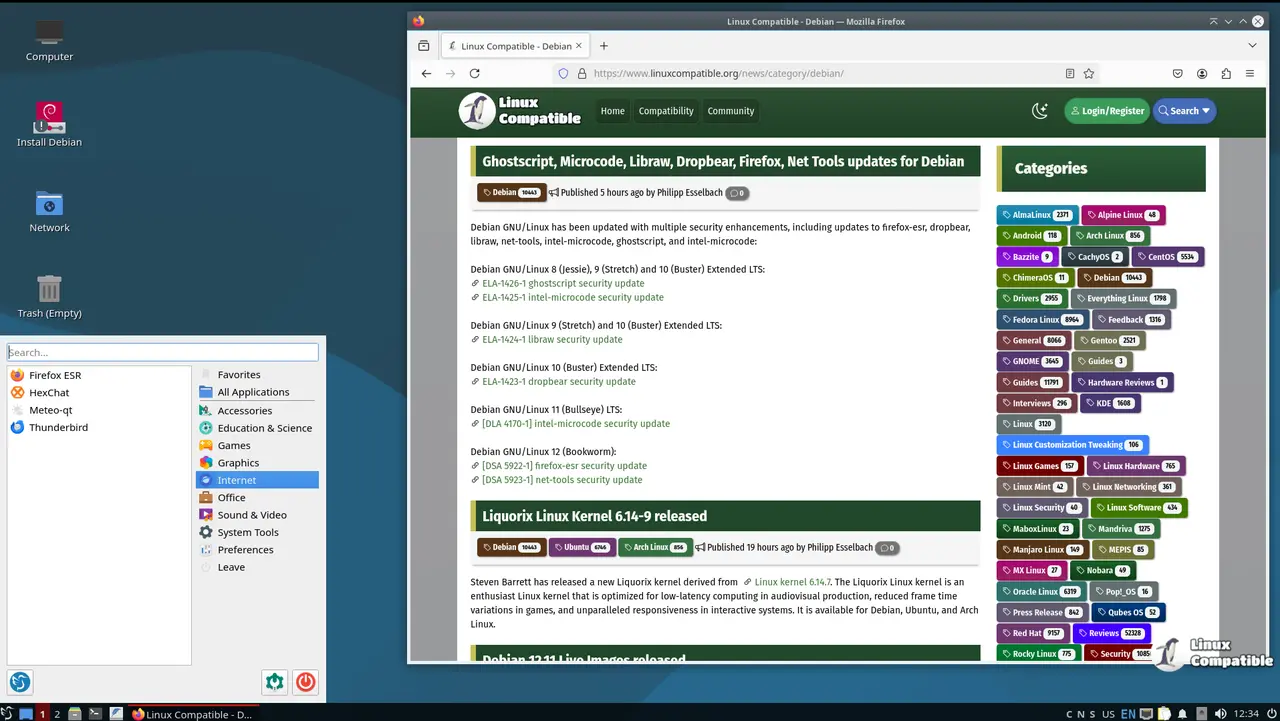
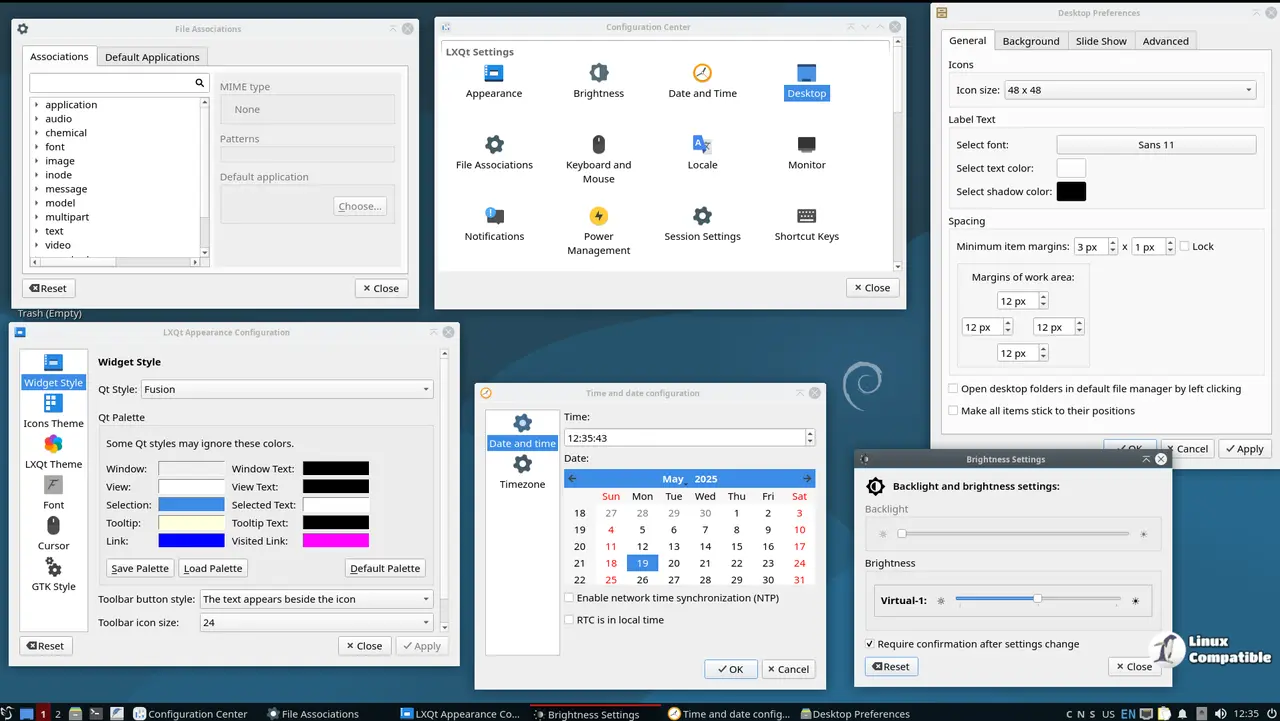
The Debian 13.1.0 Trixie LXQt image is based on the latest version of the LXQt desktop environment, providing a highly customizable and lightweight desktop experience. This image combines the stability and security of Debian 13.1.0 "Trixie" with the features of LXQt, making it an ideal platform for exploring and testing the capabilities of this powerful Linux distribution.
Some of the key features of the LXQt desktop environment include:
- LXQt Panel: A highly customizable panel that provides a range of features, including support for widgets, applets, and more.
- LXAppearance: A utility that allows users to customize the appearance of their desktop environment, including themes, icons, and more.
- QTerminal: A lightweight terminal emulator that provides fast and secure command-line access.
These desktop applications are designed to provide a highly customizable and lightweight experience, allowing users to tailor their desktop environment to suit their specific needs and preferences. The Debian 13.1.0 Trixie LXQt image also includes a range of additional tools and features, such as:
- LXSession: A utility that allows users to manage their sessions, including creating and managing different user profiles.
- LXQt Settings: A utility that provides advanced customization options for the LXQt desktop environment.
- Debian Package Manager: A powerful package manager that allows users to easily install, update, and remove packages.
Download Debian 13.1.0 Trixie LXQt
Debian 13.1.0 Trixie LXDE
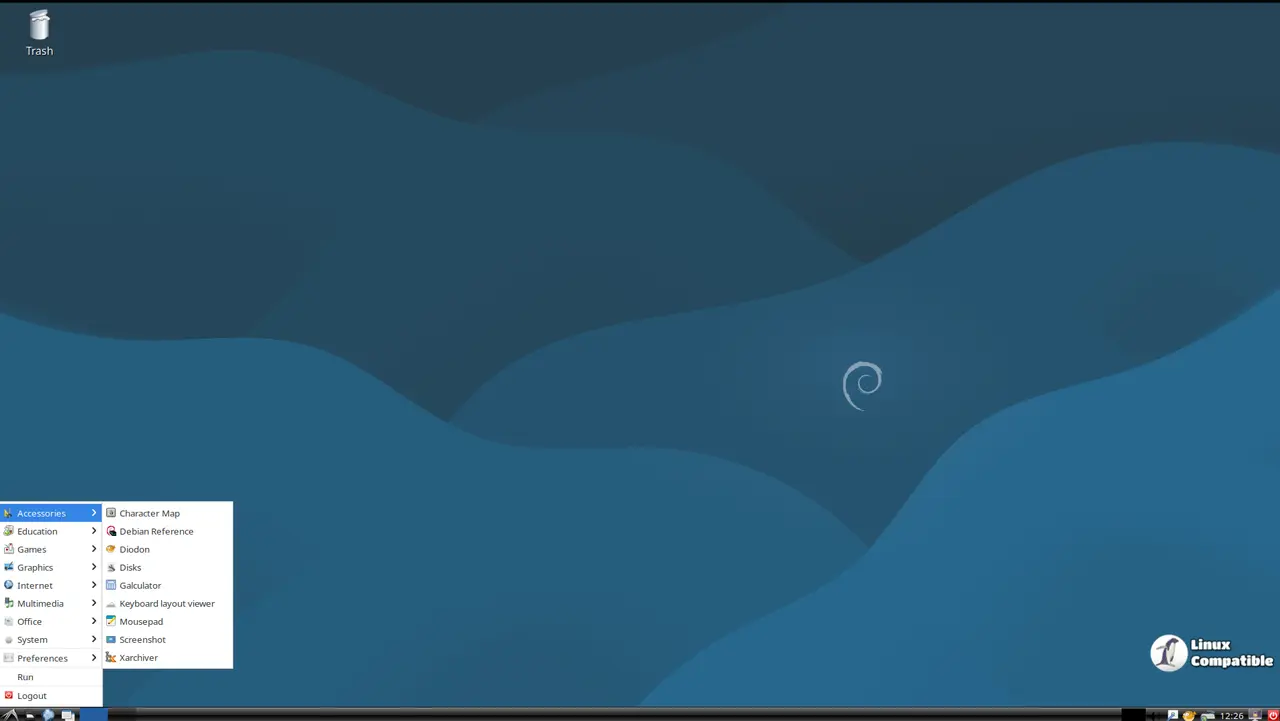
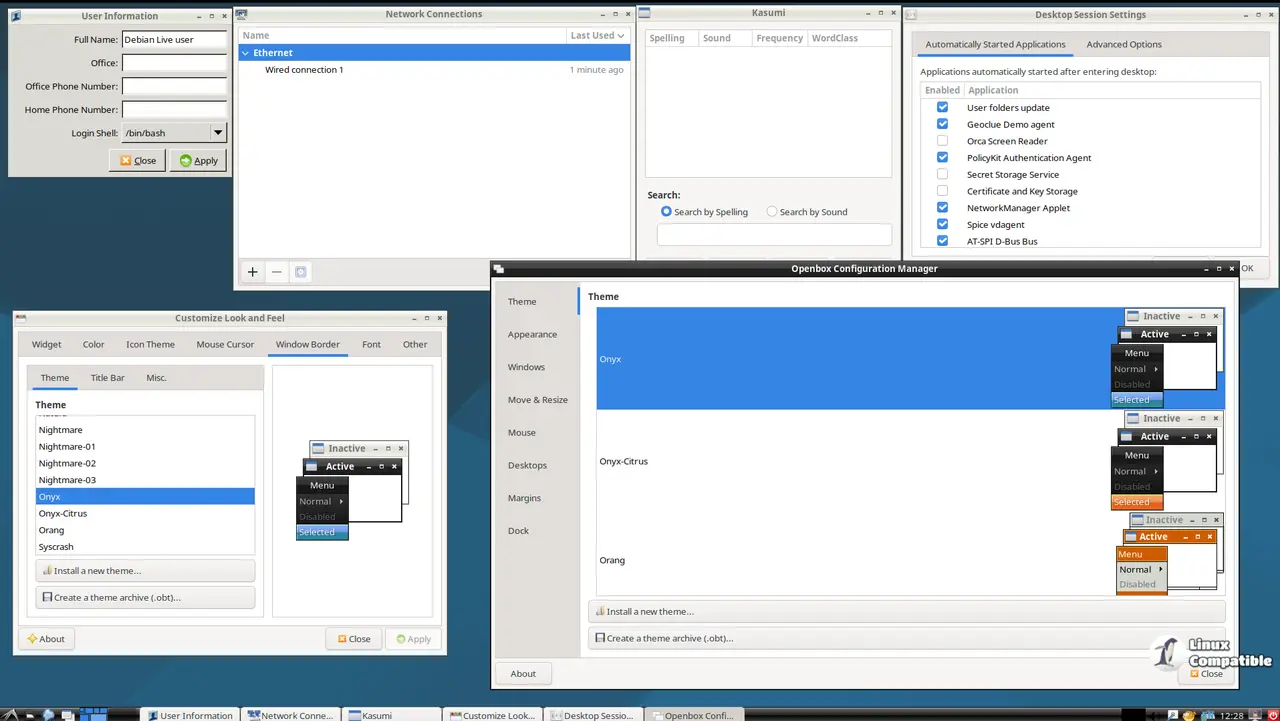
The Debian 13.1.0 Trixie LXDE image is based on LXDE 0.99.3, providing a highly customizable and lightweight desktop experience. This image combines the stability and security of Debian 13.1.0 "Trixie" with the features of LXDE, making it an ideal platform for exploring and testing the capabilities of this powerful Linux distribution.
Some of the key features of the LXDE desktop environment include:
- Openbox Window Manager: A highly customizable window manager that provides a range of features, including support for themes, plugins, and more.
- LXAppearance: A utility that allows users to customize the appearance of their desktop environment, including themes, icons, and more.
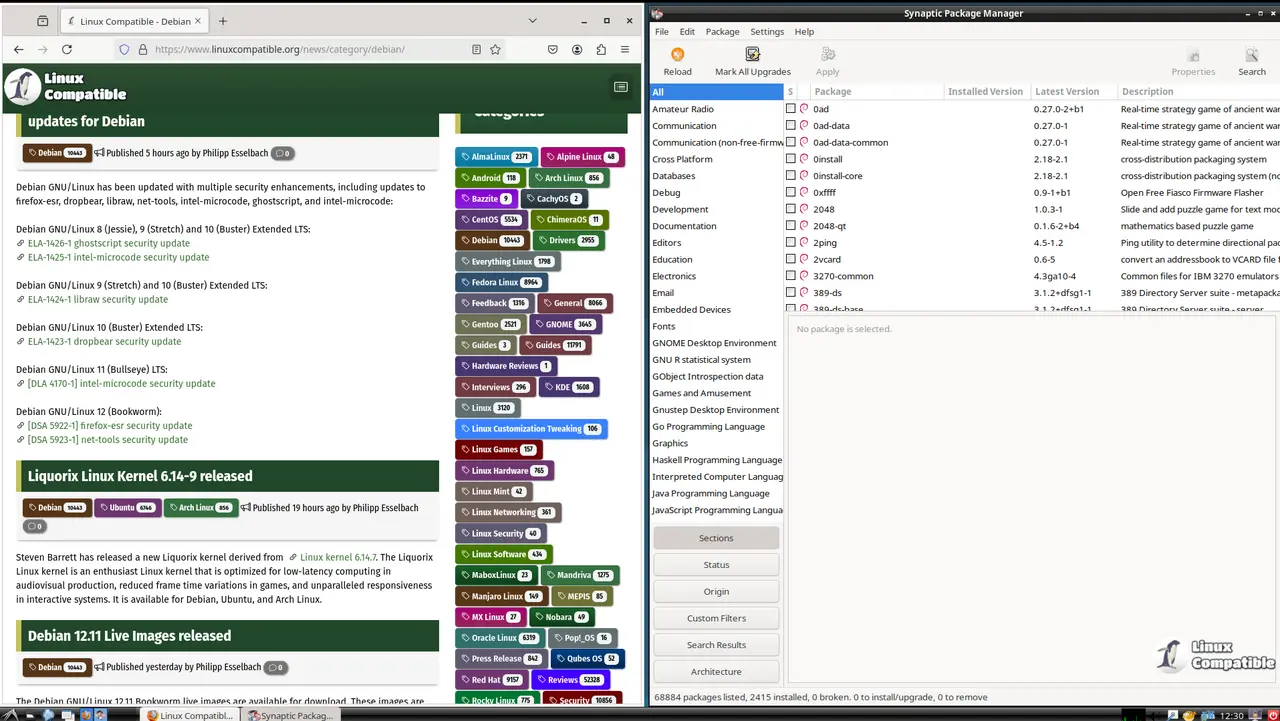
- PCManFM File Manager: A lightweight file manager that provides fast and secure access to files and directories.
These desktop applications are designed to provide a highly customizable and lightweight experience, allowing users to tailor their desktop environment to suit their specific needs and preferences.