Darktable 5.3 Nightly Build 20251207 released
Darktable just released another nightly 5.3 developer build for the upcoming Darktable 5.4 release. It represents the latest stage in ongoing development, so you can try out new features earlier than usual without waiting for the final official release.
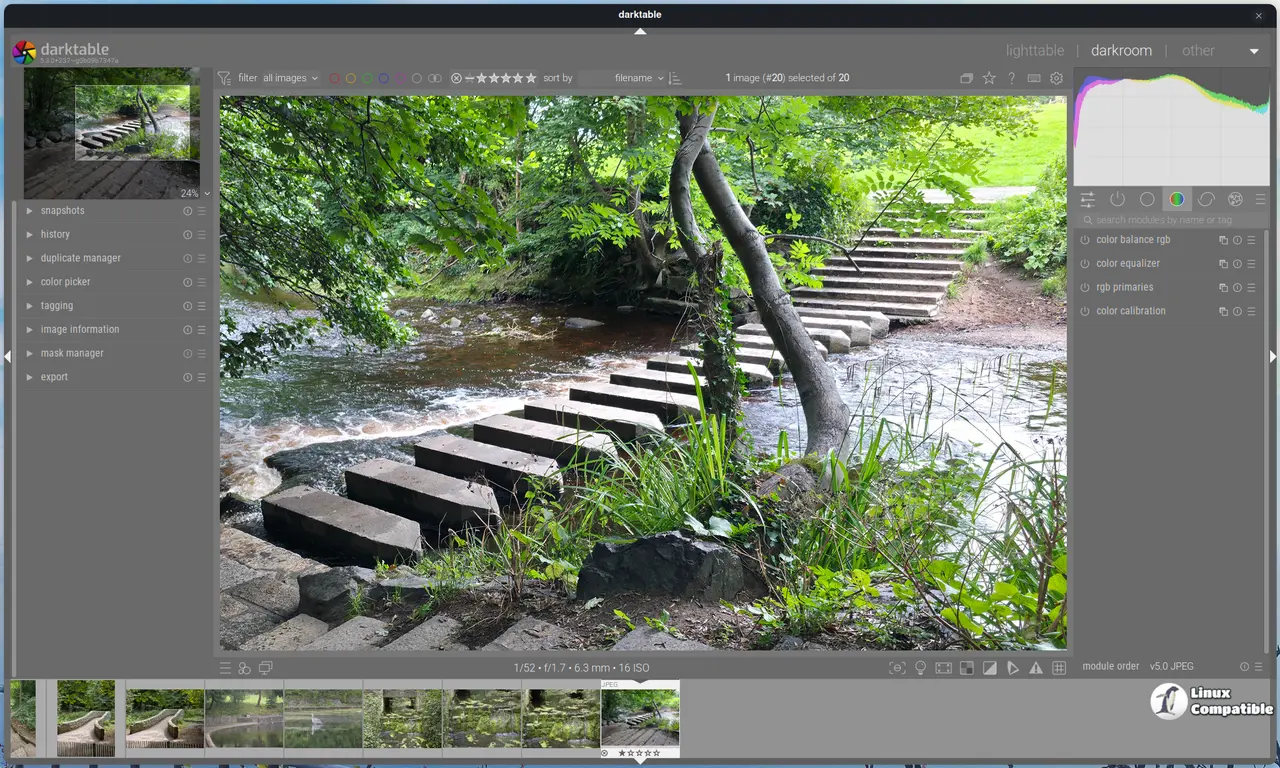
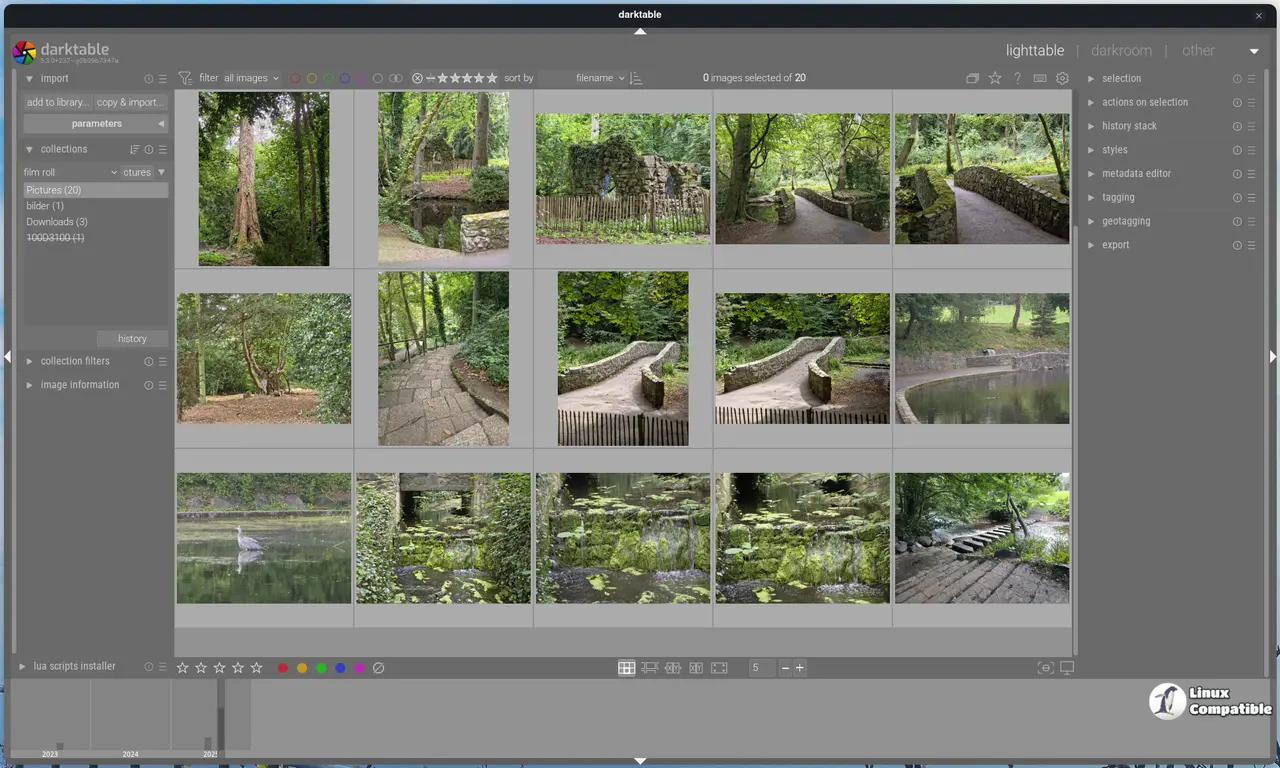
There are benefits to using these builds, like getting your hands on fixes for persistent bugs that might be hard to replicate elsewhere. However, it's also important to know there's a trade-off: introducing complex or untested code can occasionally impact the application’s stability more than in stable versions. Because of this potential risk, be careful when you use development builds.
If you install Darktable via AppImage, users with compatible system libraries will find these distributions work fine alongside the Nightly Build 20251207. Specifically, systems needing glibc version 2.35 or higher should be compatible. This includes Ubuntu 22.04 and newer versions.
Smoother Workflow, Sharper Images
One photographer-relevant improvement is a new Capture Sharpening module within the demosaic section. If your camera's anti-aliasing filter or diffraction limits sharpness, this feature helps recover some of those lost details directly from the capture process in darktable. It offers a practical way to potentially lift detail extraction out of the purely post-processing stage.
There are also significant upgrades in how Darktable handles tonality. A new tone mapper draws inspiration from Blender's AgX display transform and comes packed with extensive controls. You can now set exposure white points and black points specifically, and there's more flexibility around contrast, adjustable via an 18% mid-gray pivot point, plus the ability to independently tweak it in shadows or highlights.
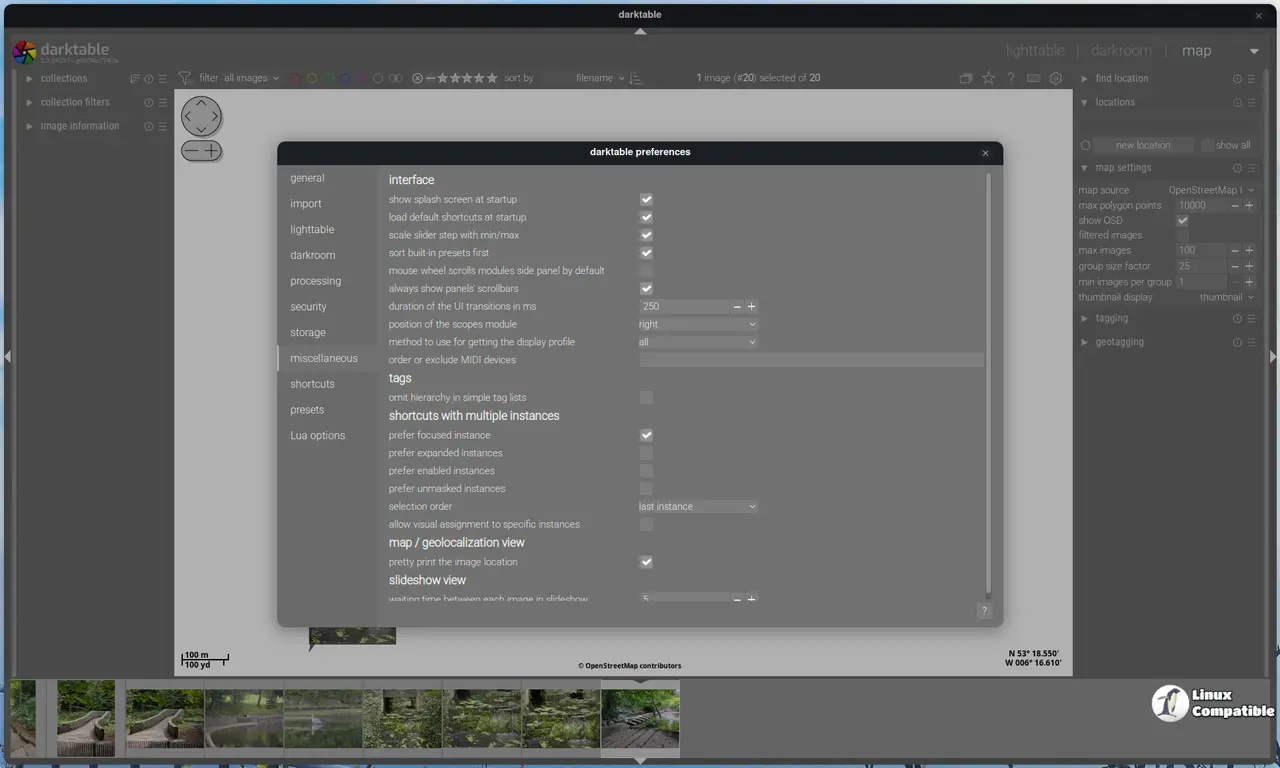
Organization gets a boost too: support for multiple workspaces is enabled right from preferences. On startup, you'll see a dialog letting you choose your default setup or build new ones on the fly. Each workspace maintains its own database and configuration files, perfect for keeping different projects separate without cluttering up your main darkroom.
And crucially, thanks to Wayland support updates, the UI feels more responsive across modern operating systems, especially regarding how it handles color profiles.
Beyond these core changes, smaller tweaks enhance everyday usability:
- When switching views, a busy cursor will appear, providing quick visual feedback.
- macOS users appreciate that a "Window" menu is now integrated into the system's application bar.
- Mask exposure and contrast compensation controls have moved neatly to an 'advanced' tab within their respective modules, keeping things tidy for common use cases.
Performance-wise, several areas saw improvements. The Lut3D module handles its calculations faster, potentially up to 20% quicker! You can now select only feather points on blend masks using the Shift modifier for greater precision. Tiling mode enhancements for raw demosaicing (dual demosaic) help manage OpenCL performance and reduce CPU load.
Even export tasks received a tune-up: sidecar files are protected from corruption during large imports, and fixes ensure scaling changes don't interfere with ongoing exports or update image timestamps correctly after applying adjustments.
Over on the Lua scripting front, API version 9.6.0 unlocks new possibilities:
- Events can be checked using dt.query_event().
- Collection change events trigger notifications.
- Access to darktable's internal data and shared directories is now available via specific configuration variables through the Lua interface.
Please keep in mind the long list of bug fixes, which tackle everything from crashes related to presets or raw file handling to issues with UI elements like module pickers, ensuring a smoother ride overall for users. Many of these patches significantly improve functionality under the hood while also refining user-facing features on platforms like Wayland and macOS (though some adjustments might affect workflow).
Release Notes
Notably, this version drops support for Intel-based Macs and older macOS versions (prior to 14.0). It's also worth noting that AVIF, EXR, JPEG XL, and XCF exports currently lack fine-grained metadata customization options; only selections made in the export module using checkboxes are applied.
Compatibility updates include:
- The software is now able to handle OM System ORF files from cameras that capture high-resolution 14-bit raw data.
- Various camera RAW profiles have been added for improved support out of the box.
For more information and download links, visit the GitHub page below:
Release Darktable nightly build 20251207
This is a nightly build of Darktable. You can use this if you want to try new features without waiting for releases.
Release Darktable nightly build 20251207 · darktable-org/darktable