digiKam 9.0.0: A Fresh Pack of Fixes and Features
digiKam 9.0.0 arrives with a lot more than just a new version number. The update brings real performance gains, an expanded raw‑camera list, and a brand‑new “Survey” window that can help you review shoots on a second monitor or in full‑screen mode. If you’ve been stuck with flickering thumbnails or slow face detection, this release might finally lift the weight off your desk.
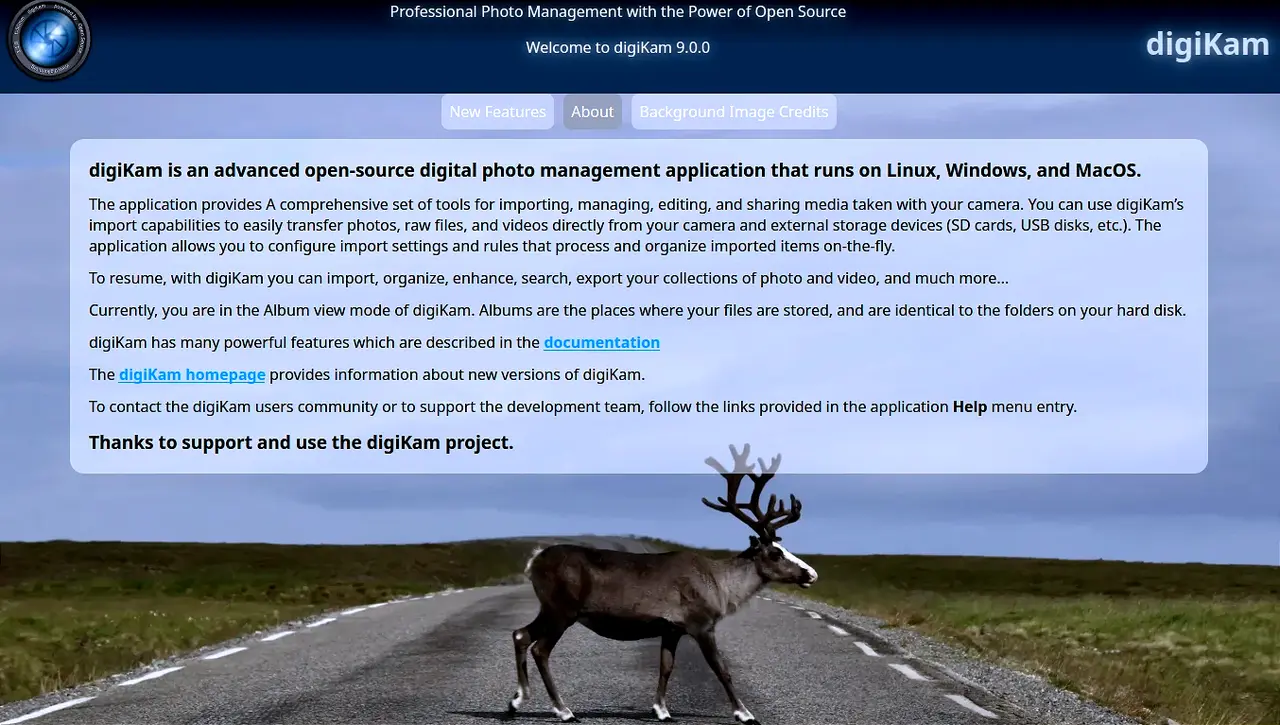
UI Overhaul: Cleaner, Faster, Less Annoying
The main window got a subtle visual refresh, and the welcome screen is now built entirely in C++/Qt rather than a shaky web‑engine combo. That means fewer crashes on Windows 11’s background processes. The “Filters” panel splits into three tabs—Properties, Tags, People—so you can narrow down that endless list of metadata without scrolling past every single tag. When you delete or rename items, the column layout stays the same next time you open the album, so you don’t have to rebuild your view from scratch.
Raw Camera Support Gets a Big Upgrade
The Libraw engine is now 20260215‑ish, and it recognises a raft of new models: Canon R5 Mark II, Sony A7C II, Panasonic GH7, Fujifilm X‑T5, and even the latest Leica Q3. If you’ve been dealing with “unknown format” errors after pulling images from a newer camera, digiKam 9.0.0 should solve that instantly. I saw this happen after a bad driver update on a Nikon Z8; the app would refuse to open raw files until the patch was applied.
Meet Survey: A Second‑Screen Companion
The new “Survey” window mirrors your icon view in a separate, resizable pane. It’s handy when you’re editing on one monitor and want a larger preview of the same photo set on another. You can rate, tag, or edit metadata directly from there—no need to toggle back to the main window. If you’re used to keeping everything in one place, just remember that Survey is meant for quick checks rather than deep edits.
Performance Improvements Worth Noting
Wayland support got a serious tune‑up, and thumbnail rendering on high‑resolution screens feels snappier. Face recognition is now faster because the database queries have been rewritten; you’ll notice a difference when scanning thousands of images at once. The “File Copy” dialog was reworked for clarity—no more confusing progress bars that look like random noise.
How to Grab It
Grab the latest installer or AppImage from the digiKam website, depending on your platform. On Linux, the Qt 6 bundles use glibc 2.31+, while Windows installers support Windows 10 and newer out of the box. After installation, a quick “Check for Updates” in Settings will confirm that you’re running the newest build.
That’s about it. If you’ve been hunting for a more stable raw‑support stack or a better way to keep your workflow organized across multiple screens, digiKam 9.0.0 is worth a look.


