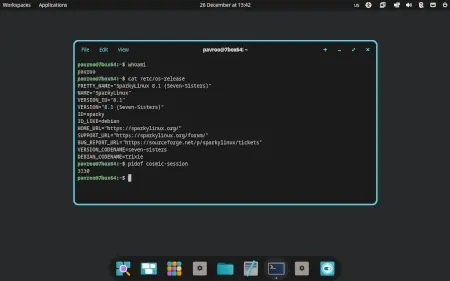
COSMIC Desktop available in SparkyLinux
Cosmic has arrived in SparkyLinux. It offers a high-performance, efficient, and customizable desktop experience.
Designed with versatility as its key strength, Cosmic prioritizes user experience while being mindful of system resources. The environment defaults to a Wayland session for improved performance and efficiency over older systems like X11.
Be aware that Sparky's meta package bundles xwayland by default; this configuration might not be ideal for everyone right away but is an option for testing compatibility if needed. The development team has provided specific packages through the 'dev' repositories to help with a smoother transition.
While you can try Cosmic now, it's advisable to approach it cautiously on important machines until you establish more widespread use and confidence in its stability. Consider trying it out on Sparky 8 or (9) first, especially as an AMD64 system, just to see how you feel about the new interface before making a full switch.
To install it, updating your package lists with 'sudo apt update' is probably already on your radar if you're doing these tasks anyway. Then run 'sudo apt install sparky-desktop-cosmic.' A reboot will be required afterward, and selecting Cosmic from your login or session manager should get the experience rolling.
COSMIC
There is a new desktop available for Sparkers: COSMIC What is COSMIC? COSMIC desktop is available via Sparky ‘dev’ repositories so the repo has to be enabled to install COSMIC desktop on the top of…