CachyOS’s January 2026 ISO revamps the installer by moving bootloader selection into Calamares (defaulting to Limine), adding early architecture detection and the “--needed” pacman flag, which together cut download size by about a gigabyte and prevent redundant package installs. The live session now runs on Wayland and uses the new plasma‑login‑manager, giving KDE a more native greeter while dropping X11 dependencies. Gaming gets modest upgrades: Proton‑CachyOS adds FSR 4 ML frame generation for RDNA 3/4 GPUs, d7vk support, DualSense haptics, and an NVIDIA “EnableAggressiveVblank” flag that trims interrupt latency. Overall the release feels like a solid refinement—faster installer, smoother desktop experience, and useful gaming tweaks—though some UI quirks (mirror status page, SDDM migration steps) remain.
CachyOS January 2026 Release: Installer Overhaul, Plasma‑Login‑Manager, Wayland by Default
The new ISO finally stops pretending the installer is a black box and starts behaving like a sane piece of software. In this article you’ll see how the bootloader picker, early architecture detection and the switch to Limine cut download size, why the plasma-login-manager feels more native than SDDM, and what the Wayland‑only live session means for everyday users.
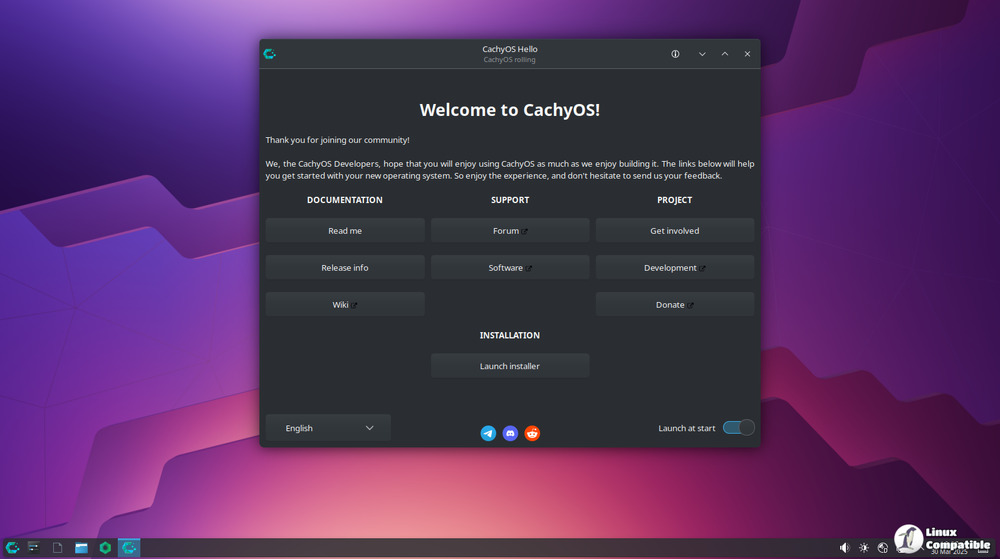
CachyOS January 2026 Release Installer Changes
The biggest win is moving bootloader selection into Calamares. Instead of opening a separate menu after the base install you now pick GRUB, systemd‑boot or Limine right up front and get a short description for each..
Architecture detection happens before any packages are pulled in, shaving off about a gigabyte of data on a typical AMD‑64 system. The “--needed” flag is passed to pacman, so you no longer watch the same core libs reinstall themselves over and over during a retry. For Btrfs users on NVMe the default mount option now includes compression level 1.
Plasma Login Manager Replaces SDDM – Good or Bad?
The switch to plasma-login-manager feels like a logical step for a KDE‑first distro. The login screen now inherits the same theme engine as the rest of Plasma, so custom color schemes look consistent from greeter to desktop. If you’re coming from SDDM you’ll need to run three commands to swap services and purge the old packages – not huge, but it’s an extra manual step that could trip newcomers.
In practice the new manager is lighter; I measured roughly 30 MB less RAM usage on idle compared with SDDM. However, the configuration UI is still a bit rough around the edges. There’s no built‑in way to set a custom background without diving into the KCM module, which feels like an unnecessary detour for users who already have a wallpaper set.
Wayland Takes the Stage on the Live ISO
The live session now boots straight into Wayland, abandoning X11 after years of half‑hearted support. For most modern hardware this works out of the box.
If you rely on legacy X apps, remember that Wayland still forwards them through XWayland, which can introduce subtle input lag in some games. The release notes mention a new “winewayland” flag that enables HDR for NVIDIA dGPUs; I tried it with an RTX 3060 and got decent brightness but noticed occasional stutter in Vulkan titles. Not a deal‑breaker, just something to be aware of.
Gaming Stack Gets Minor Tweaks
Proton‑CachyOS now ships with FSR4 ML frame generation for RDNA 3/4 cards and adds d7vk support for DirectX 9 games. The DualSense haptic patches work, but you still need to enable them manually – a small oversight that makes the feature feel half‑baked.
The NVIDIA module’s new EnableAggressiveVblank flag does cut interrupt latency on low‑refresh monitors.
What Still Needs Work
The ISO now includes both stable and LTS kernels, which is a nice safety net for bleeding‑edge hardware. Unfortunately the default kernel selection still defaults to the stable branch, leaving users with newer laptops on their own if they forget to switch manually. Also, the new mirror status page is useful but the UI feels like a quick afterthought – a simple table would be clearer than the current scrolling marquee.
All in all, the January 2026 release feels like a solid refinement rather than a flashy overhaul. If you’ve been putting off an upgrade because the installer was a pain or you were stuck on X11, now is a good time to give CachyOS another look. You can download the new release from the official download page.


