Budgie 10.10.2 Arrives With LabWC Tweaks and Icon Tasklist Fixes
The latest Budgie desktop update promises smoother Wayland integration, better window matching in the taskbar, and a few usability tweaks that should finally stop those annoying “stubby” menus from haunting your low‑resolution screens.
LabWC Bridge Gets a Clean Sweep
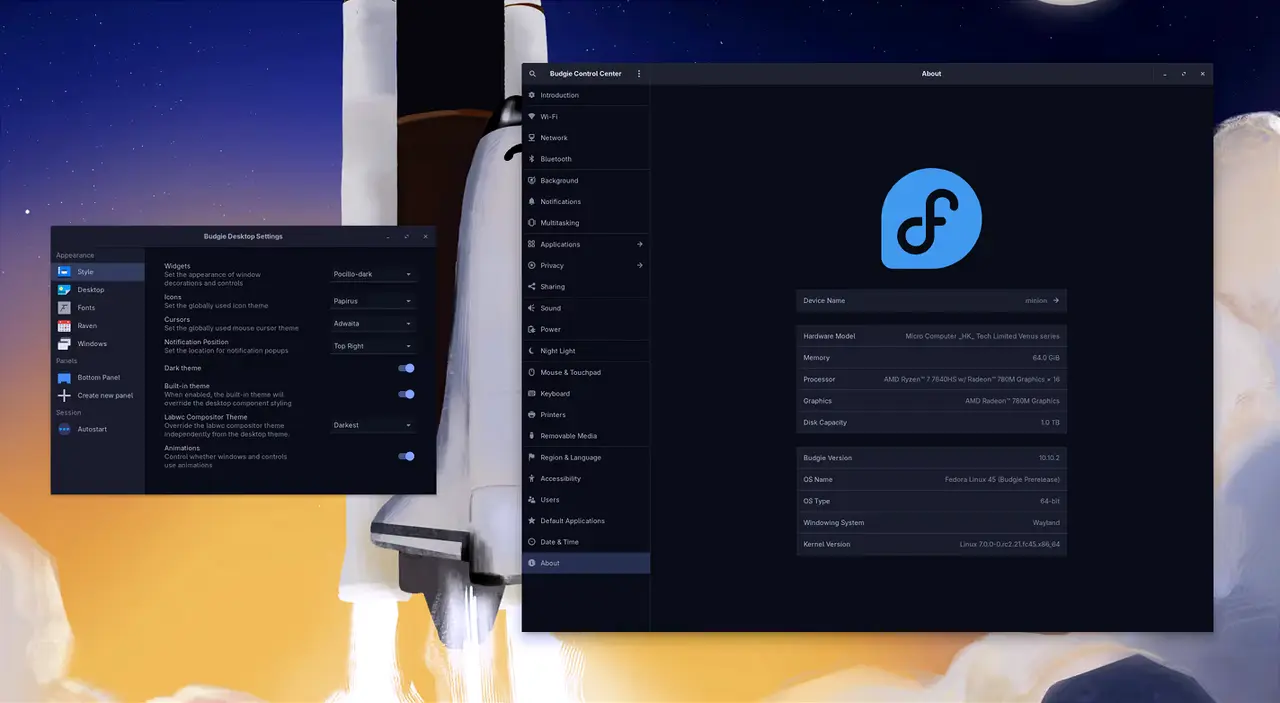
Budgie’s bridge to the labwc compositor has been rewritten so it now pulls keyboard layouts from systemd‑localed instead of overwriting the user’s environment on every login. That means the last time someone tweaked their XKB options, those changes stay in place—no more surprise resets after a reboot. The touchpad sync that used to pull scroll settings only from GNOME is now mirrored into labwc automatically; and for people who prefer left‑handed trackpads, the new setting no longer forces them to flip their mouse as well.
Icon Tasklist Gets an Intelligence Upgrade
The Icon Tasklist’s matching logic has been upgraded with a new ApplicationMatcher class that tries several cues—WMClass, reverse DNS lookups, Java package names and even Snap naming conventions—before falling back on a case‑insensitive search. Users who have long struggled with non‑standard apps like Tilix or Proton Pass finally see those windows correctly grouped and pinned. A separate bug fix now ensures that when the last window of an app closes, the taskbar icon disappears cleanly rather than lingering as a ghost.
Menu Scaling No Longer Stubs Itself Out
The menu sizing logic has been stripped of unnecessary scaling tricks; labwc’s native DPI handling is now trusted entirely. The height of Budgie Menu is calculated to be 35 % of the workarea, but it will never shrink below 480 px or grow beyond 600 px. On a 4K monitor that gives you an extra row of items without making the menu feel like a giant scroll‑bar.
Show Desktop Finally Behaves Like It Should
A fresh DBus interface now tracks exactly which windows were minimized when Super‑D was pressed, so only those get restored when toggling back. The previous glitch that would pop up every manually minimized window has been ironed out, and the keybinding no longer flickers between states.
Screenshot Paths Stick Around
If a user has set a custom directory in budgie‑screenshot, the choice is now remembered for future sessions. No more jumping back to the default Pictures folder after every reboot.
Dialog Focus Gets a Polite Upgrade
Run and Power dialogs now wait until the mouse hovers over them before dismissing on focus loss. That small change stops those windows from vanishing as soon as you click elsewhere—a pain that was especially noticeable with sloppy‑focus mode enabled.
Crystal Dock Plays Nice With Wayland
For users running Crystal Dock under wlroots, a new background support patch covers the 1 px bleed that appeared when autohide was active and an application was maximized. The edge border now snaps cleanly to the screen edge.
Bugs Squashed Across the Board
The release fixes a handful of issues: icon tasklist icons no longer overscale on high‑DPI displays; on‑screen displays reappear over fullscreen apps thanks to an Overlay layer change; Raven’s fade‑in animation is now smooth again. Session handling has been tightened so budgie‑desktop lands in XDG_DATA_DIRS correctly, and a QEMU cursor bug that flipped the pointer upside down has been patched with WLR_NO_HARDWARE_CURSORS.
The new runtime dependency on eglinfo means packagers need to bundle mesa‑utils‑extra or its equivalent; otherwise you’ll run into missing command errors. All in all, Budgie 10.10.2 feels like a tidy patch that finally resolves the quirks many of us have been fighting with for months.
Release Budgie 10.10.2
Budgie 10.10.2 is our second minor release of the Budgie 10.10 series. This release adds further improvements to our labwc bridge, improves application matching in Icon Tasklist, general stability ...