The new Liquorix Kernel 6.18-12 offers improved low-latency power for Debian, Ubuntu, and Arch systems without sacrificing stability. It drops support for BTF module loading to achieve faster boot times on older hardware and lower input latency with a built-in scheduler swap to Kyber or BFQ. Users can install the kernel quickly using an official script that auto-detects their system type, or build their own packages with Docker for a more transparent workflow. The Liquorix kernel features various low-latency improvements such as Zen Interactive Tuning and High-Resolution 1000 Hz Tick, making it ideal for gaming and real-time tasks.
Liquorix Kernel 6.18‑12: Low‑Latency Power for Debian, Ubuntu, and Arch
The new Liquorix build drops the BTF module support but keeps all of its low‑latency goodies, making it a quick switch‑in for anyone who wants snappy UI and gaming without sacrificing stability.
Why BTF Is Disabled
BTF (BPF Type Format) offers powerful kernel introspection capabilities but also adds overhead to module loading and can complicate static analysis. Liquorix chose to disable it for this release because most low‑latency workloads do not benefit from the extra type information, while the reduced module size translates to faster boot times on older hardware.
Quick Install for Most Users
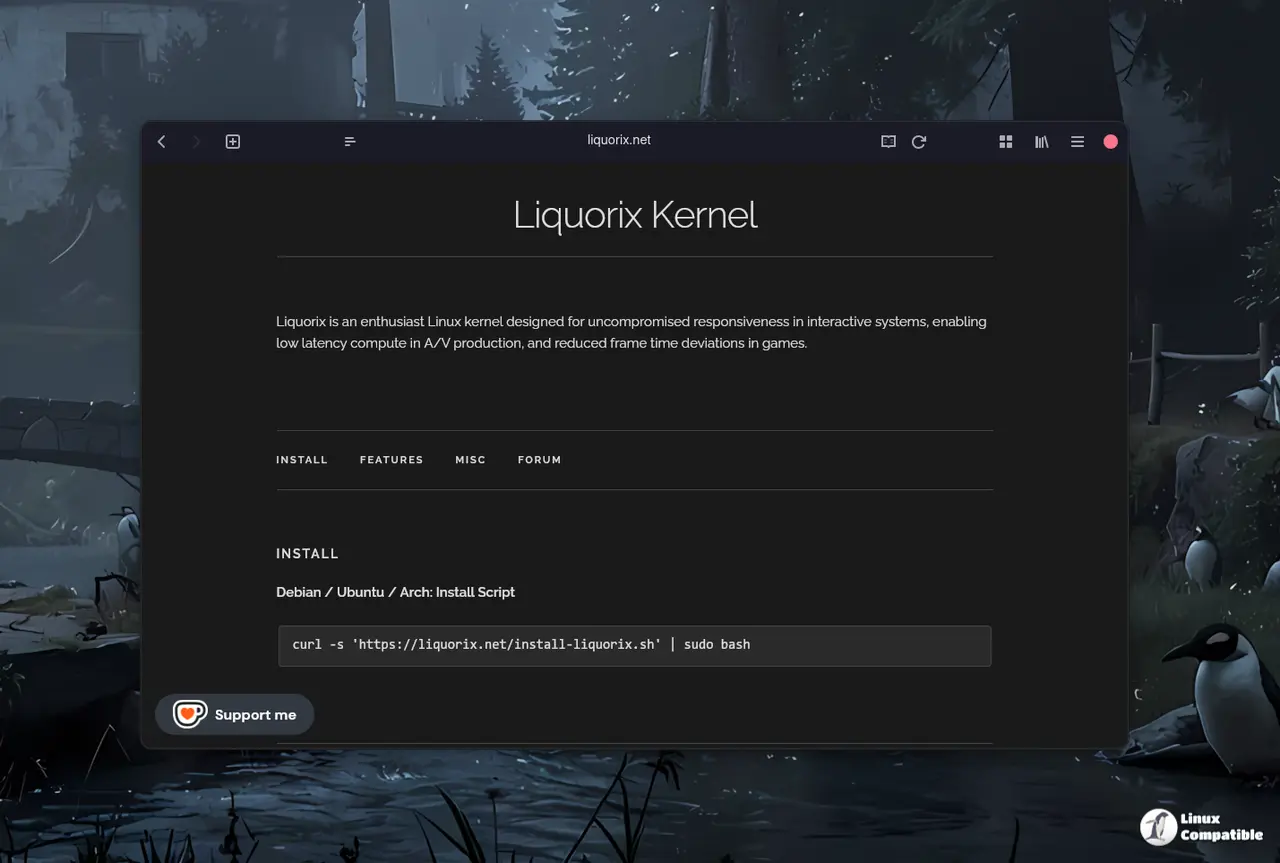
If the goal is a drop‑in replacement without wrestling with Docker, the official install script does all the heavy lifting in one line:
curl -s 'https://liquorix.net/install-Liquorix.sh' | sudo bash
The script auto‑detects Debian or Ubuntu and hands the correct signed package. After a reboot, uname ‑r should reveal something like 6.18‑11‑liq. The key advantage here is that Liquorix swaps the default scheduler for Kyber (multiqueue) or BFQ (single queue), immediately lowering input latency without any manual configuration.
Building Your Own Packages with Docker
For those who prefer a transparent build chain, Docker keeps the environment reproducible across Debian stable, testing, unstable, or Ubuntu. The workflow involves three steps: bootstrap the base images, compile source packages, then create binaries.
Bootstrap the images – This pulls the appropriate debootstrap tarballs and installs all build dependencies inside a clean container. Running it again simply updates layers rather than rebuilding from scratch:
./scripts/debian/docker_bootstrap.sh
Compile the source package – Provide the target distribution and release (e.g., debian bookworm). The script generates a .dsc and .orig.tar.gz, which can be inspected or tweaked later:
./scripts/debian/docker_build-source.sh debian bookworm
Build the binary – Choose the architecture (currently only amd64) and let dpkg-buildpackage finish the job:
./scripts/debian/docker_build-binary.sh amd64 debian bookworm
The resulting .debs land in artifacts/debian/bookworm. Building yourself allows the insertion of a custom GPG key for signing or the removal of signatures entirely for quick local testing.
Handling GPG Signing (Optional)
Liquorix prefers packages signed with a personal key. If one is absent, generate it:
gpg --full-gen-key
Follow the prompts, then list secret keys to locate the long ID:
gpg --list-secret-keys
Add that key as default in ~/.gnupg/gpg.conf:
default‑key YOURKEYID
If signing errors appear or authenticity is not a concern for a local install, add --no-sign to each dpkg-buildpackage invocation. A single search-and-replace on the scripts handles this change.
Feature Highlights Worth Knowing
The Liquorix kernel brings several low‑latency features that feel tangible in real workloads:
- Zen Interactive Tuning – Reduces scheduler timeslice to 2 ms, making UI interactions snappier at the cost of raw throughput.
- Background Hugepage Reclaim – Enabled by default; helps prevent stalls when memory‑intensive apps request large pages.
- PDS/BMQ CPU Scheduler – A fair process scheduler tuned for mixed gaming and multimedia loads.
- High‑Resolution 1000 Hz Tick – Delivers finer granularity for real‑time tasks, useful in DAWs and low‑latency networking.
- TCP BBR2 Congestion Control – Often outperforms Cubic on high‑speed broadband links, though its gains are muted over congested home Wi‑Fi.
What Happens If Things Break
If the new kernel causes a crash after a driver update, the easiest fix is to revert to the previous stable kernel using the grub menu or by reinstalling the earlier package. Liquorix packages are fully compatible with standard kernel selection tools, so rolling back never requires touching configuration files.
Deploy 6.18‑12, test your workflow, and feel the difference when every click feels a bit more immediate—no extra fuss, just pure low‑latency performance.


