Bottles 62.0: Why the New Release Makes Running Windows Apps on Linux Smoother
The latest Bottles build promises fewer hiccups when you fire up a game or an old productivity tool under Wine. This article walks through the most noticeable changes, points out where the update actually helps real‑world use cases, and gives a straight answer on whether it’s worth upgrading.
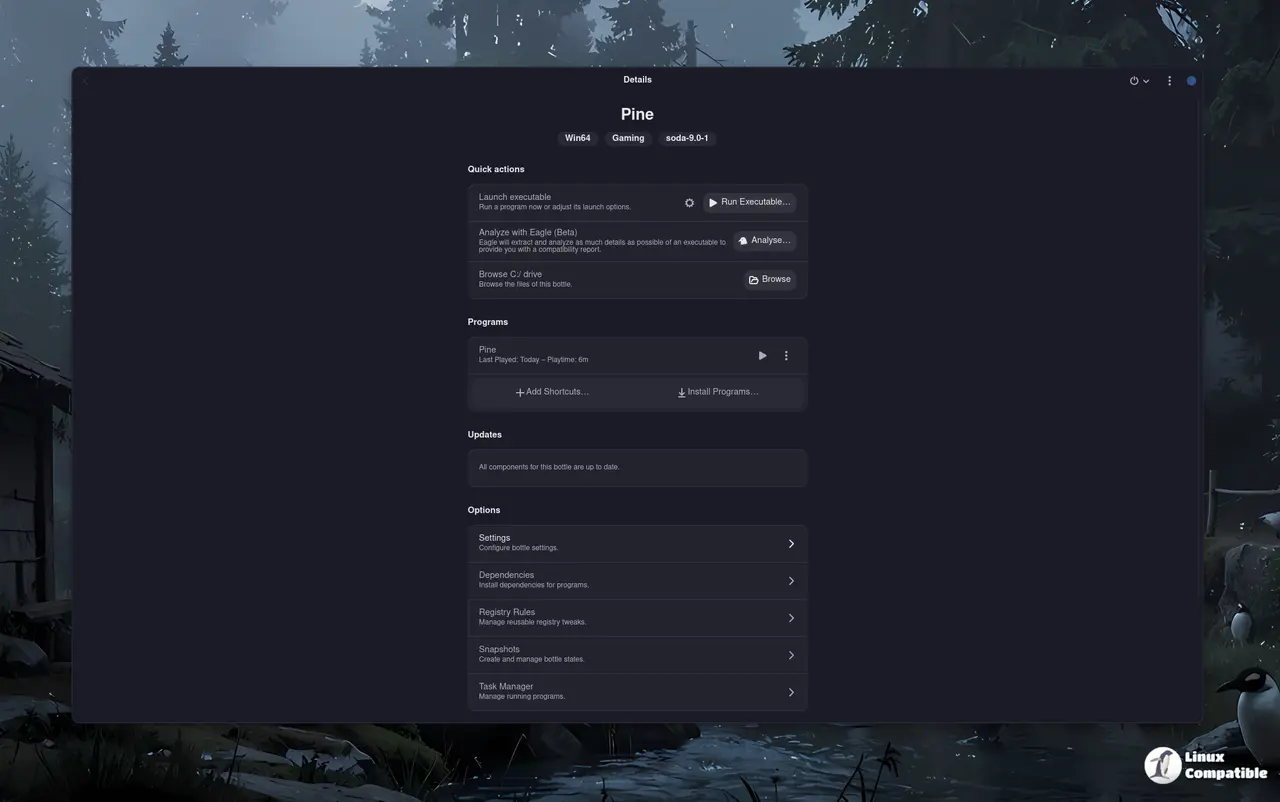
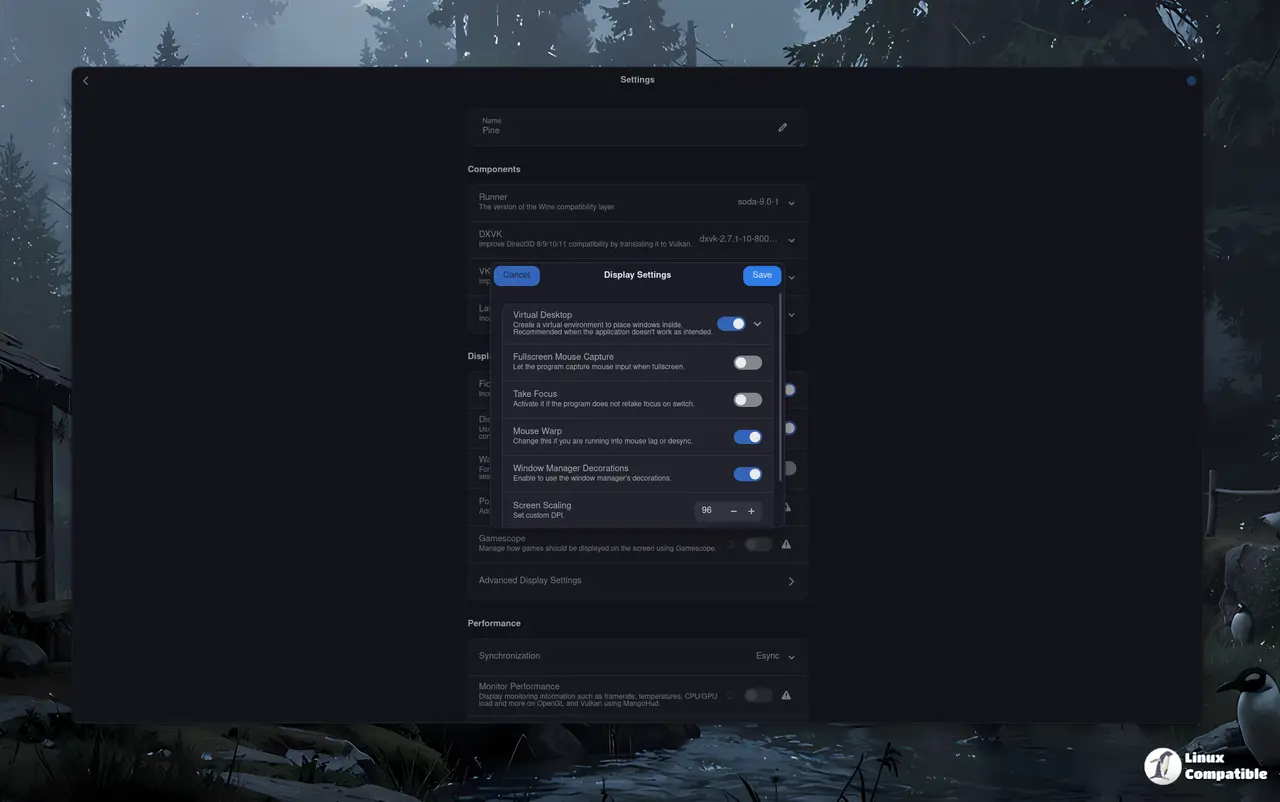
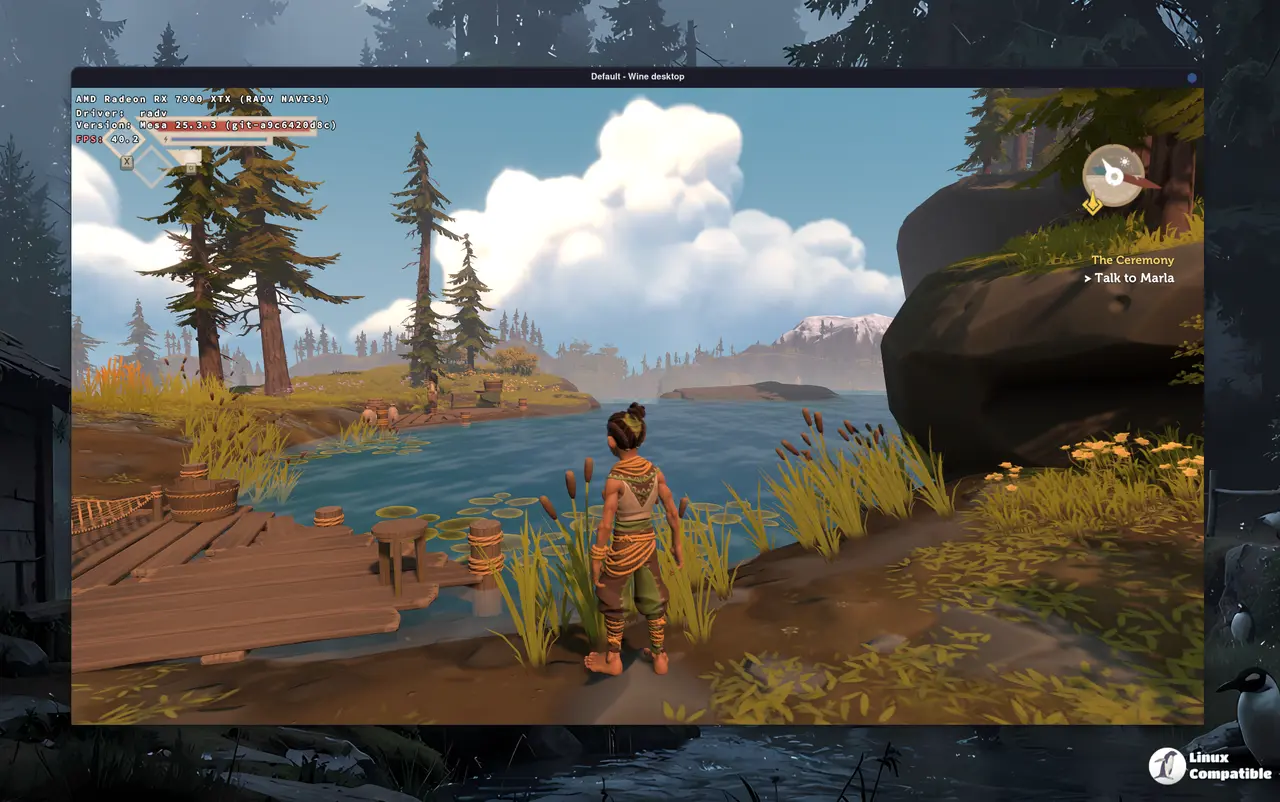
What’s new in 62.0
The changelog is short enough to read over a coffee, but a few lines deserve extra attention. The GPU detection fix stops the driver from being mis‑identified as a generic display controller—a problem that showed up after a recent Mesa update on several Arch machines. Users who tried launching Cyberpunk 2077 saw the game fall back to software rendering; the new logic correctly hands the GPU over to DXVK, and performance jumps back into the expected range.
Another tweak lets you add valid system environment variable names directly from the UI. Previously a stray space in the name would cause the bottle to fail silently, leaving you to dig through log files for an obscure “environment variable not found” error. The new validator catches that before it becomes a headache.
The flatpak devel build now includes functional bottles-cli commands, which matters if you automate installations with scripts. In older builds the CLI would exit with a cryptic code, forcing you to fall back on the graphical interface.
Progress bars for backup and restore operations finally appear, so you no longer have to guess whether a large DXVK cache is still copying or has stalled. The visual feedback alone saves several minutes of staring at a frozen terminal window.
Should you upgrade?
If your bottle collection is small and you rarely tweak Wine versions, staying on the previous release won’t break anything—but you’ll miss out on the GPU fix that saved a handful of friends from endless frame‑rate throttling. The added environment variable validation alone prevents a class of silent failures that can waste hours troubleshooting.
Conversely, if you rely heavily on custom scripts or run multiple bottles with differing DXVK builds, the revived CLI support is a genuine productivity boost. Skipping the update means keeping an outdated backup UI and dealing with vague error messages when something goes wrong.
How to install
The recommended method is via Flatpak. Make sure Flatpak itself is installed:
On Debian or Ubuntu Linux:
sudo apt install flatpak
On Fedora:
sudo dnf install flatpak
Then add the official Flathub repository, which hosts Bottles, with
flatpak remote-add --if-not-exists flathub https://flathub.org/repo/flathub.flatpakrepo
This step tells Flatpak where to fetch the package.
Installing Bottles
With Flathub in place, a single command pulls the entire app:
flatpak install flathub com.usebottles.bottles
The bundled runtime eliminates the need to hunt for libraries manually. The Flatpak package also bundles the latest components, including Mesa 25.3.3 (with version 26 arriving shortly). After installation finishes, launch with flatpak run com.usebottles.bottles or click the new icon in the application menu.
Install Bottles on Linux | Flathub
Run Windows software
The source code is available on GitHub:
Release Bottles 62.0
What's Changed fix: Detect GPUs categorized as Display controller by @forgotthepen in #4329
Overall, Bottles 62.0 feels like a targeted polish rather than a bloated feature dump. The new options—like progress indicators for backups—are genuinely useful, while the “WineBridge” .NET bridge remains optional and can be ignored if you never touch Windows APIs directly.


