The latest release of Bazzite Linux, version 43.20260309, comes with several upgrades that make it easier for users to play games out of the box. This includes improved graphics support through Nvidia drivers and Mesa, which enables better performance in many indie titles. The release also include the latest version of Gamescope, a lightweight compositor that automatically enables HDR and toggles VRR mode on compatible GPUs, as well as integrates a pre-installed Steam client with consistent DPI scaling and reduced input lag. Users can upgrade to the new version by running two terminal commands or by downloading the installation images from the official website.
Bazzite Linux 43.20260309 Release Brings Steam Pre‑Installed and HDR & VRR Support – What You Need to Know
The newest Bazzite Linux 43.20260309 image arrives with a handful of game‑centric upgrades that are ready to run out of the box. Readers will learn what’s new, how to pull it into their existing setup, and where the release can trip up even seasoned users.
New Features and System Tweaks
Kernel 6.17.7‑ba28 brings improved scheduling for responsive gameplay, while Mesa 26.0.1‑2 adds better support for modern OpenGL extensions that many indie titles rely on. The graphics stack now includes Nvidia drivers 595.45.04‑1 and the LTS 580.95.05‑1 side‑by‑side, so a dual‑stack installation can stay current without sacrificing stability. Firmware 20260221‑1 delivers the latest firmware blobs for Wi‑Fi and Bluetooth chips, a small but essential patch that stops sudden drops in signal strength.
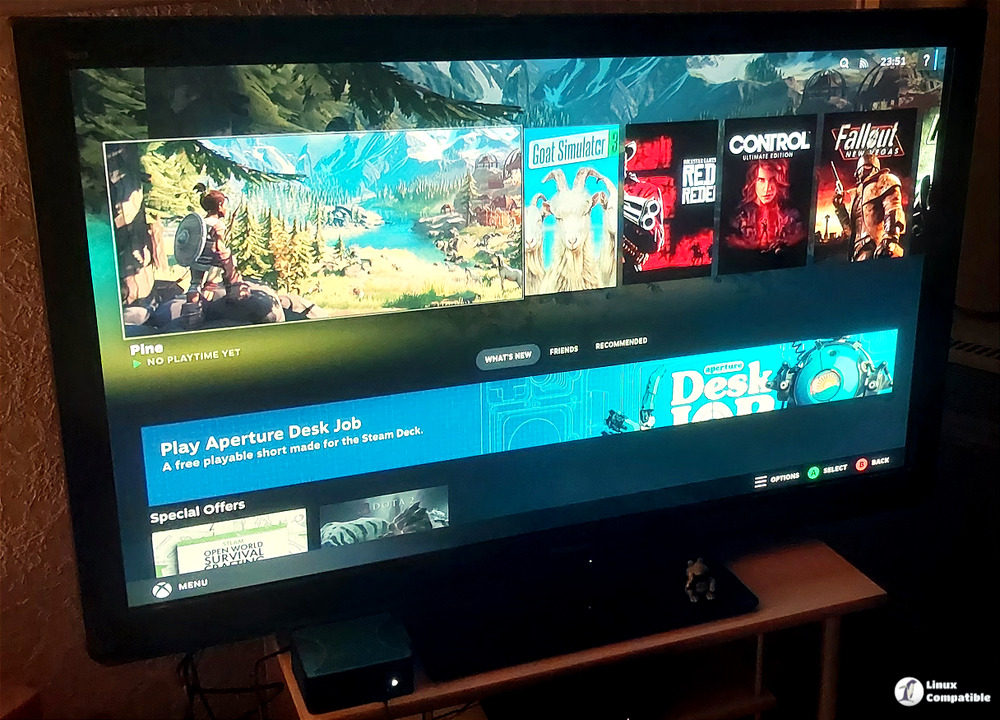
Gamescope, the lightweight compositor designed for gaming, ships as ba147-1.bazzite. It automatically enables HDR when the monitor advertises support, and its VRR mode is toggled on by default if the GPU driver exposes the feature. The pre‑installed Steam client integrates directly with Gamescope, which means launchers like Lutris or the Epic Games Store run in a separate “Steam Game Mode” window that preserves consistent DPI scaling and reduces input lag.
Rebasing to 43.20260309 – Step by Step
Current Bazzite owners can point their machine at the new image with just two commands. First, open a terminal and run the helper script targeting the stable branch:
bazzite-rollback-helper rebase stable
That tells the system to pull the latest stable manifest, which now points to 43.20260309. If you prefer to lock onto this exact build rather than whatever future “stable” may become, invoke the same script with the explicit version string:
bazzite-rollback-helper rebase 43.20260309
The helper will download the updated OSTree commit, apply the new rpm‑fusion layers and then prompt for a reboot. Skipping the reboot leaves you running a mixed set of libraries that can cause crashes in games that rely on the newest libinput or Vulkan loader – so be sure to restart before launching Steam.
You can also download the Bazzite 43.20260309 installation images from here.


