The latest version of Bazzite Linux, build 43.20260217, brings various updates and tweaks that aim to improve gaming performance on different devices, including desktop towers and handhelds. The new version includes kernel 6.17.7-ba25, Mesa 26.0.0-1, and updated NVIDIA drivers, which should result in smoother gameplay and better HDR support, particularly for users with high-frequency cores or recent GPUs. However, some package bumps are considered unnecessary, such as the upgrade of perl modules, while others like the new "evtest" package may be seen as bloat. Users who want to jump on this version can use the rollback-helper script to rebase their existing installation without requiring a full reinstall.
Bazzite Linux 43.20260217 – What’s actually new and how to jump on it
The latest Bazzite build brings a various updates and a handful of tweaks that claim smoother gaming on everything from a desktop tower to a handheld. This guide spells out the practical changes, points out the parts that feel like fluff, and shows exactly how to rebase an existing system without ending up in a recovery loop.
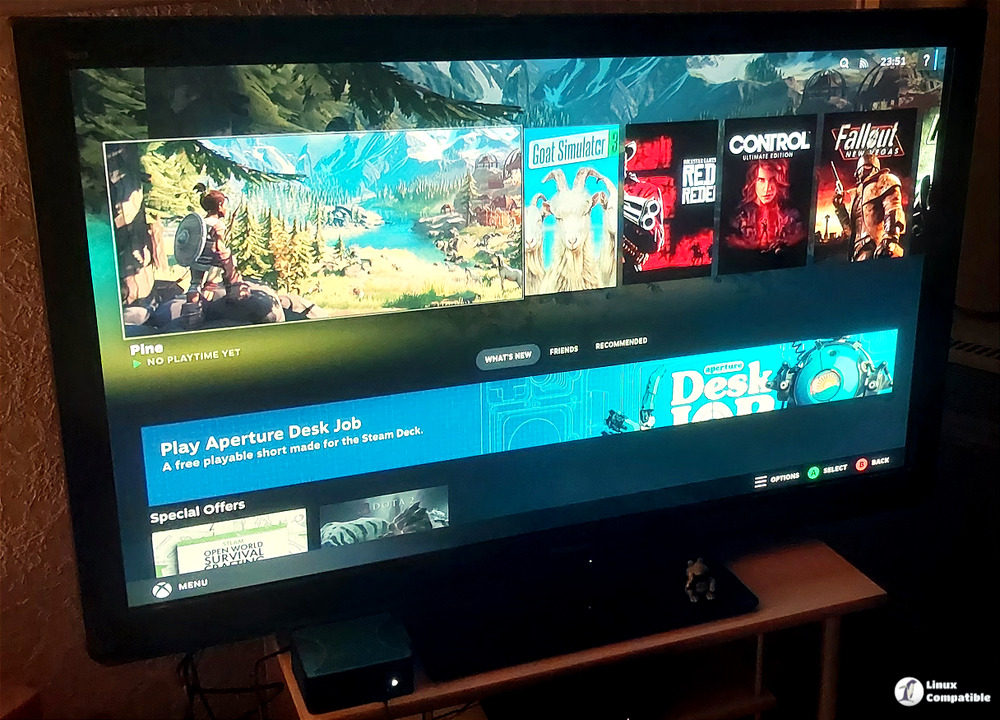
Fresh under‑the‑hood components
Bazzite 43.20260217 ships with kernel 6.17.7‑ba25, Mesa 26.0.0‑1 and GNOME 49.4‑1 alongside KDE 6.5.5‑1. The newer kernel adds better scheduler support for high‑frequency cores, which translates to less stutter in titles that bounce between threads – a noticeable perk if you’ve ever watched a fast‑paced shooter lag on a laptop while the CPU throttles. Mesa’s jump to 26 means HDR works out of the box on most recent GPUs; users who were forced to tweak Xorg configs for bright highlights will see those settings applied automatically.
The NVIDIA driver received an update to 590.48.01‑1, but the release notes admit a “hacky” workaround to keep the VK_hdr_layer alive until Nvidia catches up with the modern standard. In practice that means HDR works on NVIDIA hardware now, though the fix involves copying RPM contents manually – not something most users want to maintain long term.
Do any of these updates feel unnecessary?
A few of the package bumps are pure housekeeping. The perl‑* series moves from 520 to 521 across dozens of modules; unless a script explicitly depends on a bug that was fixed in the newer revision, the change offers no visible benefit. Likewise, the upgrade of python3‑evdev from 1.9.1‑5 to 1.9.3‑1 is invisible for casual gamers and only matters if you develop custom input tools.
The most contentious addition is the new “evtest” package (now at version 1.35‑10). While it’s handy for diagnosing broken gamepad inputs, many users never touch it; installing a diagnostic tool that sits idle on every system feels like adding weight to an already heavyweight distro.
How to rebase an existing Bazzite installation
For anyone already running Bazzite on stable and wants the new image, the rollback‑helper script handles the switch without requiring a full reinstall. Open a terminal and run the helper with the “rebase” subcommand pointing at the desired branch or specific image. First, verify that the helper is present by typing bazzite-rollback-helper --help; if the command is missing, install it from the official repo.
To move to the latest stable branch, execute bazzite-rollback-helper rebase stable. This tells the tool to pull the newest snapshot and apply the necessary OSTree changes. If a precise version is preferred, replace “stable” with the full image tag: bazzite-rollback-helper rebase 43.20260217. The command will download the new commit, verify its signature and then switch the bootloader entry; after a reboot, the system boots into the fresh environment.
# For this branch (if latest):
bazzite-rollback-helper rebase stable

# For this specific image:
bazzite-rollback-helper rebase 43.20260217
It’s worth noting that the rebase process rewrites the current deployment, so any custom tweaks made directly to /etc should be backed up first. A quick copy of the config directory (cp -a /etc/my‑configs ~/config-backup) saves you from reapplying changes later.
Should this upgrade be a priority?
If HDR gaming or reduced input lag matters, the kernel and Mesa upgrades make the jump worthwhile. Users who stick to older titles without those features can safely stay on the previous build until a more compelling change lands. The added “evtest” utility is nice for diagnostics but not essential; if bloat concerns outweigh curiosity, skipping this release is perfectly fine.
You can also download the Bazzite 43.20260217 installation images from here.


