Bazzite Linux has been updated to version 43.20260118, bringing several key changes to enhance user experience and resolve existing issues. The update includes a fresh kernel (6.17.7-ba24) for smoother performance across all hardware, as well as updates to system firmware, desktop environments, and security packages. In addition to these major changes, the release also features numerous smaller fixes and tweaks contributed by developers to polish the overall feel of the operating system. Users can upgrade easily using a helper tool or manual methods but are advised to check release notes and community forums for details on any potential issues before updating.
Bazzite Linux 43.20260118 released
Bazzite Linux 43.20260118 has been released. The latest iteration brings with it several key changes that aim to enhance user experience and resolve existing issues.
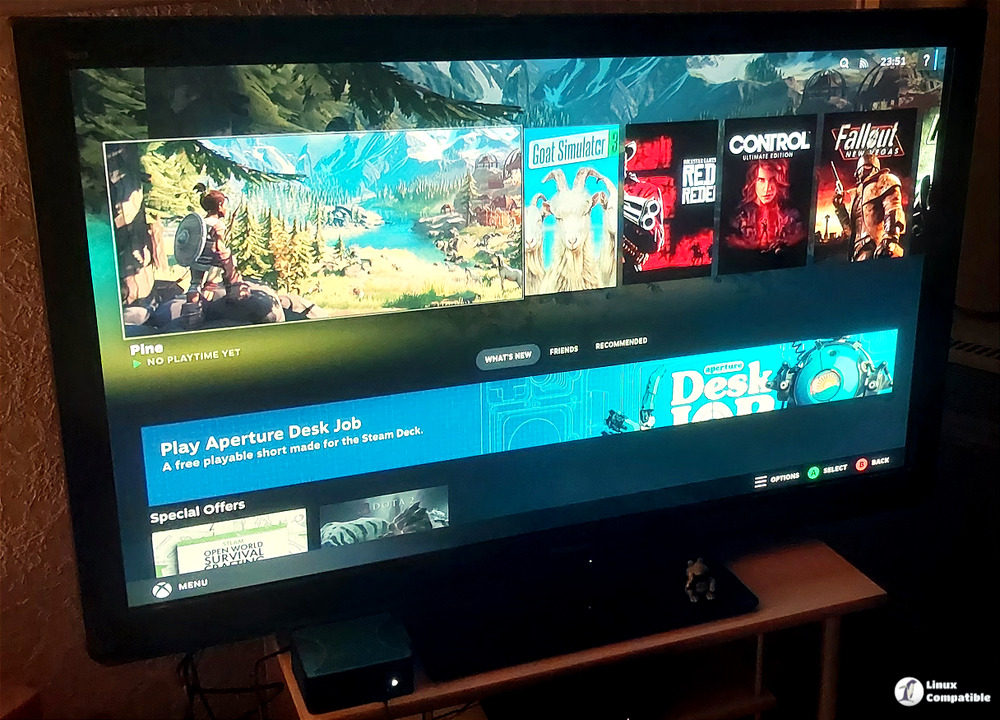
It’s a big deal because it brings a fresh kernel, bumping things up to 6.17.7-ba24, and the update promises smoother performance across your hardware. They've also updated the system firmware to version 20260110-1, which should ensure you get hold of the latest drivers and better hardware support.
Beyond that core stuff, Bazzite Linux has its usual selection of desktop environments, all of which are getting updates too. Gamescope's been given some new bits and is now at ba147-1.bazzite, while GNOME users benefit from upgrades bringing it to 49.2.2-1, and KDE gets a lift with version 6.5.5-1.
Don't forget the security packages either; things like Mesa have moved on to version 25.3.1-2, Bazaar is now at 0.7.5-01, Ptyxis hits 49.2-1, and Nvidia graphics support has been upgraded to 590.48.01-1.
And the release isn't just about big changes; there are plenty of smaller fixes and tweaks contributed by developers helping clean things up. These aim to polish the overall feel without necessarily being headline news updates.
Upgrading shouldn't be too tricky for existing Bazzite Linux users. The standard way is probably best; using something like bazzite-rollback-helper, it helps you rebase smoothly onto this new version. But if you're feeling more hands-on or just want to update specific bits first, manual methods are also an option.
Just remember, before diving in, check the release notes or maybe look around community forums for details on what's changed and whether anything could be a problem depending on your setup. As with all major system updates, preparation is necessary for a smooth installation process.
You can also grab the actual Bazzite Linux ISO files straight from their main website.


