Bazaar 0.7.9 – A More Flexible Flatpak Store for GNOME
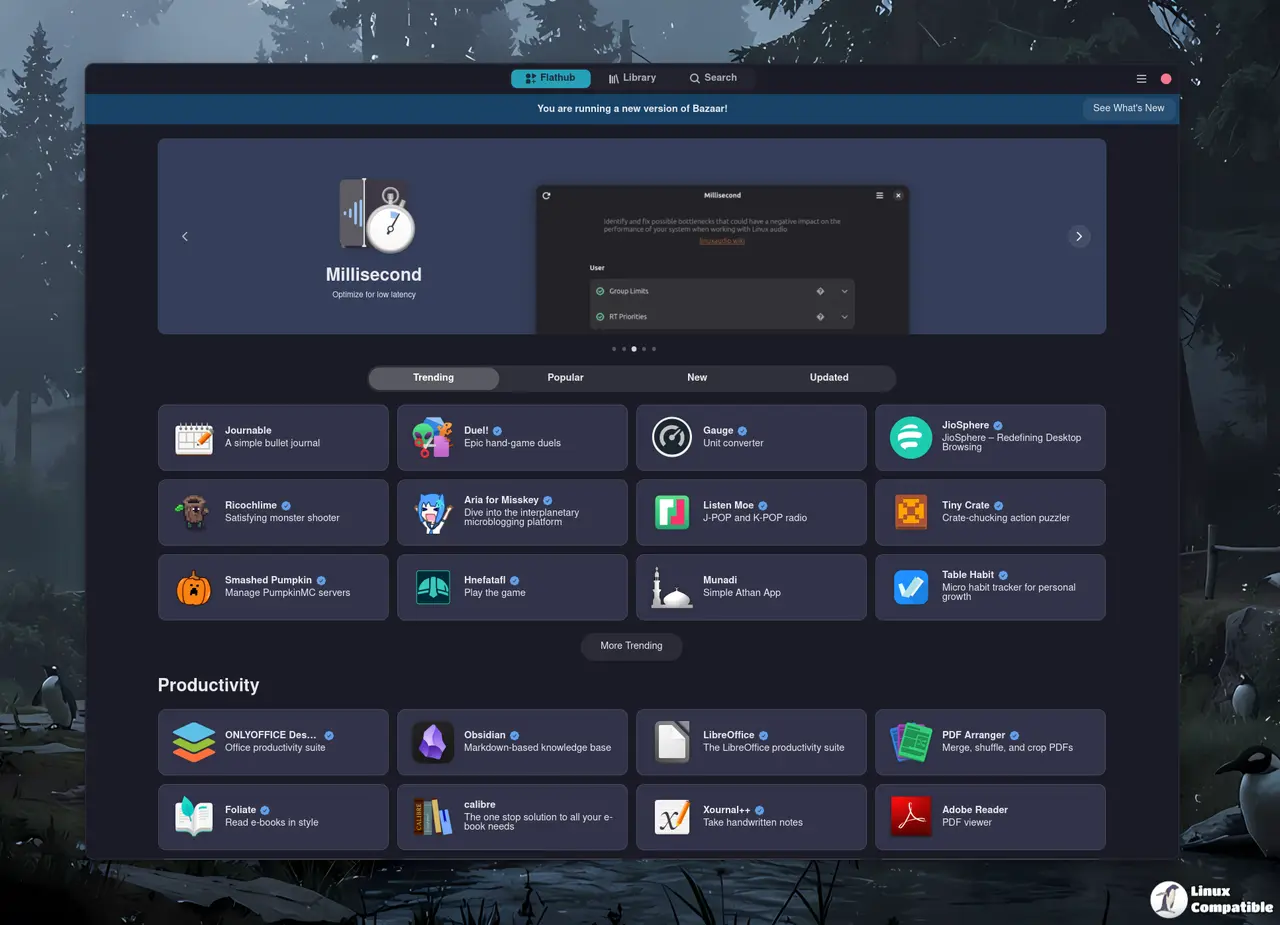
Bazaar 0.7.9 lands with a handful of usability tweaks that matter when you’re juggling dozens of flatpaks. This article walks through the most practical changes, points out where the new features actually help (and where they feel like window‑dressing), and gives a quick sense of whether the update is worth installing right now.
Queue management and the “shift‑skip” shortcut
Bazaar now lets users cancel any ongoing transaction with a single click, and holding Shift while confirming an install bypasses the confirmation dialog altogether. This is handy for power users who script bulk installs via the UI—no more repetitive “Are you sure?” pop‑ups. The only downside is that the shift shortcut isn’t documented anywhere in the UI, so newcomers may miss it entirely unless they stumble across a forum post.
Search suggestion pills and ranking tweaks
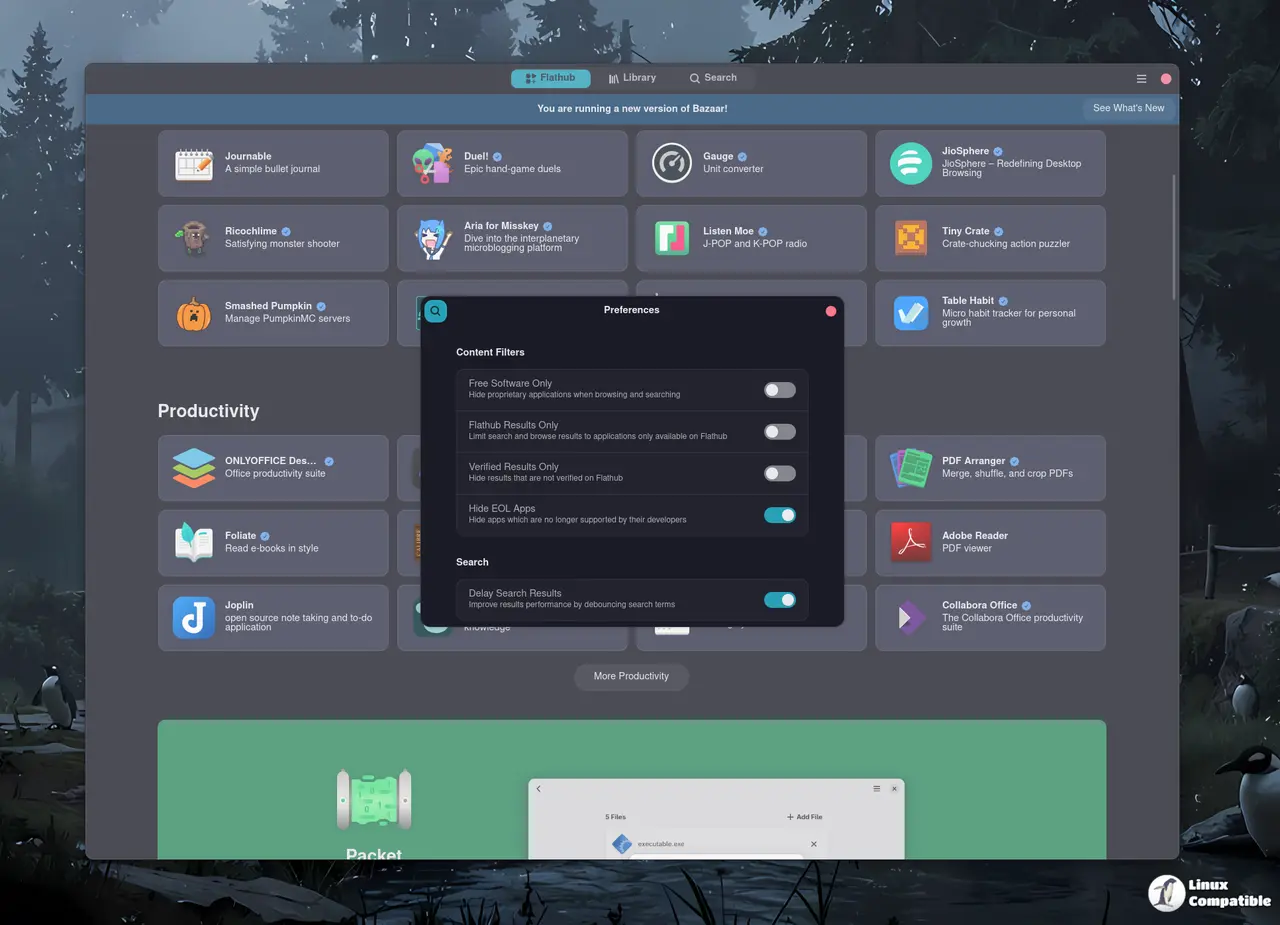
Search results now include pill‑shaped suggestions that appear as soon as you type a few characters. They pull directly from Flathub’s ranking data, meaning the most popular apps rise to the top without extra configuration. In practice, this saves a few clicks when hunting for common tools like “LibreOffice” or “GIMP.” However, the pills can feel cramped on low‑resolution displays; turning them off isn’t an option yet, which may annoy users with limited screen real estate.
Curated tab – useful or just fluff?
Distributors can configure a “curated” tab to highlight locally relevant software. For a Fedora spin that bundles its own set of preferred tools, this works well. In more generic environments the tab ends up empty or filled with vague recommendations that duplicate what Flathub already surfaces. If you’re not running a distro‑specific build, you’ll probably ignore it altogether.
Runtime size info and improved removal dialog
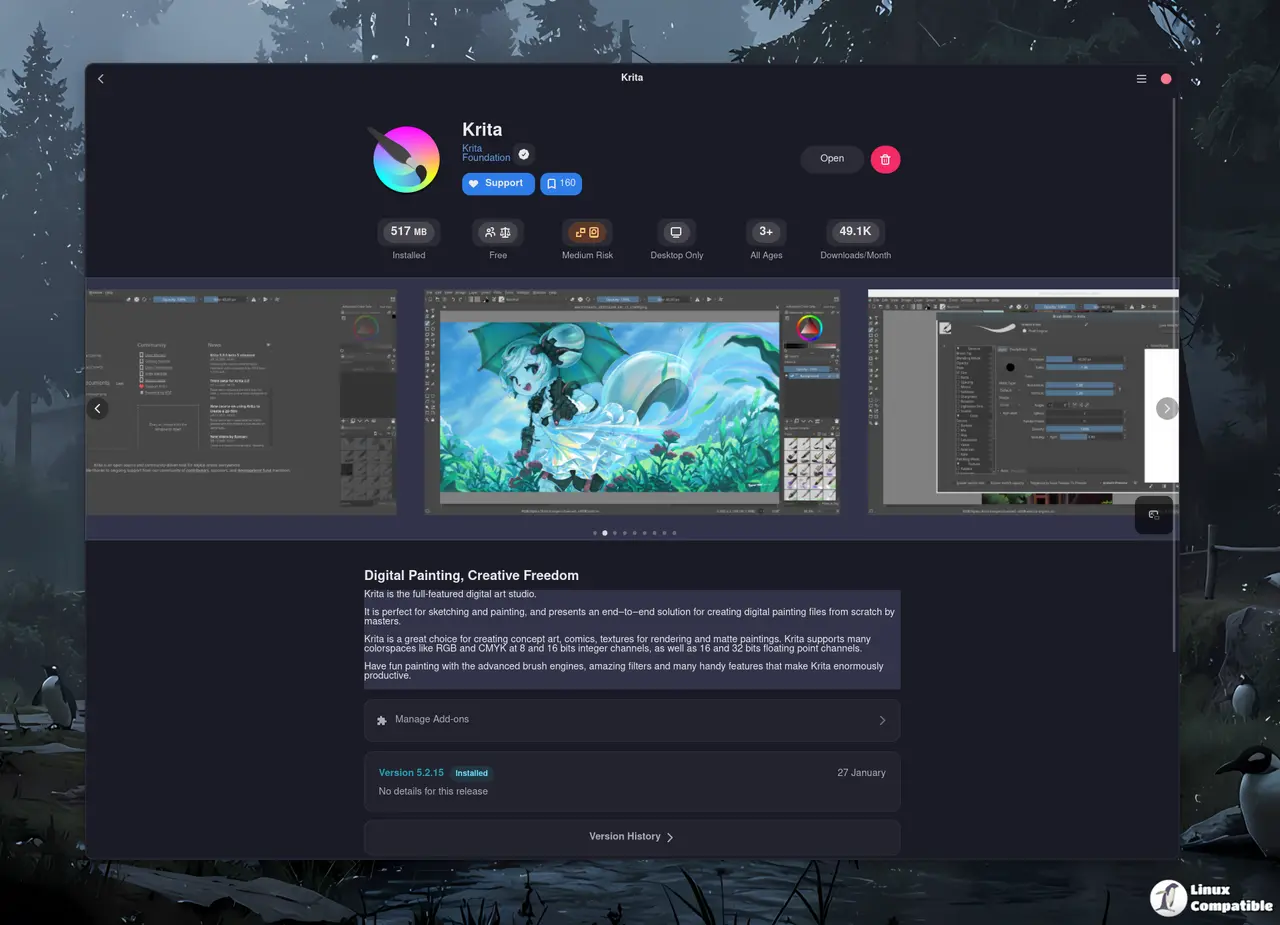
Seeing how much space a runtime will consume before you click “Install” is a small but welcome addition—especially on laptops where every megabyte counts. The removal dialog now reports the true installed size rather than an estimate based on download size, preventing surprise disk‑usage spikes when cleaning up old flatpaks.
Minor polish and bug fixes
The update also patches a crash that occurred when clicking on a runtime transaction tile, restores contrast in the featured carousel, and adds a handful of translations (Arabic, Belarusian, Indonesian, etc.). While none of these changes are headline‑grabbers, they smooth out the overall experience for non‑English users.
Getting Bazaar on your system
If you prefer the hassle‑free route, just head over to Flathub and hit the Install button – the Flatpak runtime will pull in all required libraries (gtk4, libadwaita, libdex, etc.) automatically. For those who like to compile from source, clone the repo, run:
meson setup build --prefix=/usr/local
ninja -C build
sudo ninja -C build install
bazaar
After that a simple bazaar launch brings up the app store, and because Bazaar runs as a background service your state is preserved even after you close every window.
To sum up
Bazaar 0.7.9 delivers on its promise of speed and multitasking without demanding a complete workflow overhaul. The shift‑skip shortcut, runtime size previews, and more accurate removal sizing feel like genuine quality‑of‑life improvements. The curated tab may be superfluous for most users, and the search pills could use an opt‑out toggle, but those quirks don’t outweigh the core gains.


