Bazaar 0.7.12 Release Fixes Parental‑Control Quirk and Polishes the UI
The newest Bazaar build finally addresses that embarrassing bug where the app launcher would lock you out of everything if it couldn’t read Windows’ parental‑control settings. Now, when the system fails to report those restrictions, Bazaar simply falls back to an unrestricted view—no more unexpected “early childhood” filters.
What Changed in 0.7.12
Fixing the Parental Control Quirk
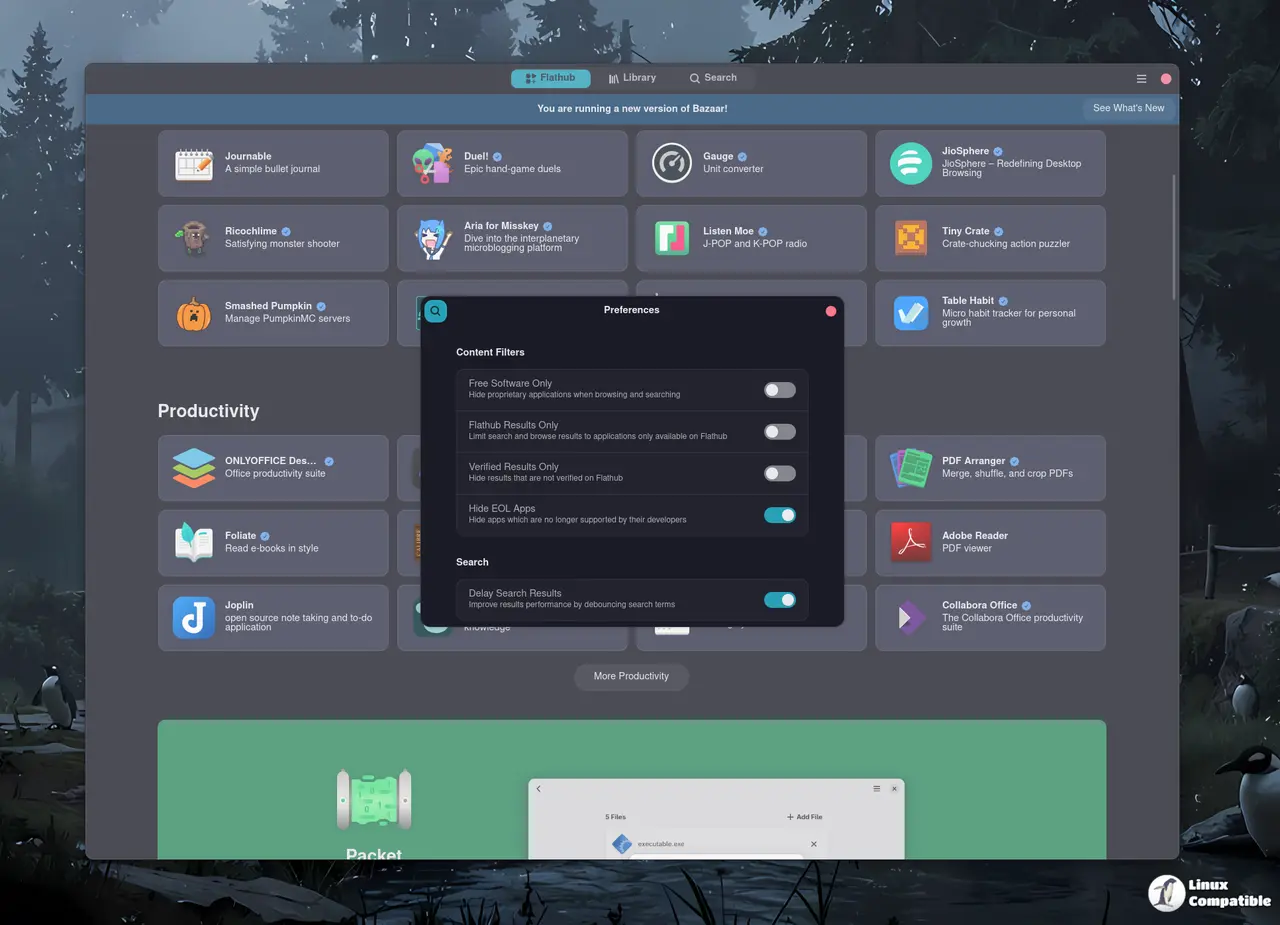
In earlier releases, a missing or inaccessible parental‑control flag caused Bazaar to default to child‑friendly mode. That meant users who had never set any restrictions at all were suddenly unable to open their favorite non‑family apps. The fix forces a safe default of no restrictions whenever the setting can’t be read. This change clears up confusion for anyone who’s seen Bazaar behave like a kindergarten classroom when it shouldn't.
Minor UI Tweaks That Actually Matter
- Japanese and Czech translations have been refreshed, so speakers of those languages see proper wording instead of placeholder text.
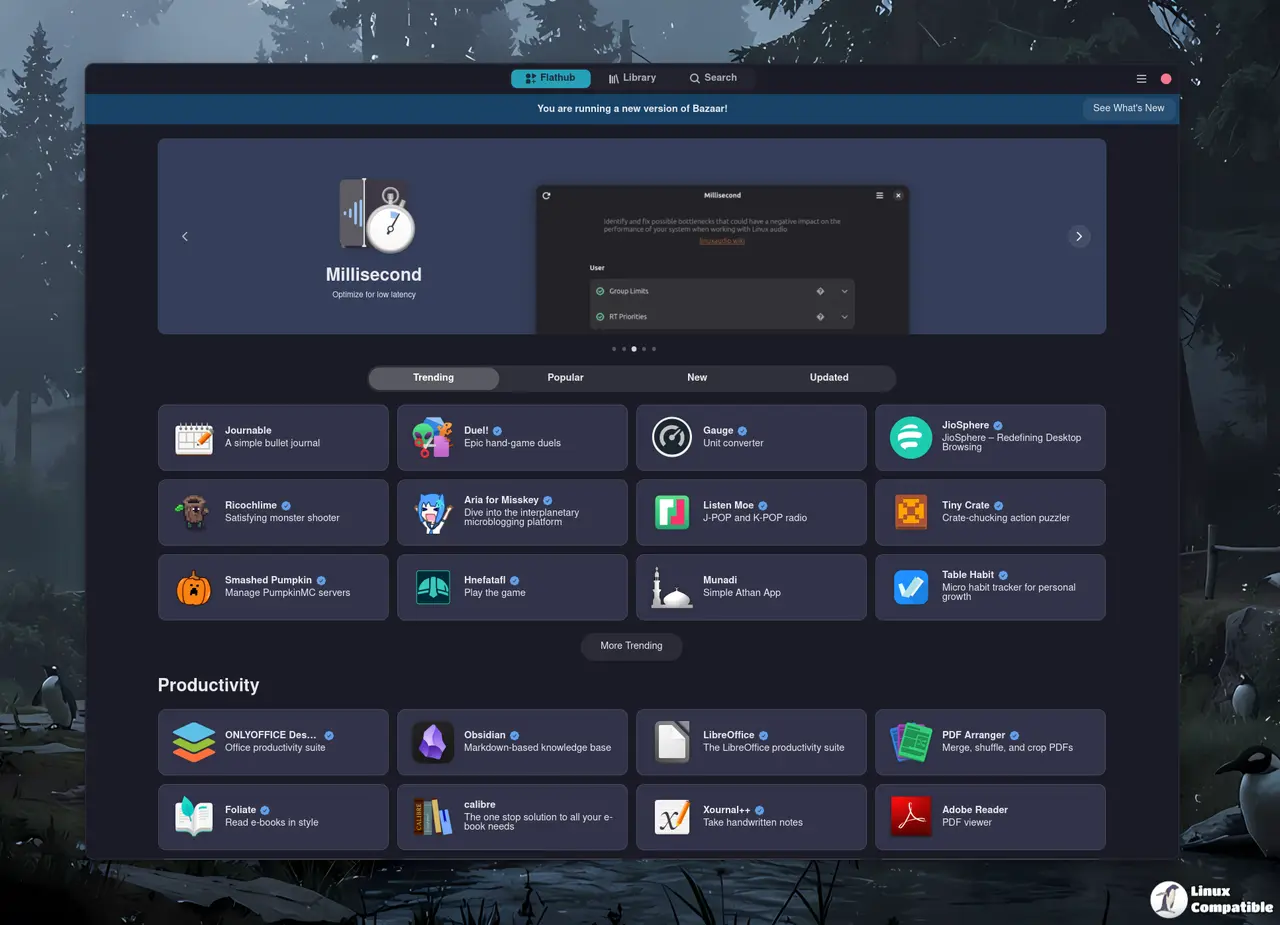
- The featured carousel padding was adjusted to prevent the blurry edge effect that sometimes cropped images on high‑resolution displays.
- A new layout manager gives app tiles a preferred width, keeping the grid tidy when you resize your window or switch between portrait and landscape modes.
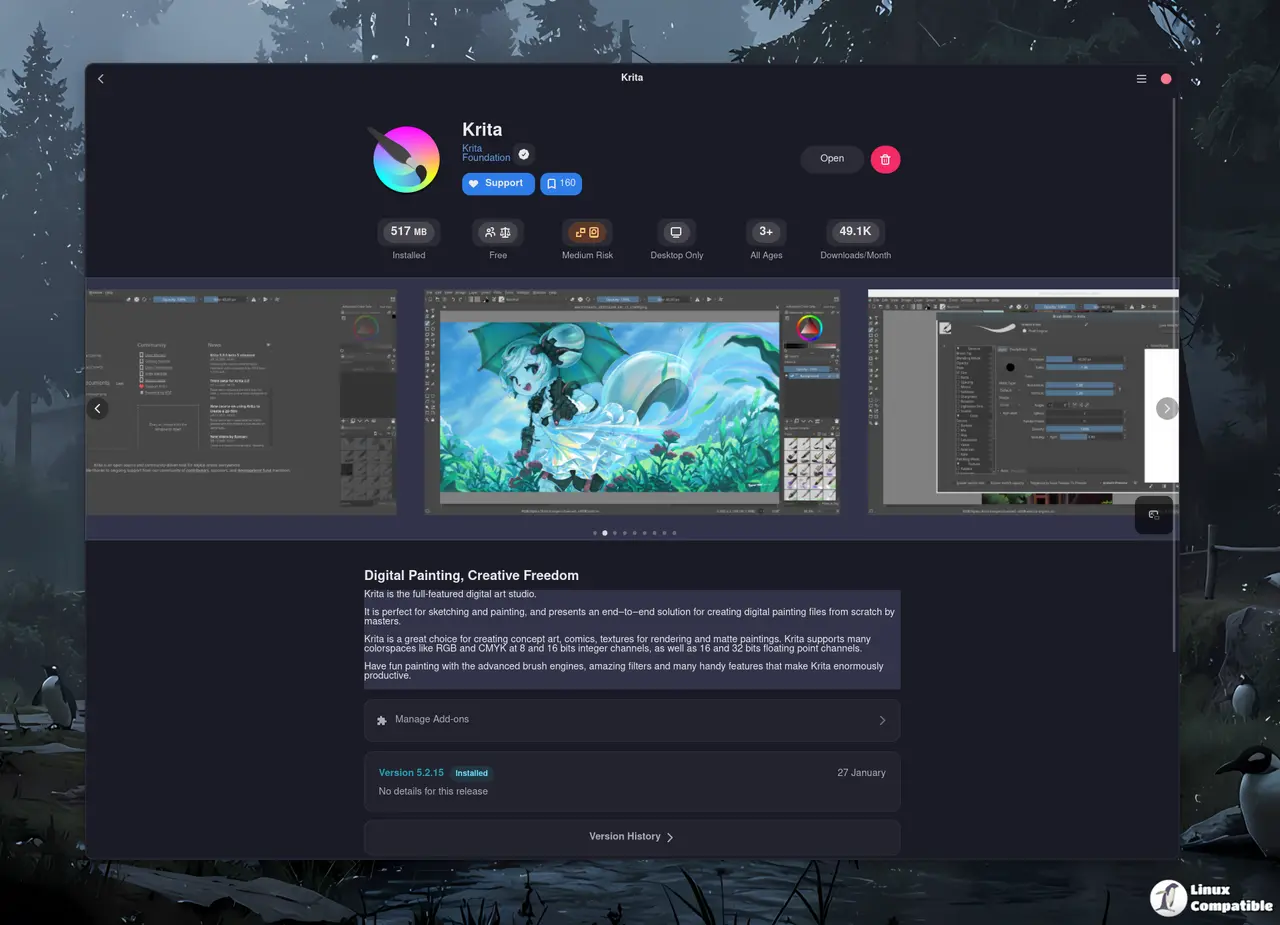
- Contextual window titles now show the name of the active tile, which is handy when you keep multiple tabs open in the same browser session.
- Tooltips were added to the “more info” buttons so users get a quick hint before clicking.
- The “other apps” label no longer appears when there are no additional items to display, avoiding an empty‑looking section.
The bottom Line
If you’re still on an older Bazaar version, upgrading to 0.7.12 ensures your launcher behaves like it’s supposed to—no unexpected parental‑control restrictions and a smoother interface across languages and screen sizes. Give it a spin and let the app catalog work for you instead of against you.
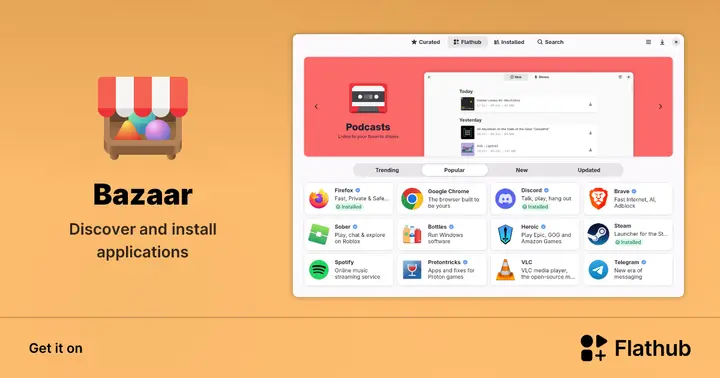
Install Bazaar on Linux | Flathub
Discover and install applications