Bazaar 0.7.10 Unleashed – Faster Search, New Hooks, and Less Bloat
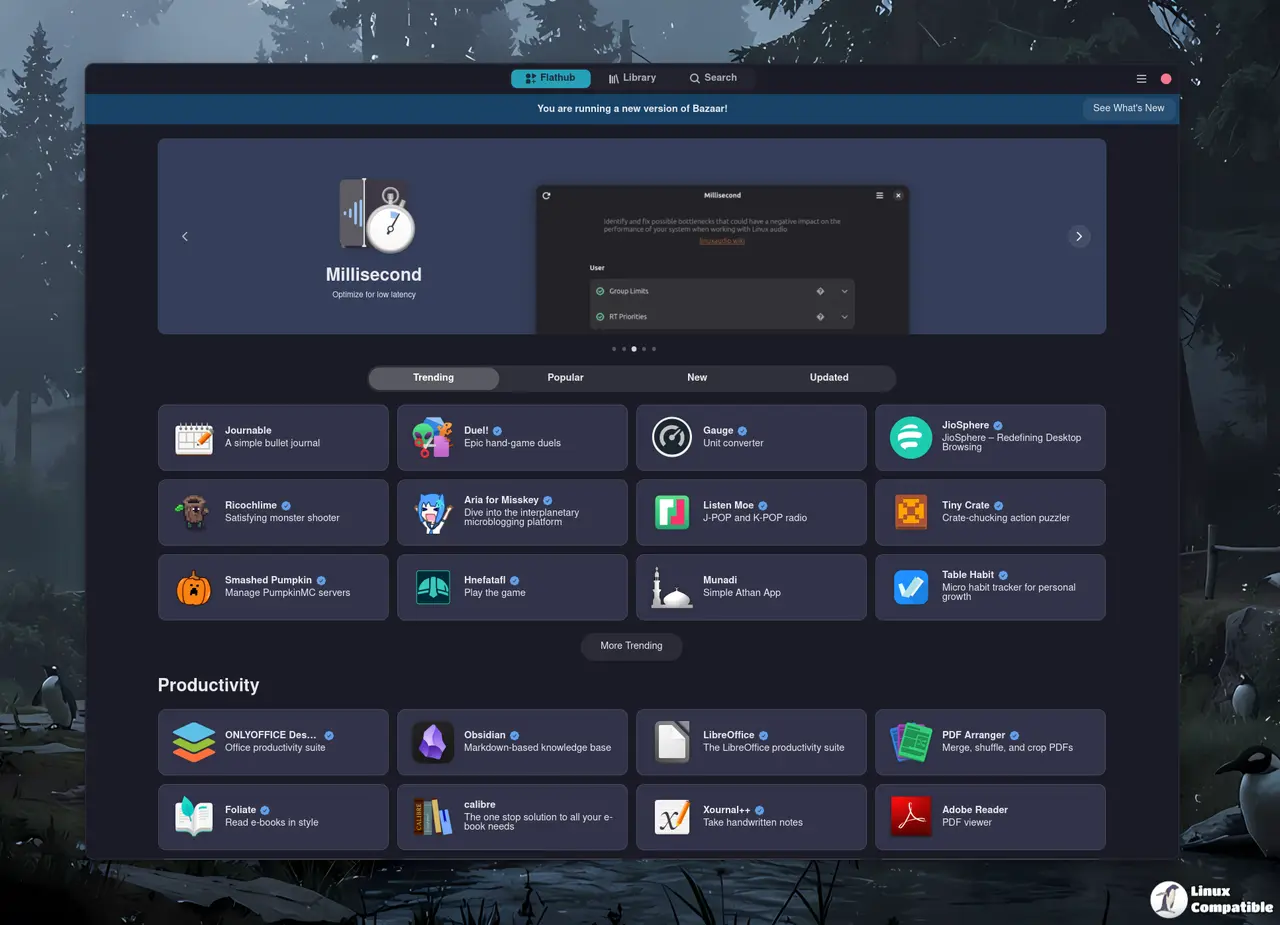
The latest drop of Bazaar, version 0.7.10, squashes a handful of bugs and gives the search box a serious power‑up. The new view‑app hook opens up scripting possibilities for people who like to tweak their app‑store experience beyond the standard UI.
Why the Search Fix Matters
Earlier releases left users frustrated when a misspelled query returned no results, forcing them to guess at exact package names. In 0.7.10 the algorithm now treats typos more forgivingly and ranks suggestions by relevance. The result? A user who typed “gimp” and accidentally hit “q” still finds GIMP in the first three results, rather than staring at a blank list.
View‑App Hook in Action
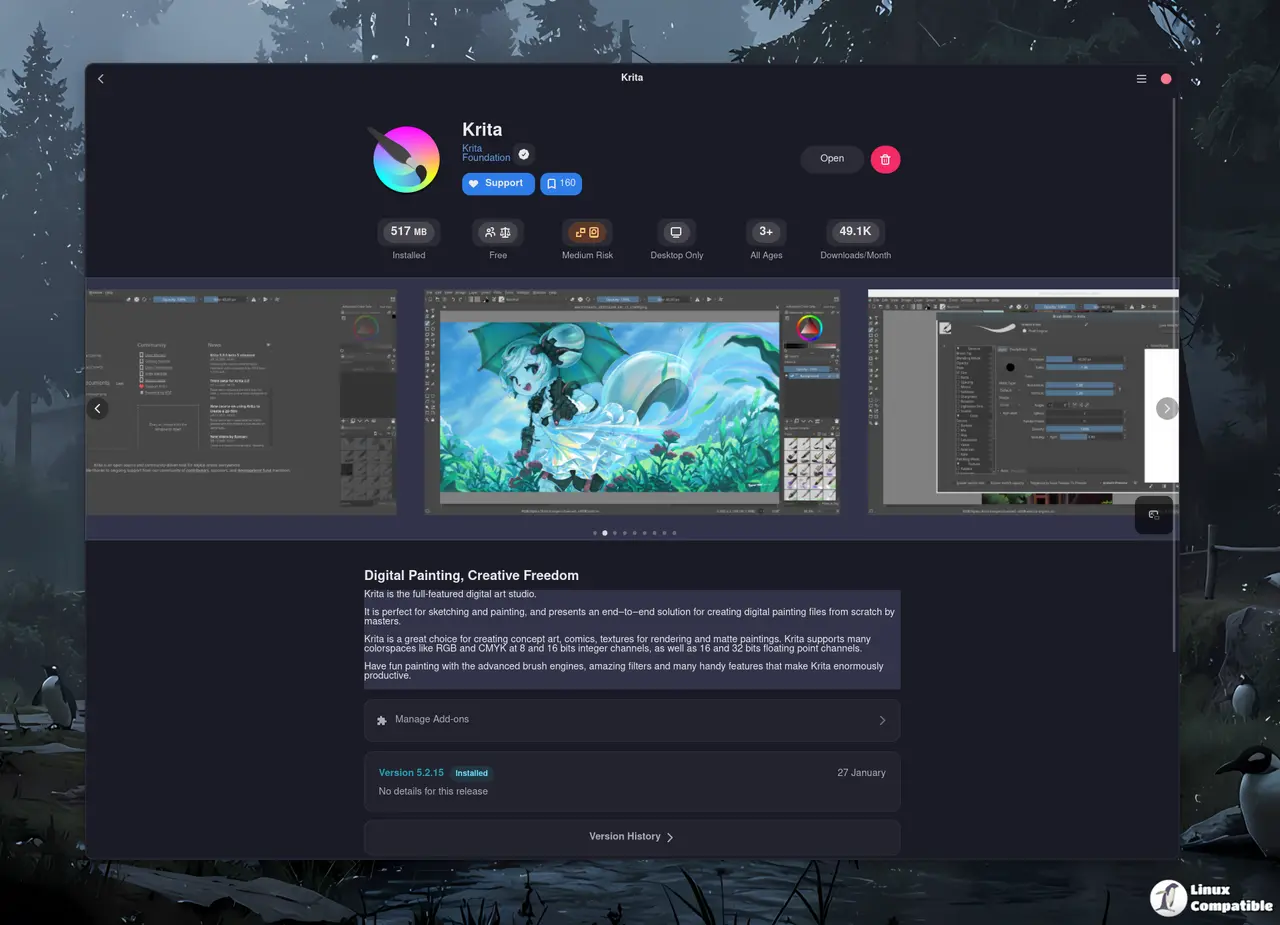
The view‑app hook is not just a technical curiosity; it lets you run custom commands when an app’s detail page loads. A power user who often wants to check an app’s Flatpak runtime size can now have that information pop up automatically, without scrolling or opening the side panel. If your system lacks Flathub, Bazaar will prompt you to set it up right away instead of silently failing.
Other Tweaks That Actually Help
- Close‑Window Shortcut – A single keystroke now quits the app store cleanly; no more accidental window clutter.
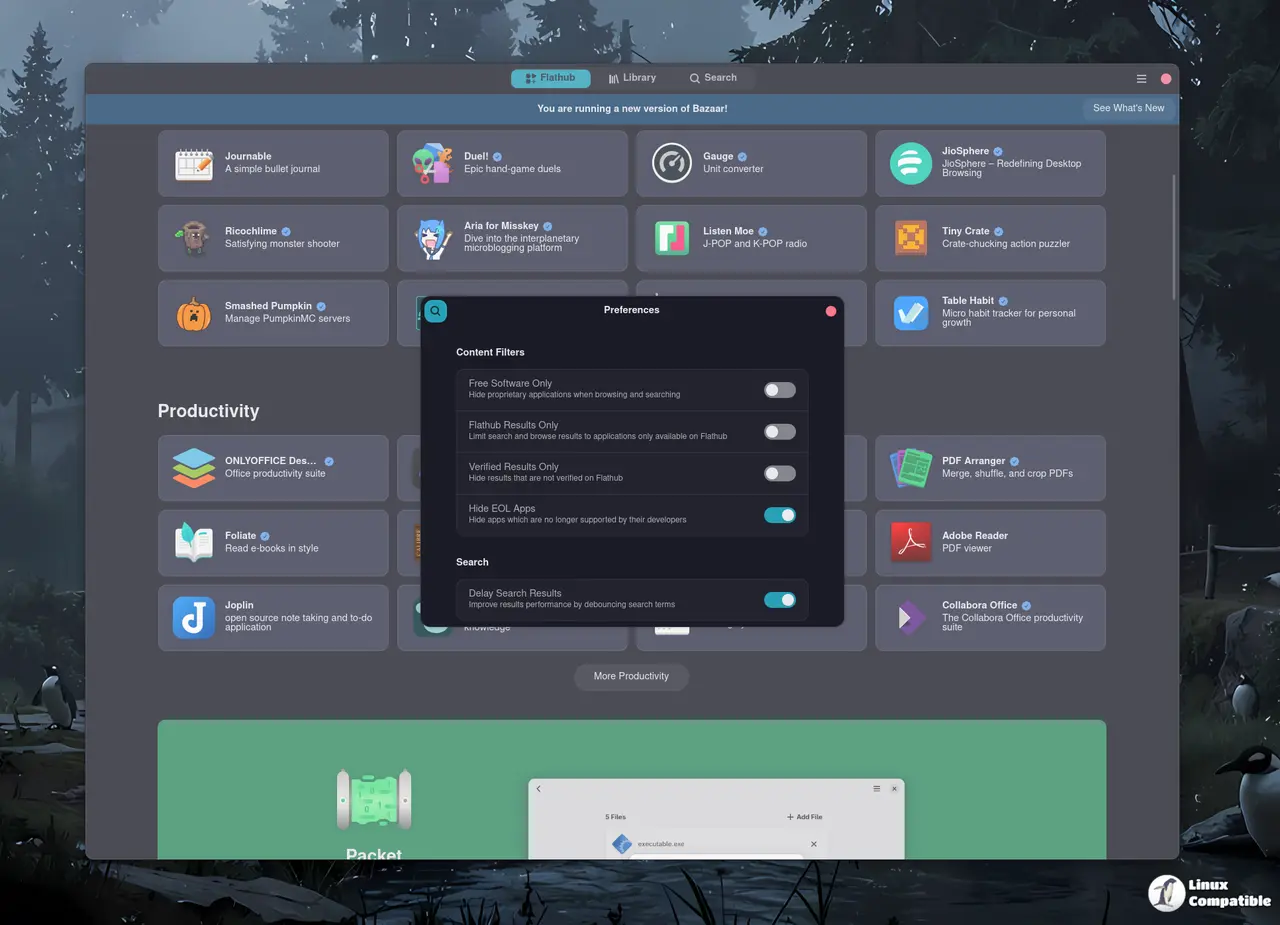
- Shift‑Hold Confirmation Bypass – Users who repeatedly install or uninstall apps can skip confirmation dialogs by simply holding shift. The UI remembers this shortcut, so you won’t get nagged every time.
- Screenshots Carousel – A new carousel shows screenshots side by side, saving the need to open each image in a separate window.
These refinements reflect the community’s feedback: people want a snappy, predictable interface that doesn’t waste time on unnecessary dialogs. The developers have listened and delivered a cleaner experience without adding bloat.
Getting Bazaar on your system
If you prefer the hassle‑free route, just head over to Flathub and hit the Install button – the Flatpak runtime will pull in all required libraries (gtk4, libadwaita, libdex, etc.) automatically. For those who like to compile from source, clone the repo, run:
meson setup build --prefix=/usr/local
ninja -C build
sudo ninja -C build install
bazaar
After that a simple bazaar launch brings up the app store, and because Bazaar runs as a background service your state is preserved even after you close every window.
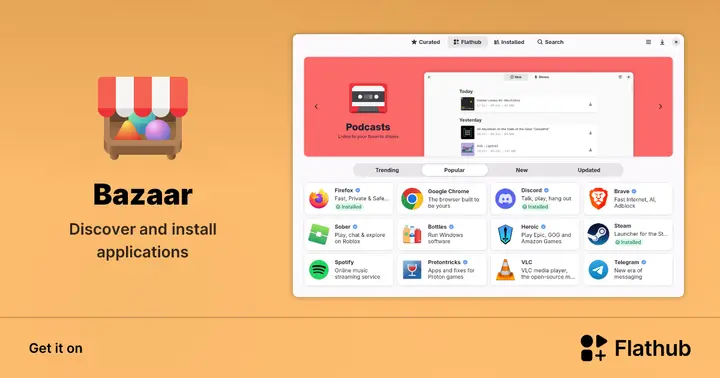
Install Bazaar on Linux | Flathub
Discover and install applications