Ardour 9.1: Hotfixes, MIDI Chasing and Whether the Upgrade Is Worth It
Ardour 9.1 lands as a quick‑fire patch for the rocky 9.0 launch. This article breaks down the most painful bugs that finally got squashed, points out the two new MIDI tricks that actually change workflow, and helps you decide if the download button deserves a click right now.
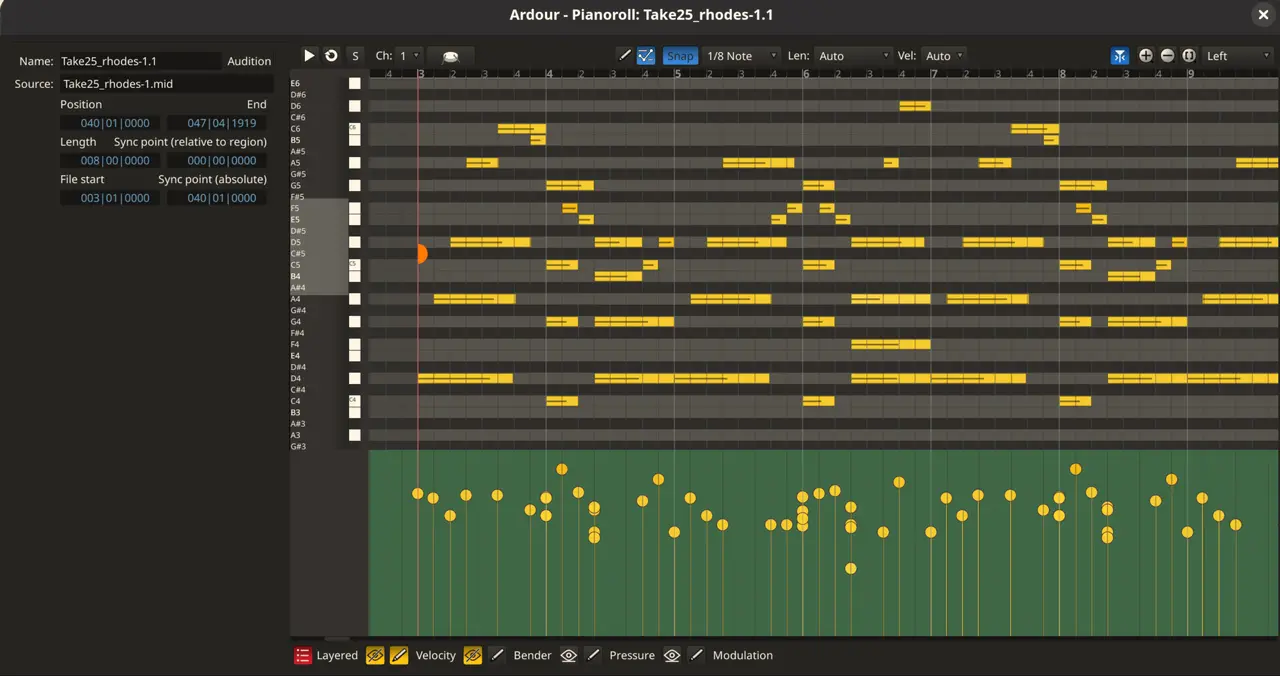
Bottom‑pane behavior – The bug that made editors scream
In 9.0 the brand‑new bottom pane would vanish or display stale information whenever a region selection changed. Users who tried to rename tracks while recording reported a “blank screen” moment that forced them to restart Ardour. Version 9.1 restores the intended behavior: the pane now updates instantly when the current selection changes, keeping the mixer and automation lanes in sync. For anyone who spends half an hour hunting a missing fader, this alone feels like a rescue.
MIDI note chase – No more silent drones
If the playhead lands in the middle of a long sustained note, Ardour used to start playback from silence until the next note‑on event. That made looping drone patches a nightmare. The new “MIDI note chase” option forces the hanging note to fire as soon as transport starts. It can be toggled per track from the header menu or globally under Preferences MIDI.
MIDI note duplication – Ctrl/Cmd‑D finally does something useful
Selecting a cluster of notes and hitting Ctrl (or Cmd) + D now copies them right after the last note’s endpoint. If Snap is active, the duplicated chunk snaps to the next grid point, saving a few mouse clicks. The new notes stay selected, so arrow‑key transposition works immediately. This feels like the DAW equivalent of “copy‑paste and keep editing,” something that was missing from earlier Ardour releases.
Practical improvements you’ll actually notice
- Dragging multiple regions from the source list into the editor now works as expected; previously only one region would stick, forcing a tedious copy‑paste routine.
- Zoom‑to‑session during an empty recording no longer jumps to a blank view; it centers on the newly created track, making the first take feel less disorienting.
- Pitch‑bend values display in the conventional –8192 … 8191 range instead of the confusing 0 … 16384, which aligns Ardour with other MIDI editors.
Bugs that finally stopped crashing
The crash when both ends of a region are dragged simultaneously was a frequent complaint on Windows forums; version 9.1 adds a guard that prevents the segmentation fault. Early‑startup shortcut presses also caused sporadic aborts – now a simple check keeps Ardour alive long enough for the UI to initialize. macOS users who double‑clicked sessions in Finder will see more reliable opening, thanks to a file‑handle fix.
When the new features feel like fluff
The “auto‑return” icon got a visual tweak, but it doesn’t alter any functionality. For power users who never rely on that button, the change is purely cosmetic. Likewise, the added metadata in Preferences improves searchability, yet most seasoned engineers already know where their settings live, so the benefit is marginal.
If you’ve been running 9.0 and were haunted by a dead bottom pane or silent drones during long notes, upgrading to Ardour 9.1 is a no‑brainer.


