The latest release of Arch Linux, version 2026.03.01, is now available for download as a 1.4 GB ISO image. This new package set includes kernel 6.18.13, which brings improved hardware support for NVMe drives and newer graphics cards. Users who already have an existing system can update their packages with the familiar pacman -Syu command to take advantage of these changes without needing to reinstall. The Arch installation process remains largely the same, but users can now install fresh versions using the archinstall command in the live environment.
Arch Linux 2026.03.01 Release Brings Kernel 6.18.13 and a Slimmer 1.4 GB ISO
Arch users, the latest rolling‑release image is now available for download or DVD burn. The new package set ships with kernel 6.18.13 and a noticeably lighter 1.4 GB ISO that can be used for fresh installations only – existing systems stay current by running pacman -Syu.
ISO, DVD, or USB: Pick Your Burning Method
The image is ready to be written straight to a USB stick with the familiar dd command:
sudo dd if=archlinux-2026.03.01-x86_64.iso of=/dev/sdX bs=4M status=progress && sync
Replacing /dev/sdX with the actual device name guarantees every byte lands exactly where it should, avoiding the dreaded “boot fails after flash” scenario that has plagued people after an incomplete copy.
What’s New in 2026.03.01?
Kernel 6.18.13 replaces the older 6.17 series, bringing better hardware support for NVMe drives and newer GPUs. The base system remains lean, but a few of the most requested packages from the extra repository have been backported to keep the bleeding‑edge promise alive. Users who upgrade with pacman -Syu will see these changes without needing to reinstall.
How to Install with archinstall
Boot the live environment, then launch the wizard by running:
archinstall
and navigate through all the steps systematically.
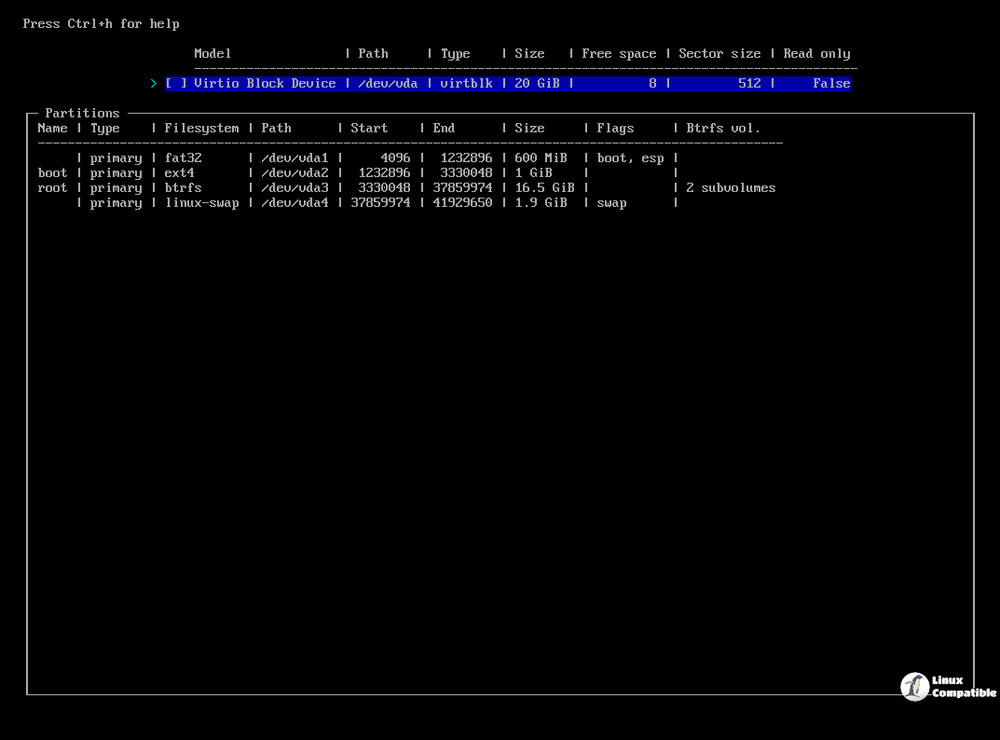
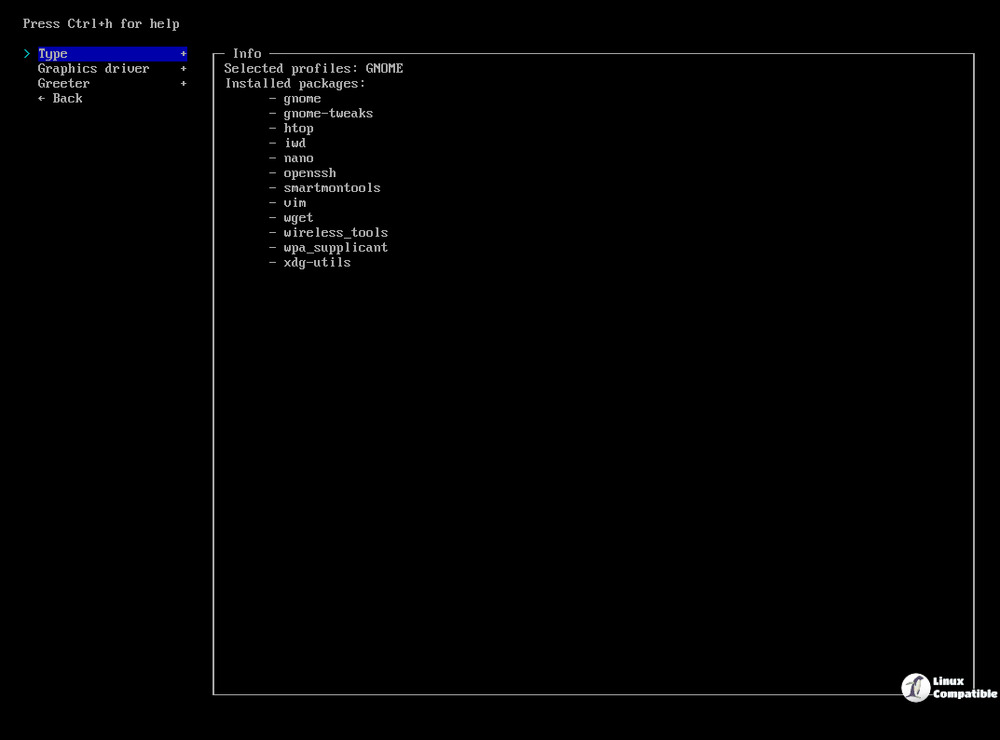
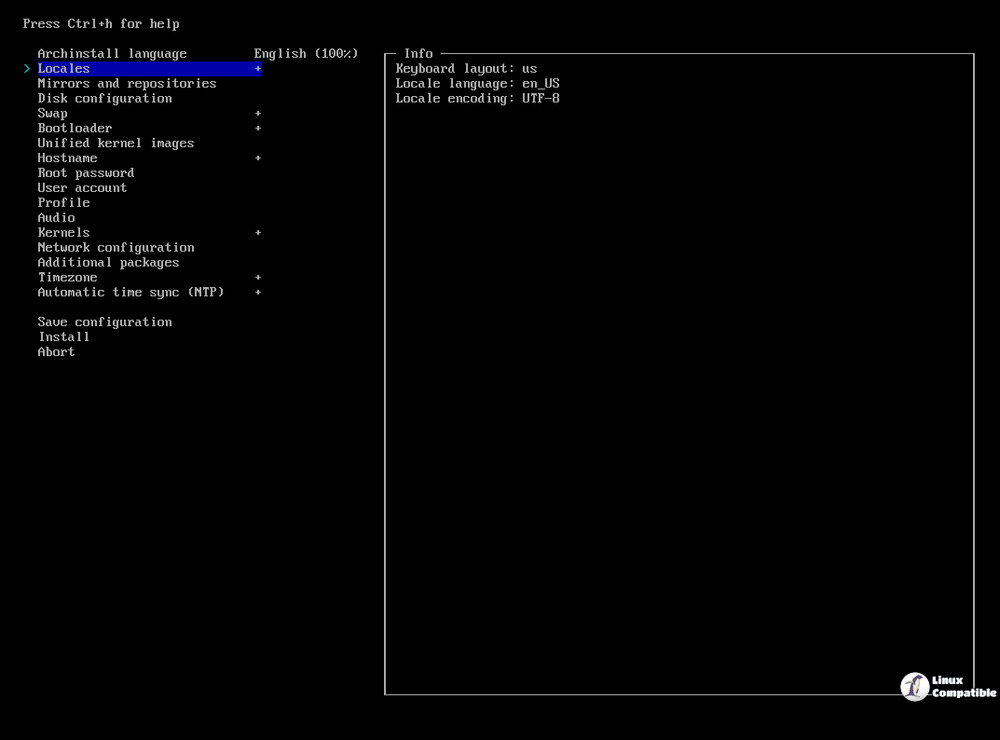
That’s all that is required for a fresh Arch installation.


