AnduinOS has released three new builds: 1.4.1, 1.3.8, and 1.1.11, each bringing significant improvements and fixes to the Windows 11-inspired operating system based on Ubuntu Linux. The newest iteration, version 1.4.1, includes community contributions such as sane-airscan, sane-utils, and simple-scan, allowing users to scan documents without searching for drivers themselves. Additionally, developers have added a new command called do-anduinos-autorepair that compares current system files against those from the latest ISO image file. These updates focus on practical user benefits, smoother hardware integration, and ongoing refinement of the OS's internal workings to make day-to-day use easier and more stable.
AnduinOS 1.4.1, 1.3.8, and 1.1.11 released
AnduinOS, a Windows 11-inspired operating system based on Ubuntu Linux, has recently received three new builds, each bringing significant improvements and fixes.
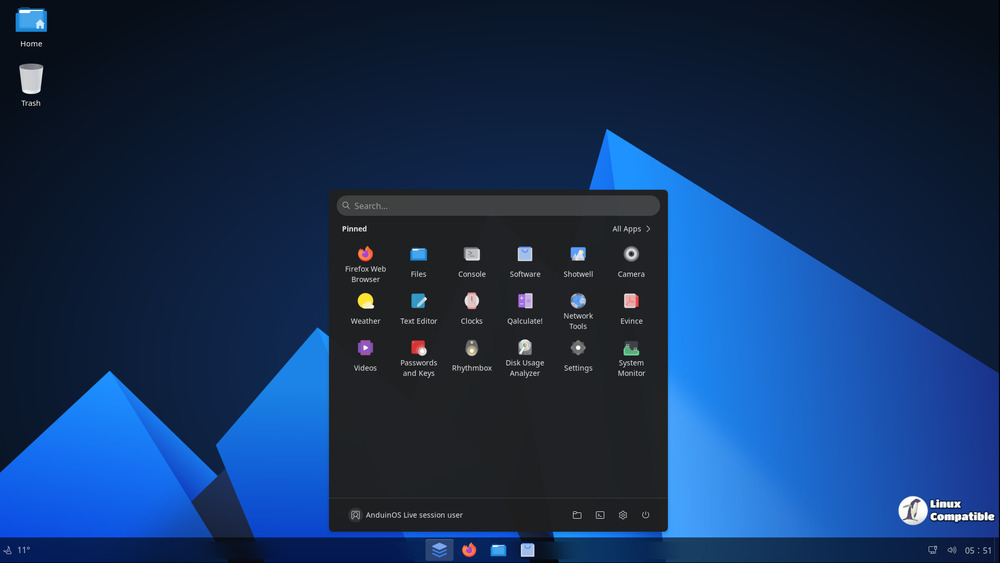
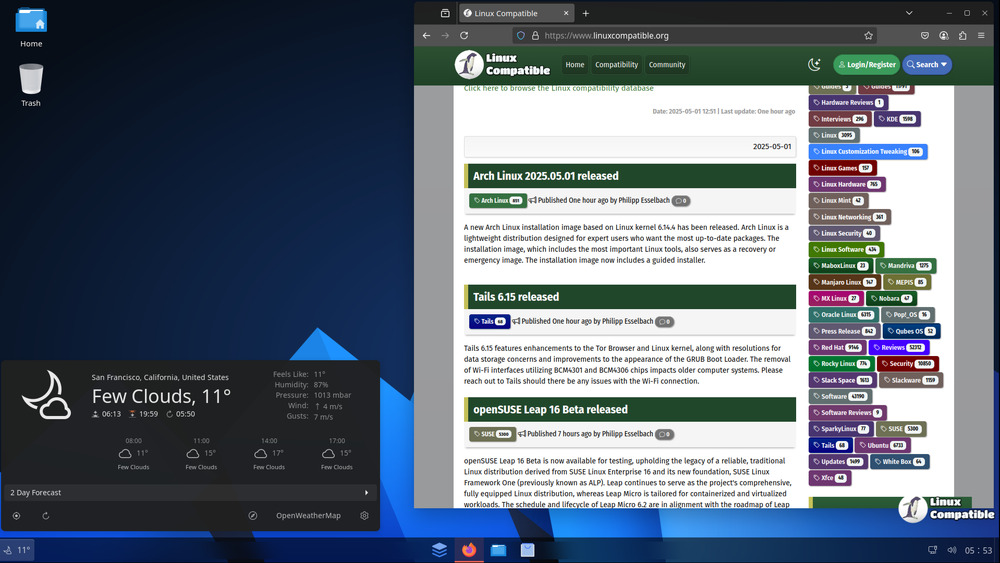
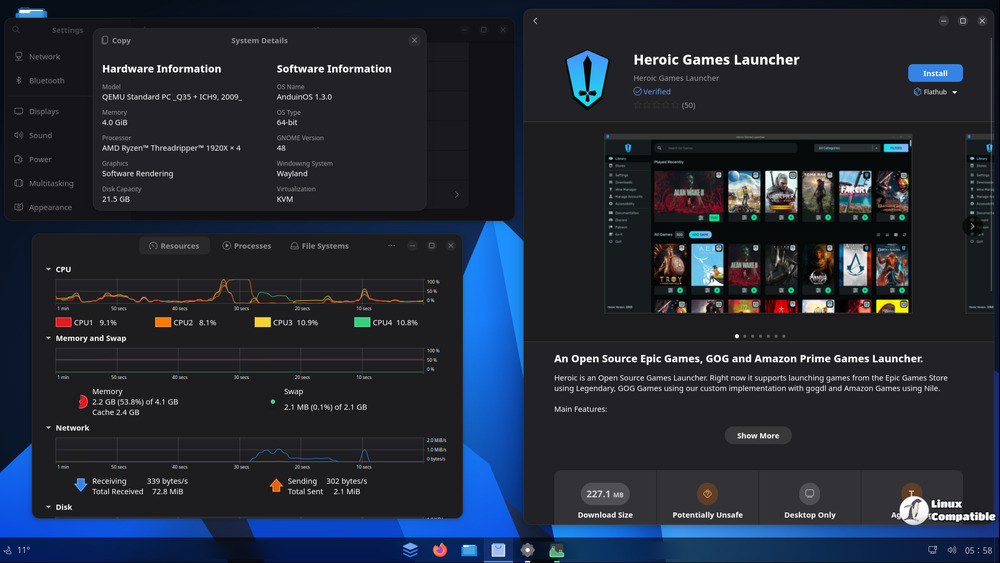
The newest iteration hitting your machine is version 1.4.1, representing a solid step forward. It wasn't just internal tinkering, though; part of its progress comes from community contributions, like hardware users who rely on printers or scanners, this build makes things smoother right out of the box. The developers have added sane-airscan, sane-utils, and simple-scan to the default software suite, meaning you can get scanning done without hunting down drivers yourself.
Digging into the system changes, there's a useful new command: do-anduinos-autorepair. It essentially compares your current system files against those from the latest ISO image file. This can be handy if you encounter common issues and want to quickly revert specific parts of the OS configuration, though it might not solve everything.
Then there's the 1.3.8 update, another focused improvement that landed recently. This one brought in a dedicated tool for printer setup: system-config-printer now helps manage your printing needs directly within AnduinOS. On the hardware front, particularly for Intel audio devices (like sound cards), it upgraded the sof-firmware package to 2025.05.1. This version is significant because it likely brings better support for newer device types and ensures smoother interaction with updated kernel versions.
It's worth noting that this specific printer tool update from 1.3.8 won't roll out automatically via a standard upgrade path; instead, you'll need to grab the new ISO image if you want those changes included in your system files directly.
Under the hood, developers have been busy too. Core daemon code handling .desktop file processing has gotten a good overhaul for better compatibility and overall stability. This kind of internal refinement often doesn't receive much fanfare but is essential for reliability down the line. Alongside that, several bits were updated: /etc/legal got an edit to reflect the official OS name, scanner support was reconfirmed by adding sane-airscan, sane-utils, and simple-scan again (this time perhaps in response to user feedback or a change in packaging), and once more, Russian localization saw enhancements thanks to @AlexanderKryllov's efforts.
For users wanting immediate repair capabilities even without the full command name from 1.4.1, there's also REPAIR.sh embedded directly in the ISO file structure. This script allows you to pull down relevant files straight from the ISO to fix specific issues on your installed system.
Finally, AnduinOS received yet another point update (1.1.11). While perhaps slightly less dramatic than the previous builds, it bundles up some key features seen before: system-config-printer is included again in the default install for easy printing setup and that core daemon code processing .desktop files have been refined once more for improved stability.
So essentially, these updates focus on practical user benefits, smoother hardware integration, clearer documentation for users who need it, better repair options built-in or accessible via command line, and ongoing refinement of the OS's internal workings to handle common tasks more reliably. It’s steady progress focused on making day-to-day use easier and more stable.
The latest versions of AnduinOS are readily available for download on the official AnduinOS website, providing users with easy access to the enhancements and features included in these updates.


