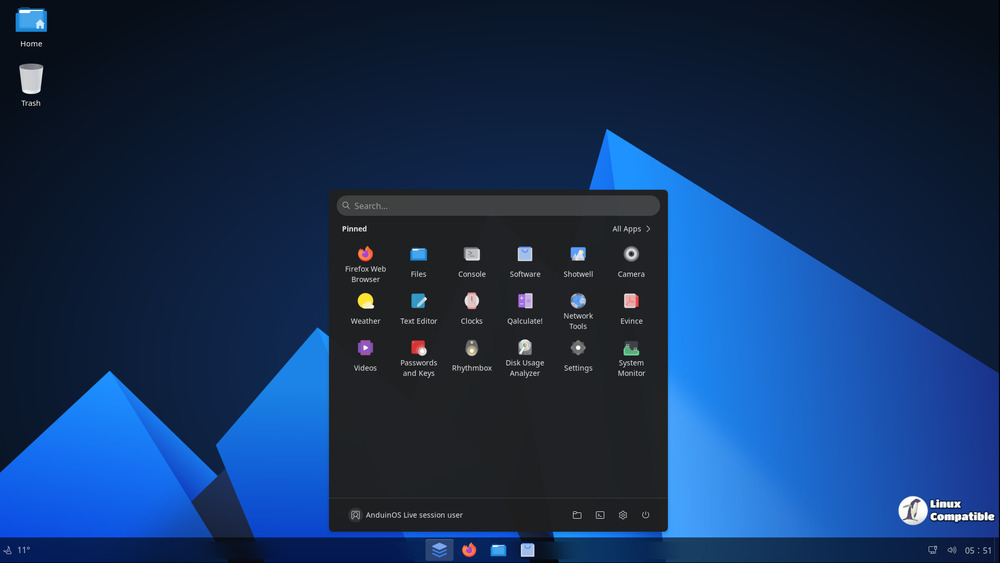
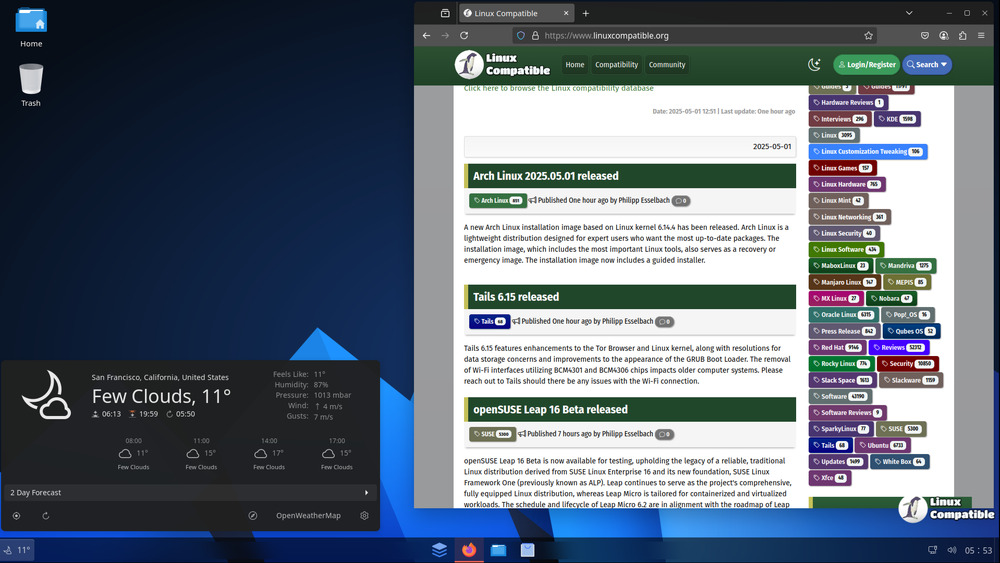
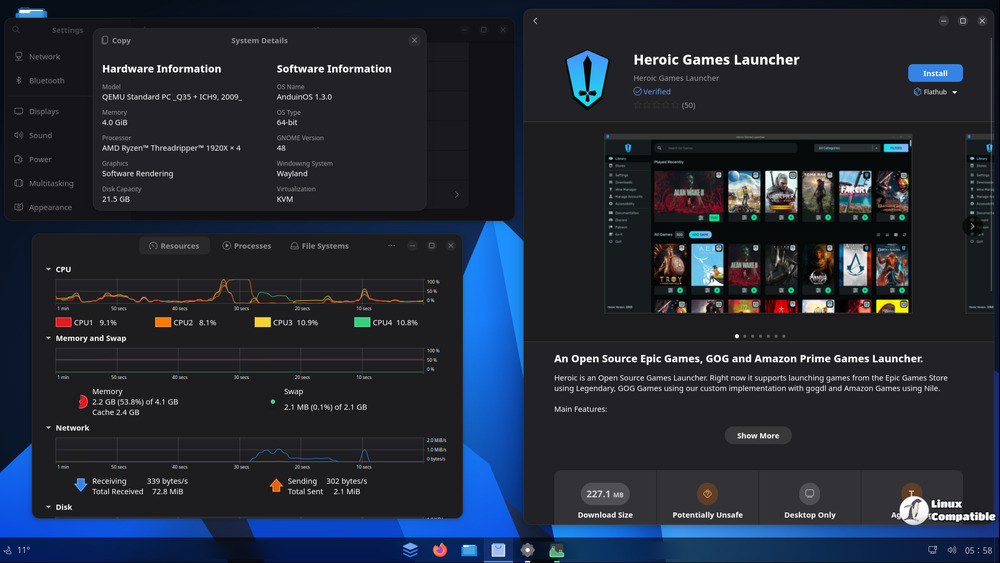
The Windows 11 inspired AnduinOS has been updated with two new releases 1.3.4 and 1.1.7, which include fixes and improvements. The 1.3.4 builds include a Japanese keyboard layout for ja_JP users, improved multiple display support, fixed issues with Super + Shift + S, and updated the-sof firmware to v2025.05. The 1.1.7 builds include a Japanese keyboard layout, improved display support, fixed issues with Super + U shortcuts, and adjusted plugin clipboard-indicator to avoid cached images for better performance.
Announcing AnduinOS new build 1.3.4 and 1.1.7
AnduinOS new builds with fixes and improvements are released.
1.3.4
- Added
japanesekeyboard layout forja_JPusers.- Improved multiple display support by embedding the default layout configuration in the
dash-to-panelextension. Show all pinned apps on all displays.- Fixed an issue that
Super + Shift + Smay not able to paste the screenshot to the clipboard.- Bumped the
the-soffirmware tov2025.05version to support more modern Intel audio devices and kernel versions. (This won't be shipped via upgrading and only available in the ISO image)- Switched default source mirror to
https://mirrors.huaweicloud.com/ubuntu/forzh_CNusers.- Fixed an issue that
Super + Ushortcut may toggle the network stats successfully.- Adjusted the plugin
clipboard-indicatorto not cache images for better performance.1.1.7
- Added
japanesekeyboard layout forja_JPusers.- Improved multiple display support by embedding the default layout configuration in the
dash-to-panelextension. Show all pinned apps on all displays.- Fixed an issue that
Super + Shift + Smay not able to paste the screenshot to the clipboard.- Switched default source mirror to
https://mirrors.huaweicloud.com/ubuntu/forzh_CNusers.- Fixed an issue that
Super + Ushortcut may toggle the network stats successfully.- Adjusted the plugin
clipboard-indicatorto not cache images for better performance.