AM 9.9.1 released
A fresh version of "AM," an application manager for AppImages, is now available. It offers several upgrades designed to improve your interaction with it.
One significant enhancement involves how you interact with help messages. They've been reworked into more manageable parts using dedicated variables, making them significantly easier to translate for different languages, which is a welcome step towards broader usability.
There's also news regarding ZSH completion: the team has decided against adding built-in support due to concerns over its potential security risks compared to BASH and FISH shells. Should you be using ZSH, you'll need to manually enable this feature via the usual command line options if you choose to use it; it can certainly aid with automation tasks.
Addressing user feedback about finding certain functions less obvious, the developers have introduced new shorthand names for specific commands; think "appimage-integrate" instead of needing to remember --launcher or 'create-integration'. This adds clearer meaning directly to your command line usage. Similarly, searching help is now simpler with -q ('--query') as an alias.
Another noteworthy change is German language support. Alongside that, improvements have bolstered how templates handle SourceForge links and made it easier to set up downloads automatically using AppImage defaults. The core of these changes lies in the template.am module related to the -t (template) option.
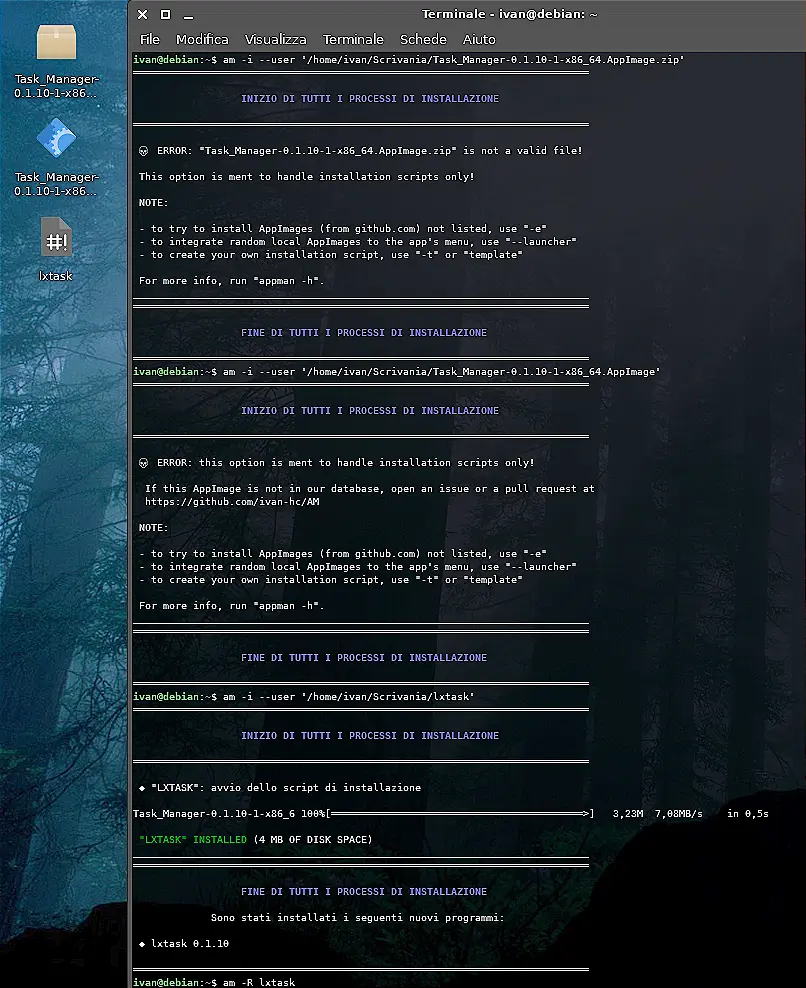
To keep things safe and prevent accidental use of installation options outside their intended context, especially from scripts or unexpected inputs, there's now a check on what type of file you're passing through this feature.
The "-t" or "template" function itself has also been refined. By default, it will generate an installer script for the standard x86_64 architecture when given program details via options like -n (--name), etc. However, if you request a template for an application that exists in both architectures (like the common scenario with SourceForge releases), "-t" automatically checks and handles creating or converting the necessary files.
This all-in-one approach simplifies management significantly. You don't need to separately trigger download creation anymore; it happens smoothly alongside other steps like checking for updates, if applicable. Also, instructions related to a program's 'list' file are now more readily available – just use --query on them as needed (they function similarly to directories). Existing entries in the "list" will be replaced automatically.
These changes collectively aim to streamline the experience of using AppImage templates and managing software installations from various sources. The next time you're updating or setting up an application via its template, especially if dealing with common platforms like SourceForge that provide both architectures, the process should feel more organized. If no custom description is provided during setup (like adding a repository), prompts might ask for this information now.
For complete details on these updates and access to download links, check out the latest announcement on GitHub below:
Release "AM" 9.9.1
Introduction When I publish a release, I want each one in this section to become a step-by-step guide to what I'm doing. Even though it's been two months since v9.9, significant changes occur in th...