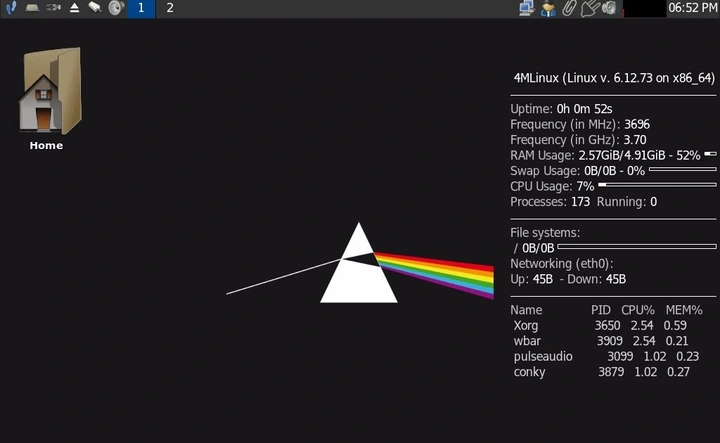
4MLinux 50.1 STABLE Release: How to Update Your System and What’s New
The newest 4MLinux 50.1 STABLE drop ships the Linux kernel 6.12.73 and can be installed with a single terminal command. A quick update will patch any lingering bugs from the last point release and bring fresh performance tweaks that most users notice without even realizing.
Why This Release Matters
After several reports of sluggish audio playback on older hardware, the 6.12.73 kernel finally tightened its sound subsystem. Users who previously had to resort to manual driver patches now see a cleaner experience out of the box. The update also drops an unnecessary “auto‑repair” script that was bloating system memory in the prior version—something that many power users found frustrating.
What the Kernel Brings
Version 6.12.73 adds improved support for NVMe SSDs and better handling of high‑frequency interrupts on Ryzen CPUs. If the machine has been running a few minutes slower during heavy multitasking, the new kernel’s scheduler adjustments should feel like a noticeable lift.
How to Get It in One Command
Open a terminal and type:
zk update
The “zk” tool is part of 4MLinux’s own package manager. Running it triggers an automated pull from the STABLE channel, installs the new kernel, and cleans up old packages without any prompts. Once the process finishes, reboot to activate the updated kernel.
If you’re still on an earlier point release, don’t wait—run “zk update” and enjoy a smoother, more reliable system.
4MLinux 50.1 STABLE released.
4MLinux 50.1 This is a minor (point) release in the 4MLinux S TABLE channel , which comes with the Linux kernel 6.12.73 .