Linux Compatible
  • News
    • Channels
    • Archive
    • Search
    • Submit
  • Articles
    • Categories
  • Knowledgebase
  • Compatibility
    • Search
  • Links
  • Forums
  • Twitter
Advertisement

Latest News
[ Windows | Linux | Apple ]

· CentOS 6 NTP Server
· Daily Reviews Summary 05/24/12
· Bayan Audio - Bayan 7 iPod Speaker Dock Review
· Installing Nginx With PHP5 (And PHP-FPM) And MySQL Support (LEMP) On Ubuntu 12.04 LTS
· Ubuntu 12.04 + Nvidia - Heavy CPU usage
· Windows 8 puts end to endless reboots
· Fedora 17 ARM Beta Release
· Cooler Master ARC Macbook and iPad Stand Review
· Libxml2/sudo Security Updates for Debian
· Daily Reviews Summary 05/23/12

Upcoming News
· Kingston HyperX 3K 240GB and SSDNow V+200 240GB Review
· Thermaltake Armor Revo Snow Edition Full Tower Case Review @ Hi Tech Legion
· ARCTIC Breeze Pro & IOCrest Mini USB Fan Comparison
· News: A brief look at Nvidia's GK110 graphics chip
· Podcast #203 - ASUS N56VM notebook, XFX 7850s and 7870s, Thunderbolt on Windows and more!
· SkyMall’s Most Bizarre Products – Part 16 @ Hardware Secrets
· Android vs. Windows Phone: The Case For Conversion @ HotHardware.com
· Thermaltake Frio OCK Review @ HCW
· Microlab SOLO7C Review @ Vortez
· BitFenix PR - Introducing Prodigy

Linux Compatibility
· Canon Canoscan N650U
· TB-5300 Slimline Design Tablet
· HANDYCAM DCR-HC17E
· Linksys Wireless-G WPC54G PC-Card
· XPS L502X
· Slim Portable DVD Writer GP10
· AverTV Volar Green HD
· Dell Latitude E6420
· Canon CanoScan FB 636U
· Logitech QuickCam Pro 4000

New Forum Topics
· USB Not detected on any PC
by: AntNik45
on: 2012-05-09 18:37
0 replies, 0 views

· RESIDENT EVIL 2 for PC
by: elyp00
on: 2012-05-04 07:55
0 replies, 0 views

· Need to know if those graphic cards works well on Ubuntu
by: Dechiqtor
on: 2012-04-19 23:04
0 replies, 0 views

· Obtaining IE8
by: packman
on: 2012-04-14 19:46
0 replies, 0 views

· A few problems running Warcraft II Battle.net Edition on Vista
by: Lord Claremorris
on: 2012-04-08 16:15
0 replies, 0 views

News Channels
· Drivers
· Guides
· Reviews
· Security
· Software
· Press Release
· Updates
· Interviews
· Linux
· General
· Debian
· Red Hat
· Slackware
· Gentoo
· Mandriva
· White Box
· SUSE
· GNOME
· KDE
· CentOS
· Ubuntu
· MEPIS
· Android

What's New
Login to see an overview of all news stories since your last visit.

Welcome to our website

To take full advantage of all features you need to login or register. Registration is completely free and takes only a few seconds.

Linux Compatible » Articles » Fedora Core 2 » Page 1

2 pages 1 2

Fedora Core 2

Posted by: Philipp Esselbach on: 05/20/2004 11:00 PM [ Print | 0 comment(s) ]

Fedora Core 2 is the latest release of Red Hat's community supported Linux distribution. This release is available on 4 CDs (+ 4 CDs sources) or 1 DVD, and for x86-compatible (32-bit) and AMD64 (64-bit) platforms.
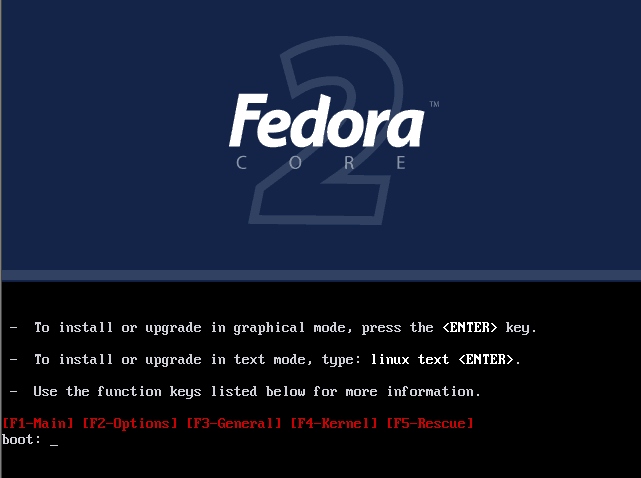


What's new?
Fedora Core 2 comes with the latest packages except of MySQL, which is still version 3.23.58 because of license issues with PHP.

Here some of the included packages:

Linux Kernel 2.6.5
X.org X11 6.7.0 (replace X-Free)
GNOME 2.6.0
KDE 3.2.2
XFce 4.0.5 (new)
Mozilla 1.6
Ximian Evolution 1.4.6
OpenOffice 1.1.1
GIMP 2.0
k3b 0.11.9 (new)
koffice 1.3
Apache 2.0.49
Samba 3.0.3

Fedora Core 2 includes also an implementation of SELinux (Security-Enhanced Linux), but this is disabled by default. For more information on SELinux visit the Fedora Core 2 SELinux FAQ

Hardware requirements

The official hardware requirements have been not changed since the last release:

CPU Requirements
- Minimum: Pentium-class
- Recommended for text-mode: 200 MHz Pentium-class or better
- Recommended for graphical: 400 MHz Pentium II or better

Hard Disk Space Requirements
- Custom Installation (Minimal): 620MB
- Server: 1.1GB
- Personal Desktop: 2.3GB
- Workstation: 3.0GB
- Custom Installation (Everything): 6.9GB

Memory Requirements
- Minimum for text-mode: 64MB
- Minimum for graphical: 192MB
- Recommended for graphical: 256MB

However, Fedora Core performs also pretty well on machines with 128MB or less, even this is not suggested.

The install
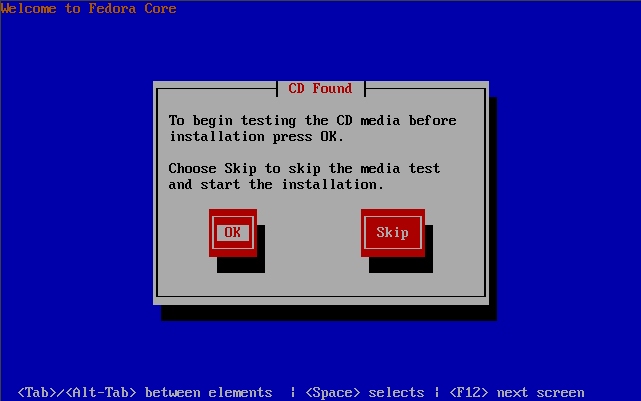


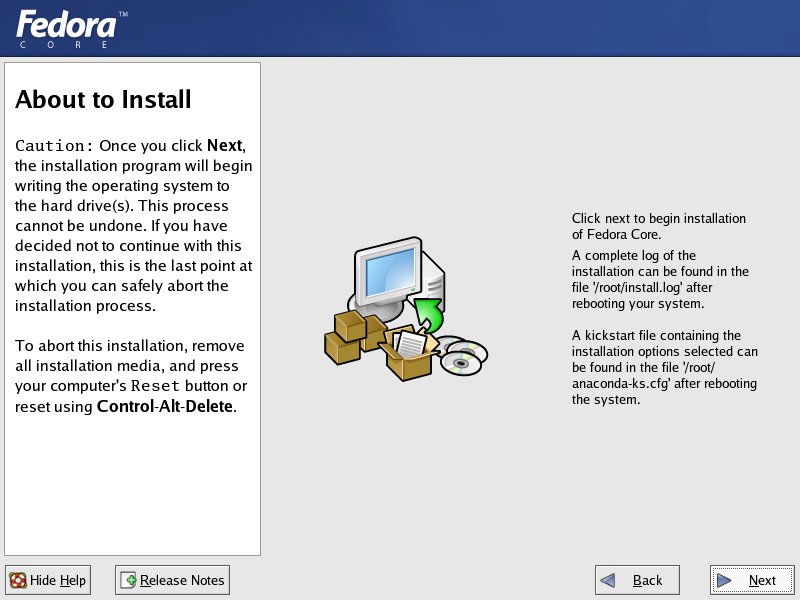
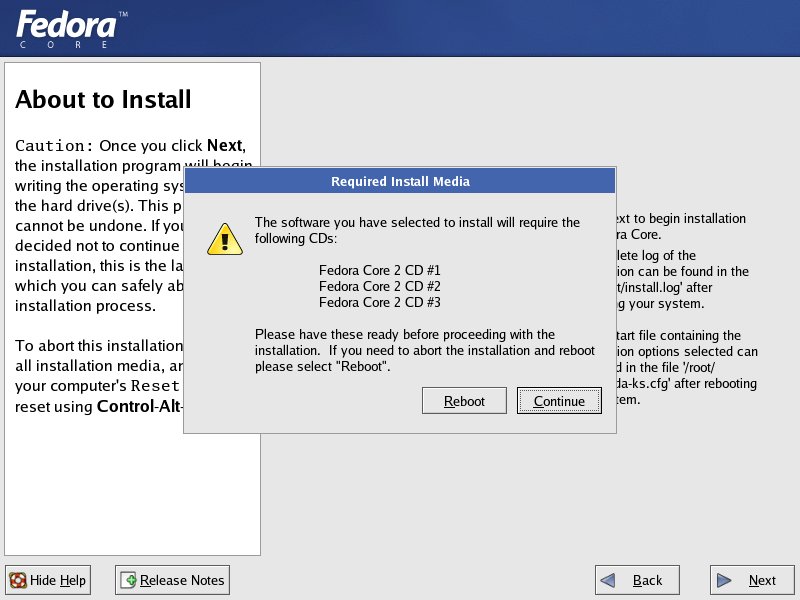
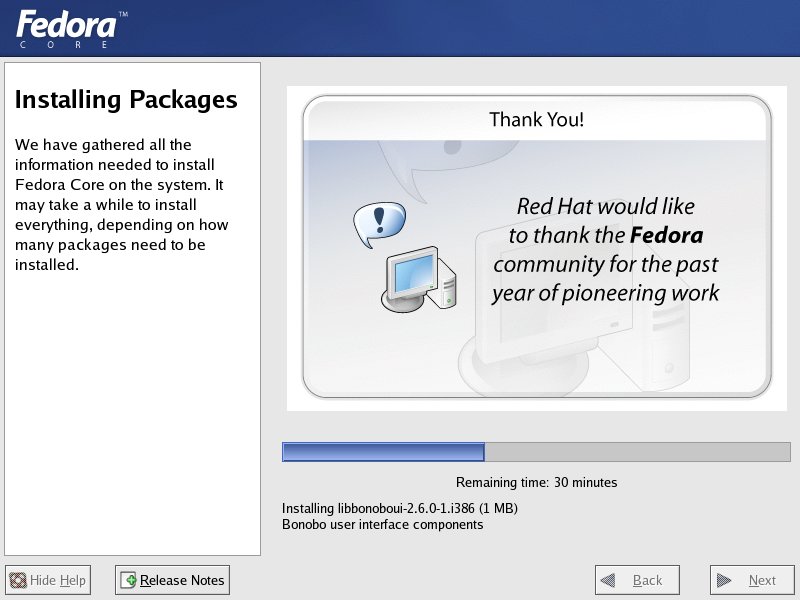
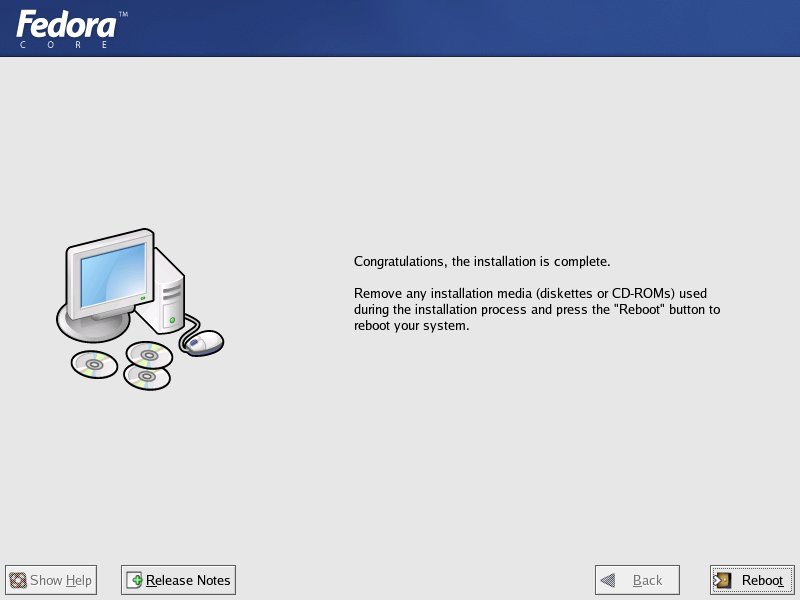
After the media check, the graphical installer will be started. Alternative, it is also possible to install Fedora Core 2 in text mode.

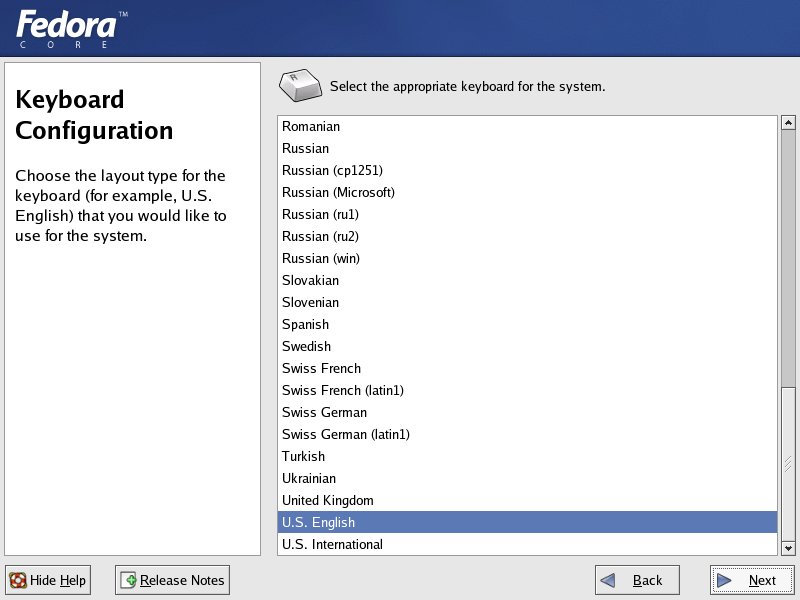
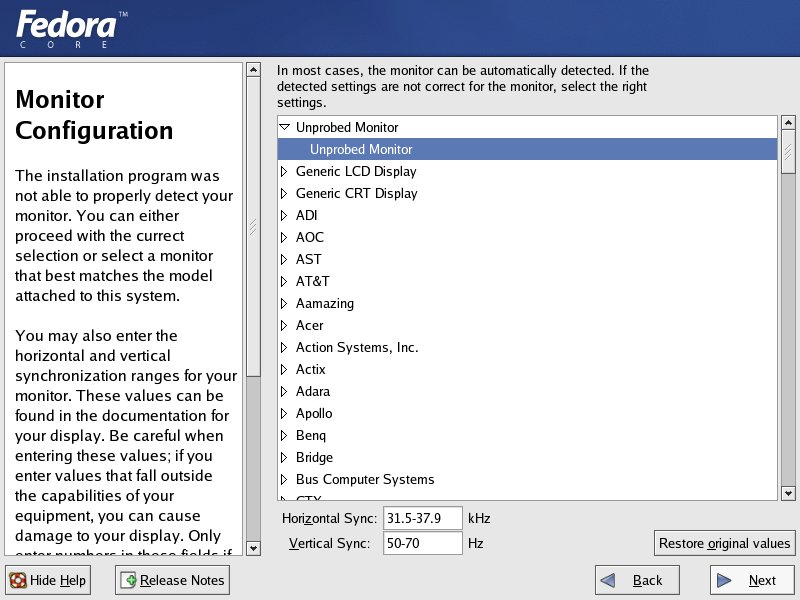
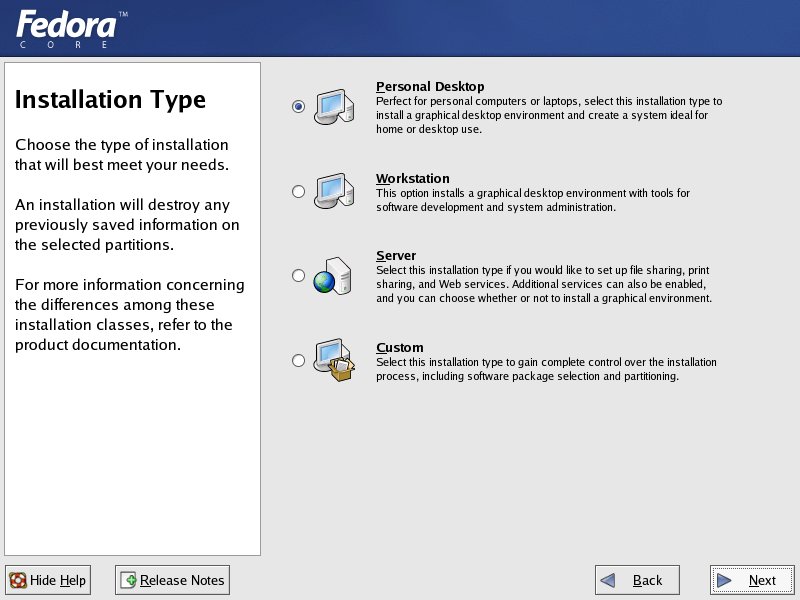
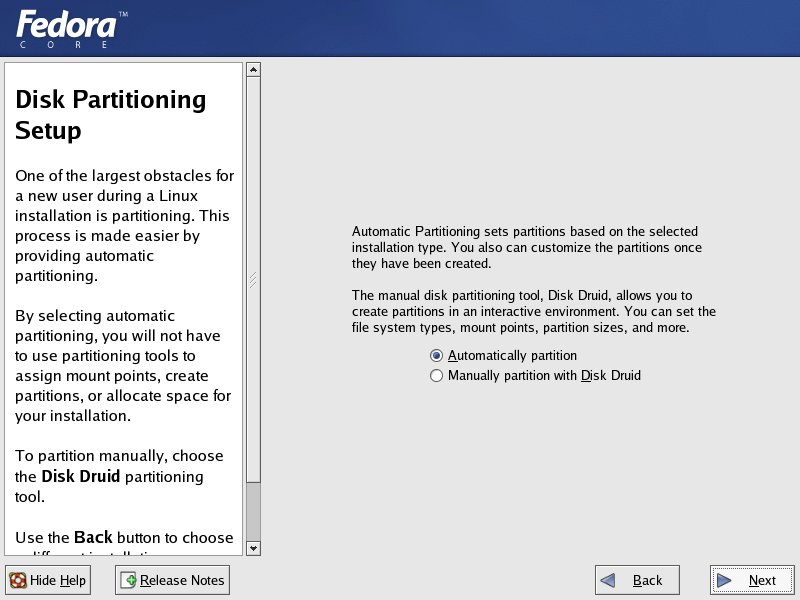
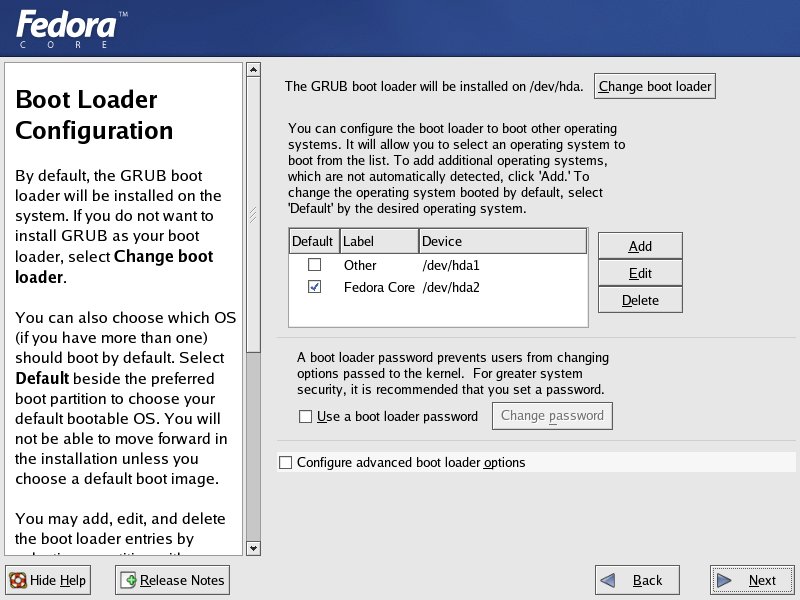
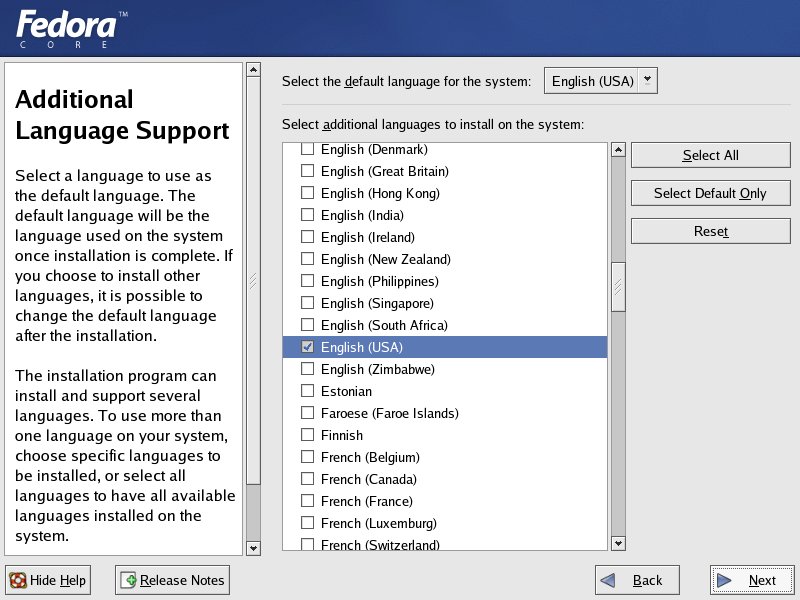
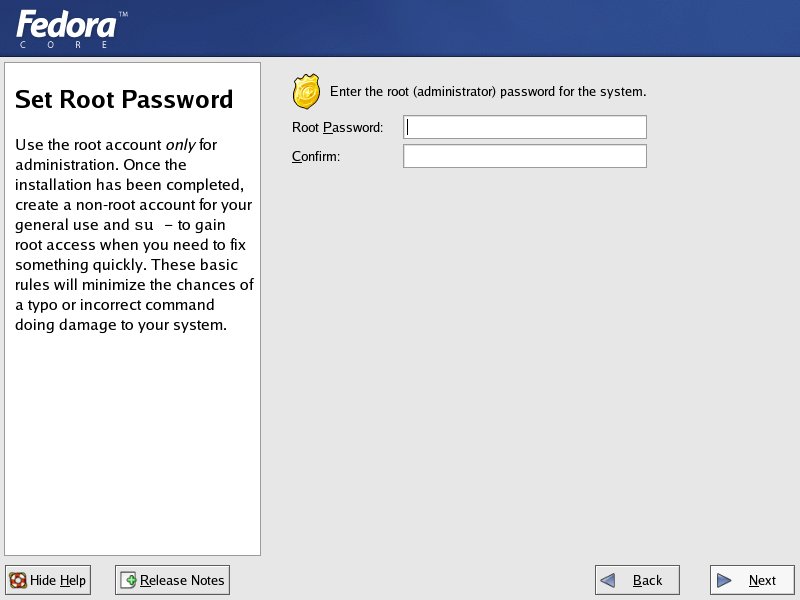
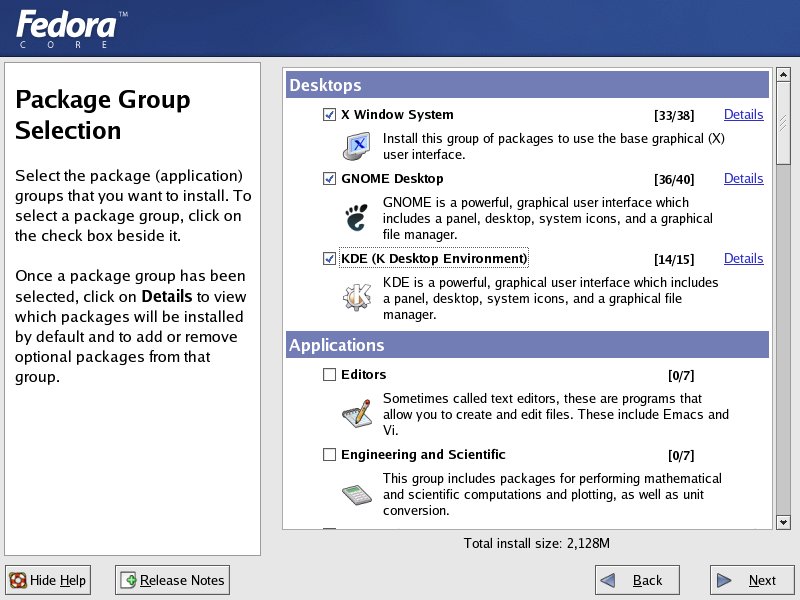
Here some screen shots of the installer:
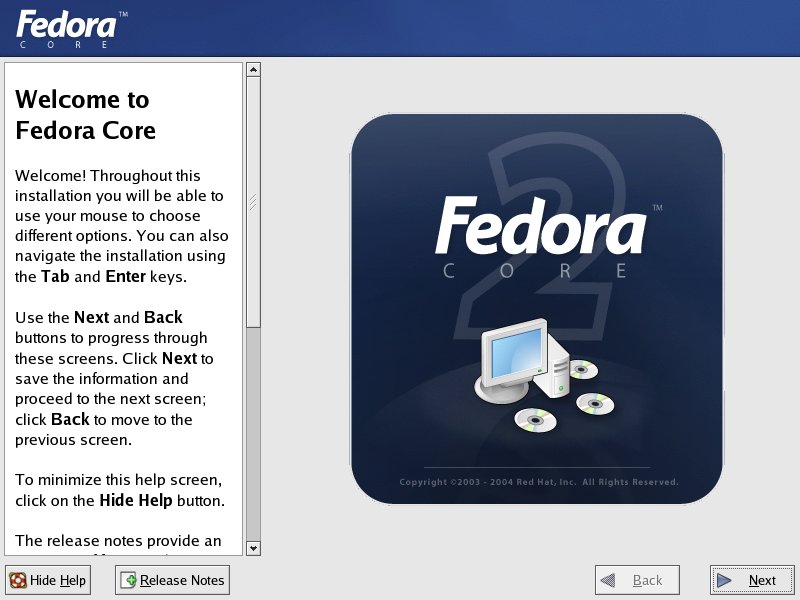
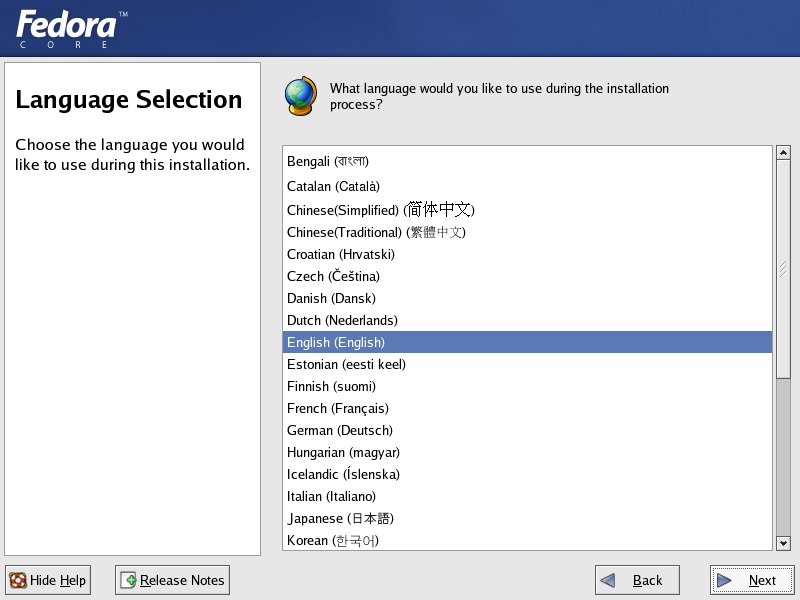


Anaconda (the graphical installer) has been slightly changed. The monitor configuration dialog is now immediately after keyboard configuration.


Bookmark and Share

2 pages 1 2

Linux Compatible » Articles » Fedora Core 2 » Page 1
All products mentioned are registered trademarks or trademarks of their respective owners.
© 2002-2011 Esselbach Internet Solutions - All Rights Reserved. Terms and privacy policy
Powered by Contentteller® Business Edition